
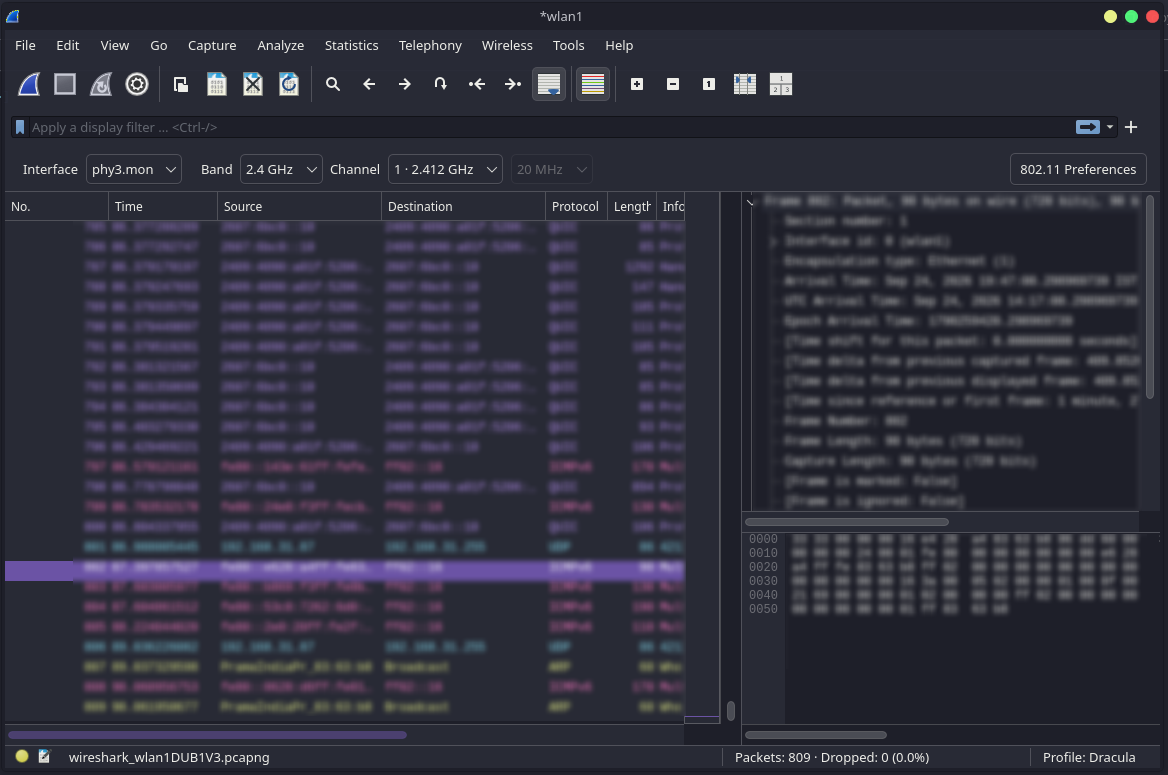
§Wireshark
§Requirements
- Wireshark 4.x
- Python 3.10 or newer
§Install using Git
If you are a Git user, you can install the theme and keep it up to date by cloning the repository:
git clone https://github.com/dracula/wireshark.git
cd wireshark
python3 install.py
The installer creates the Dracula profile, installs its coloring rules, generates profile metadata, and creates backups when needed.
§Install manually
Download the GitHub .zip archive, unzip it, and open the extracted directory in a terminal.
python3 install.py
§Activating theme
- Start or restart Wireshark;
- Open Edit → Configuration Profiles;
- Select the Dracula profile and confirm the change;
- Open a capture file and enjoy the theme ✨
§Updating
If you installed the theme using Git, pull the latest changes from the cloned directory:
git pull
python3 install.py
Then restart Wireshark.
§Troubleshooting
§Invalid protocol errors
Check whether the protocol exists in your Wireshark build:
tshark -G protocols
Check available fields:
tshark -G fields
§Reset profile
Remove the generated profile and reinstall:
rm -rf ~/.config/wireshark/profiles/Dracula
python3 install.py