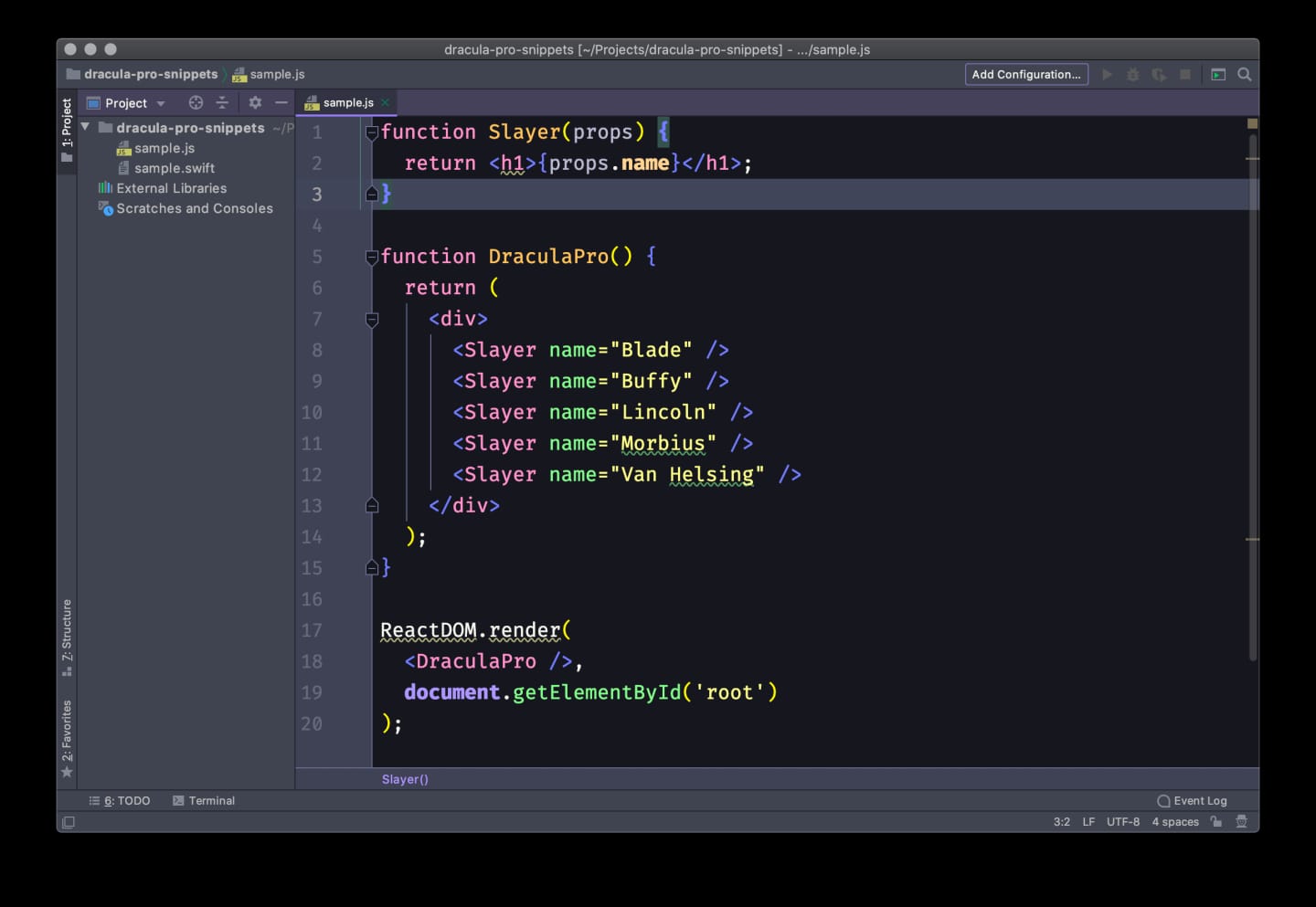
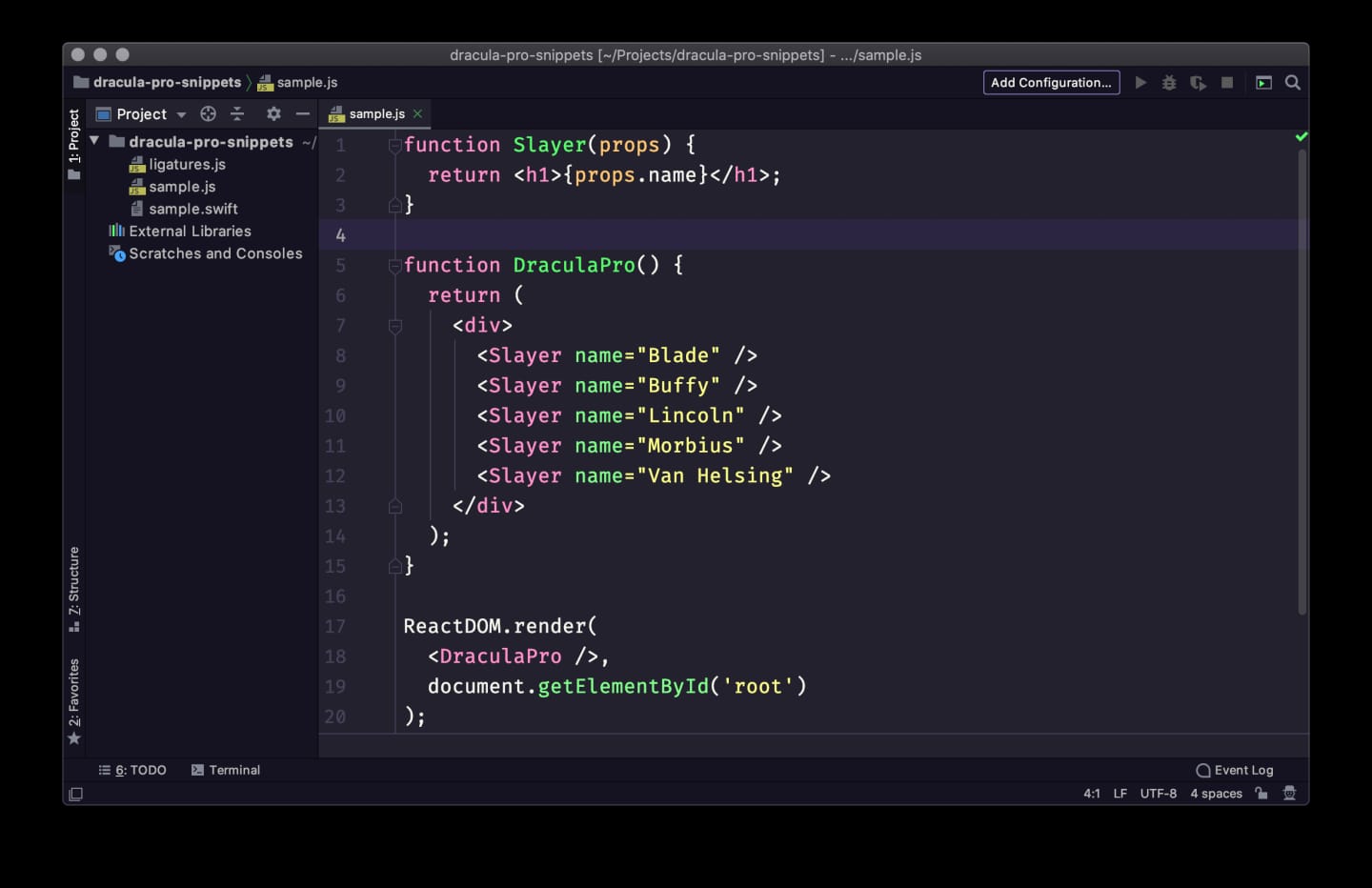
Nosferatu and JetBrains rebuilt
Meet the eighth Dracula Pro variant, plus a ground-up JetBrains plugin rewrite.
§Highlights
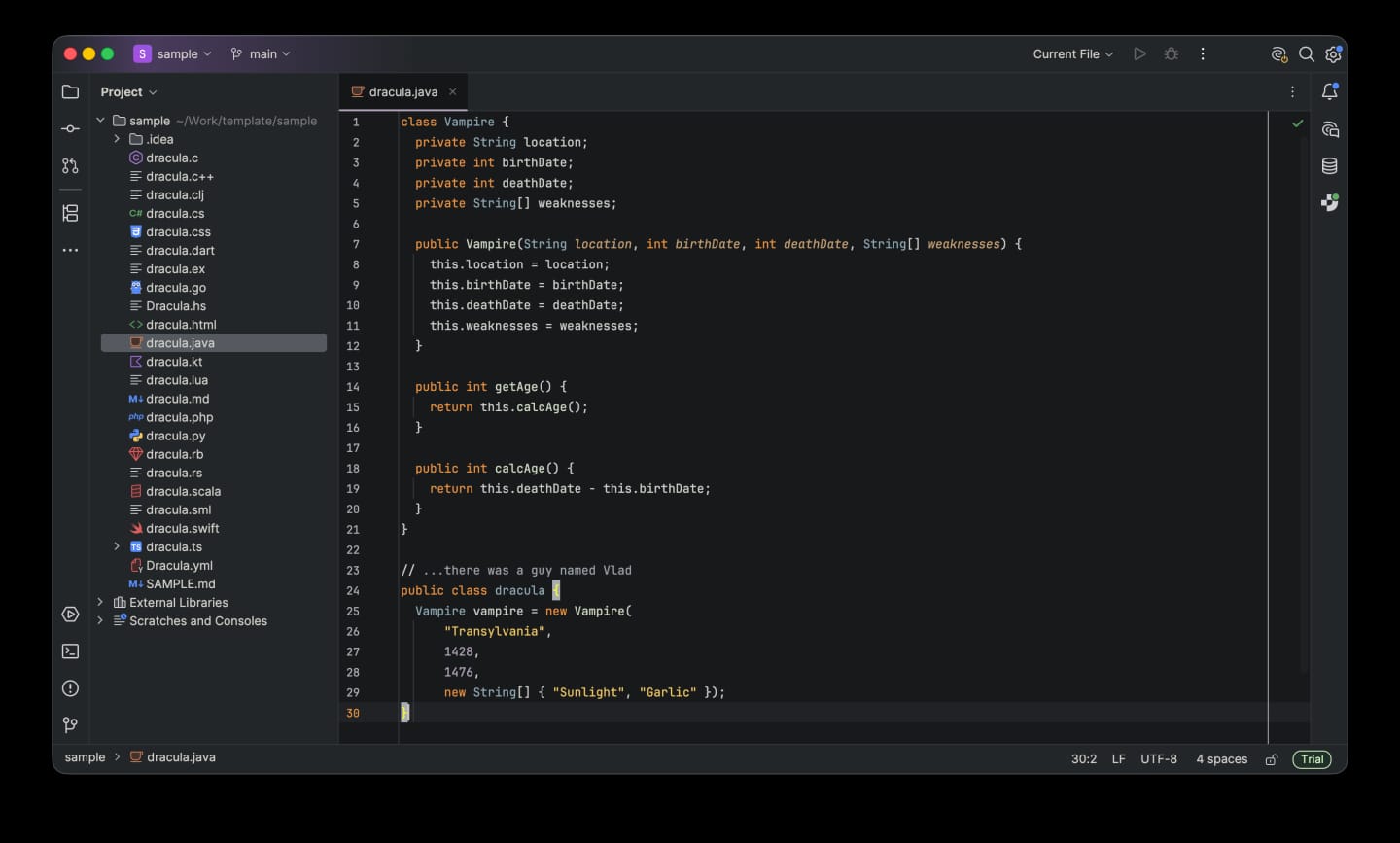
Halloween ships with Nosferatu, the eighth Dracula Pro variant, and a complete rebuild of the JetBrains plugin so IntelliJ, WebStorm, PyCharm, and the rest finally match the Pro look you know from VS Code.
§Nosferatu – the eighth variant
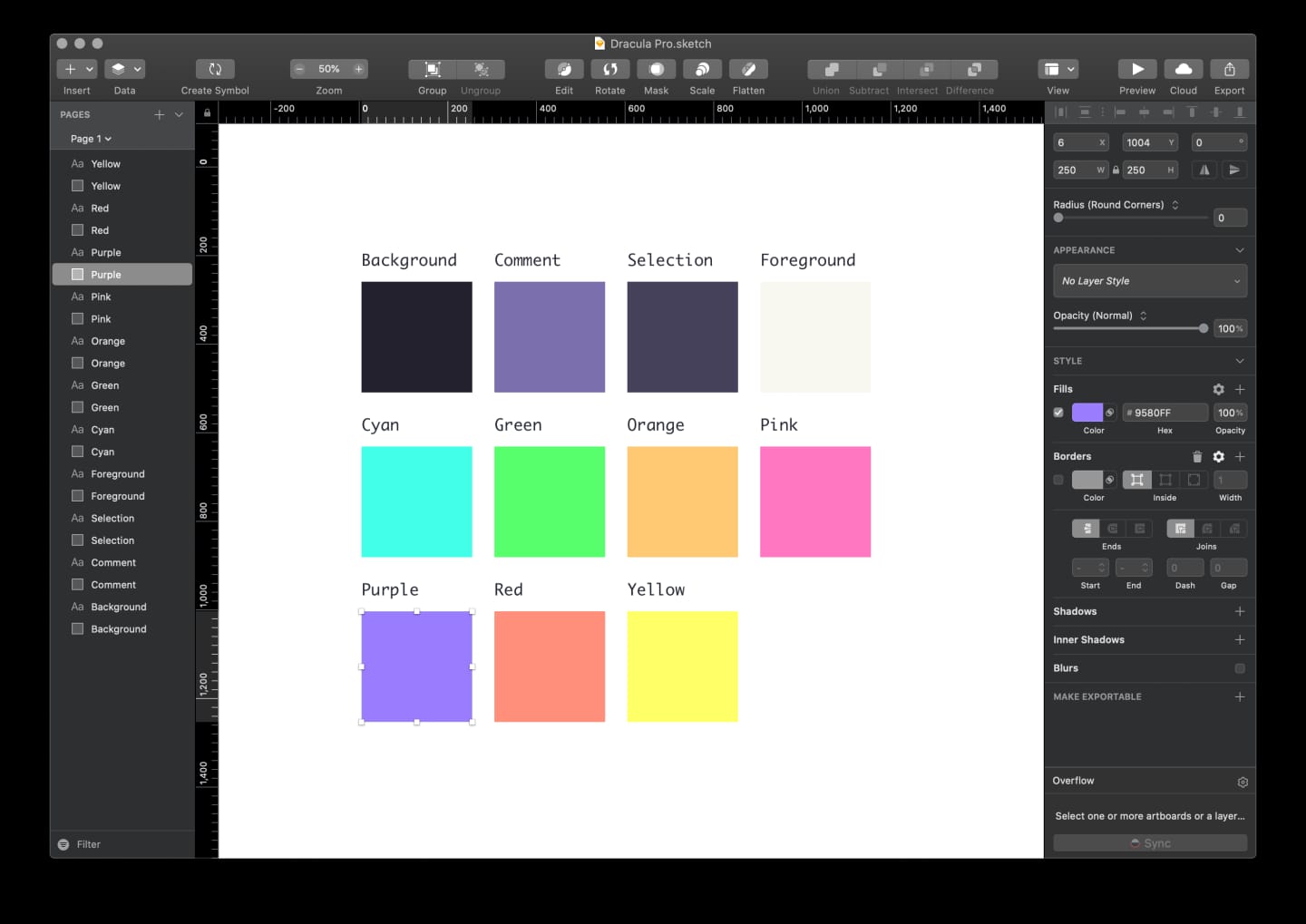
Dracula, seen by candlelight. Bone white on coffin black, lit by lantern flame, moss, moonlight, and dried blood.
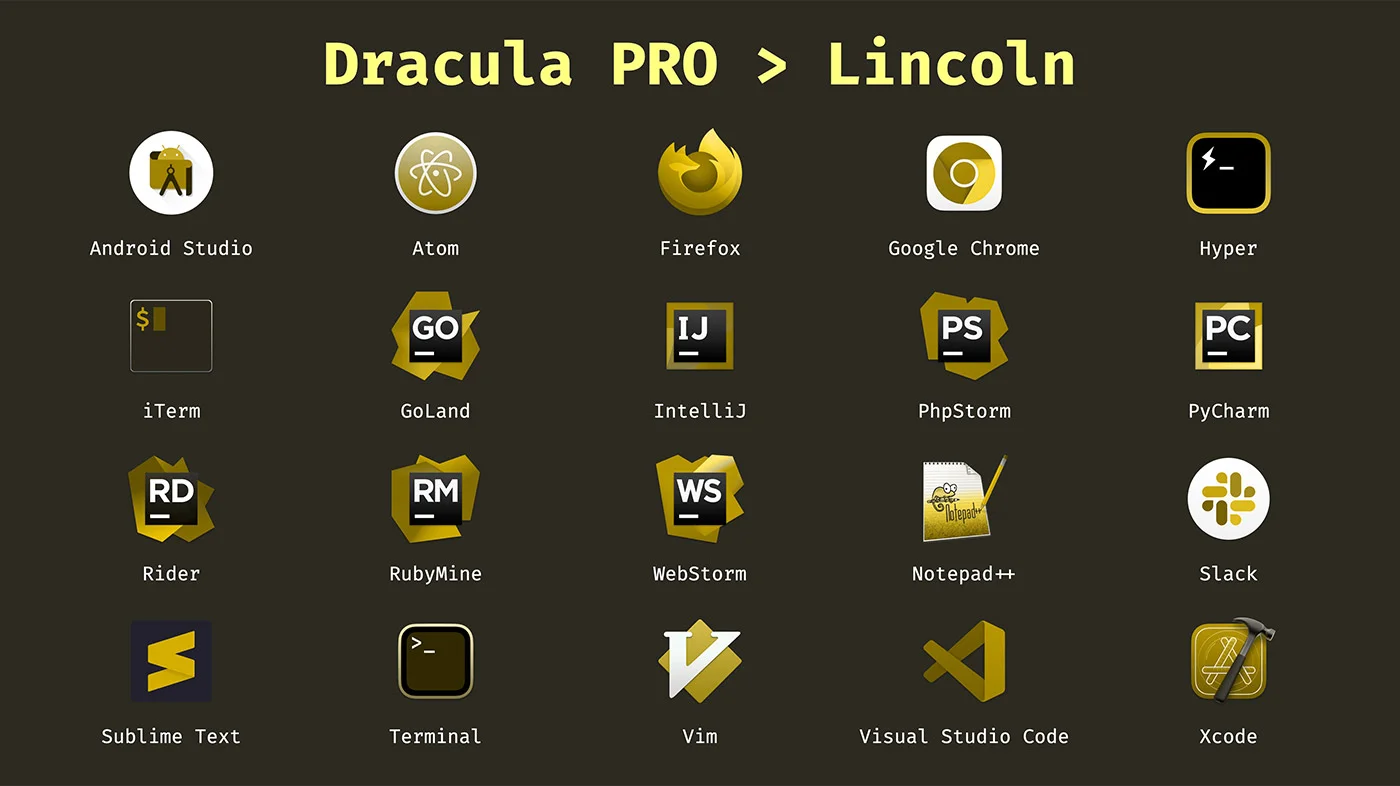
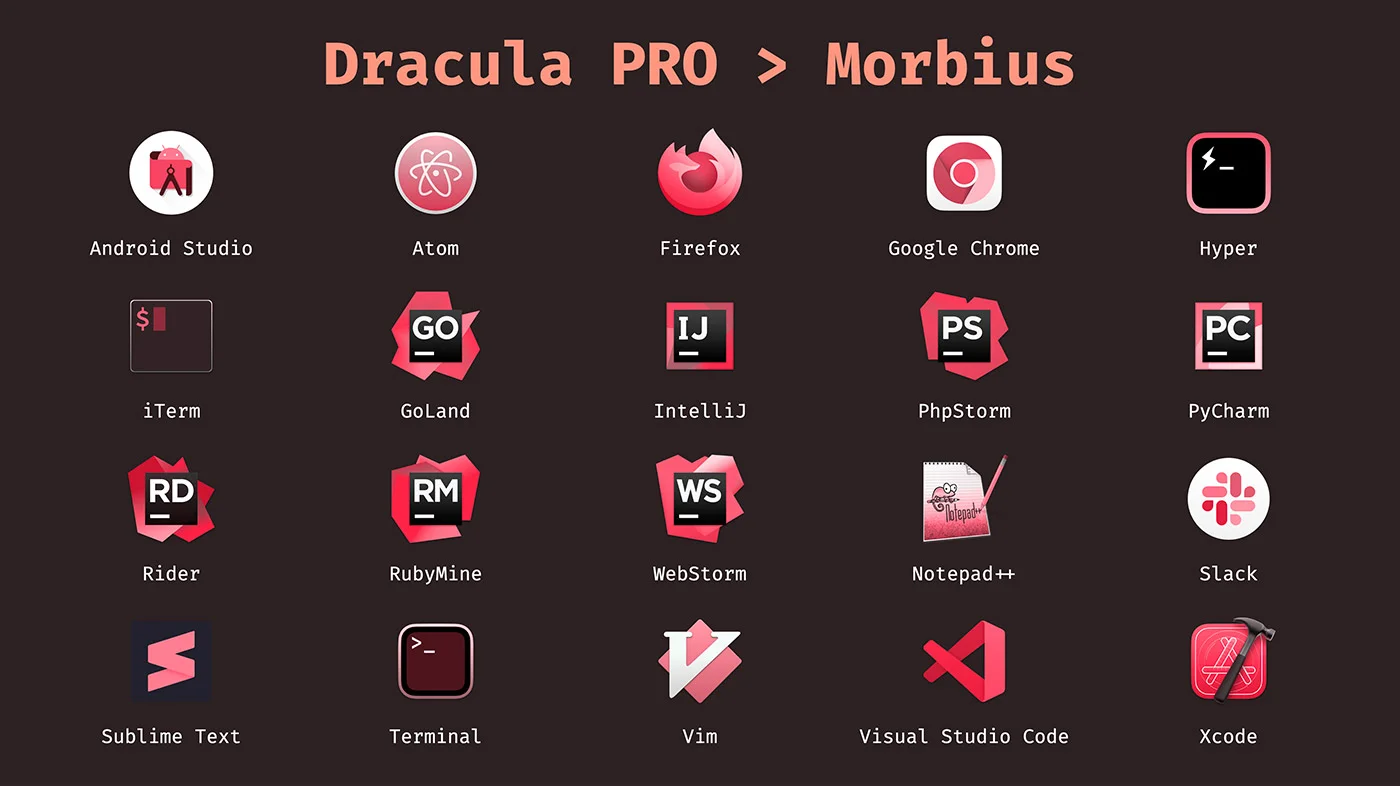
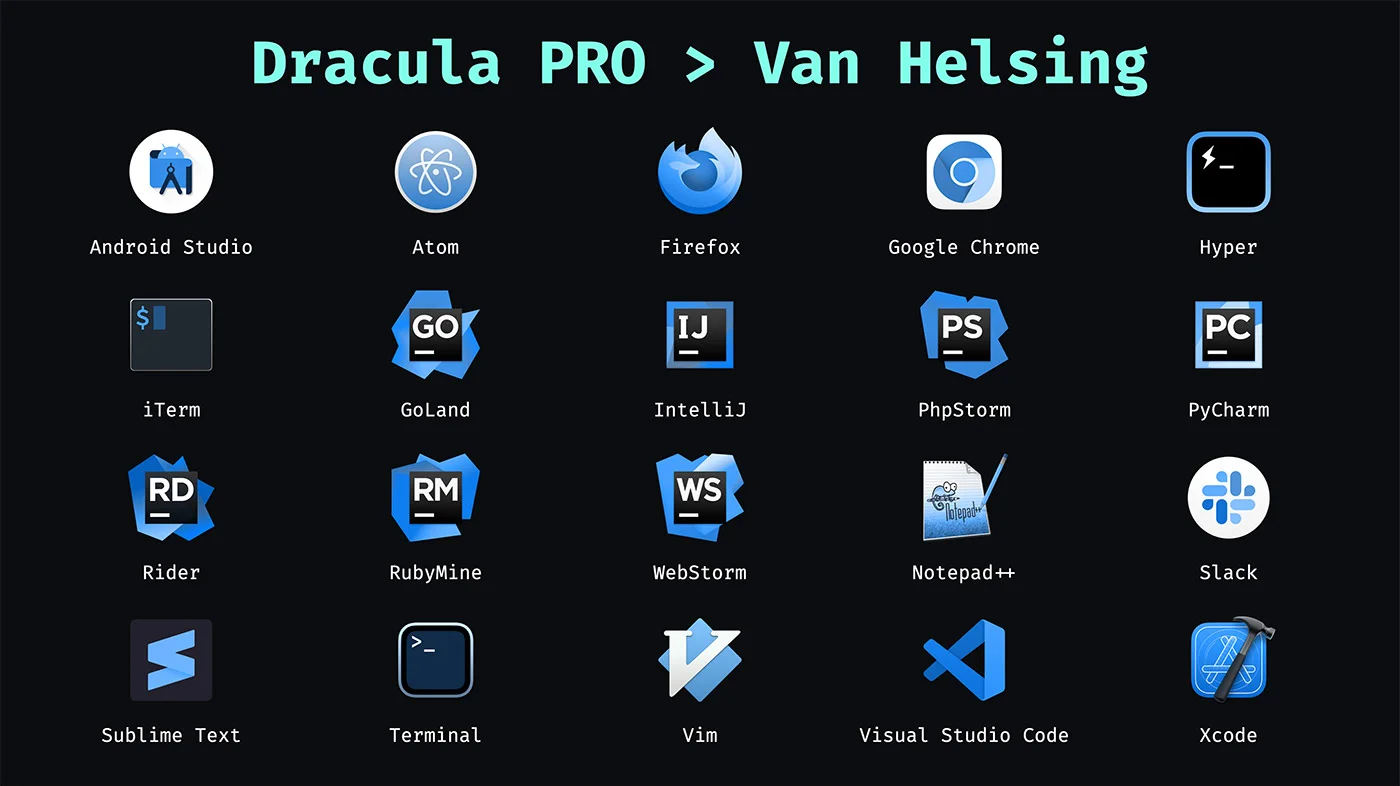
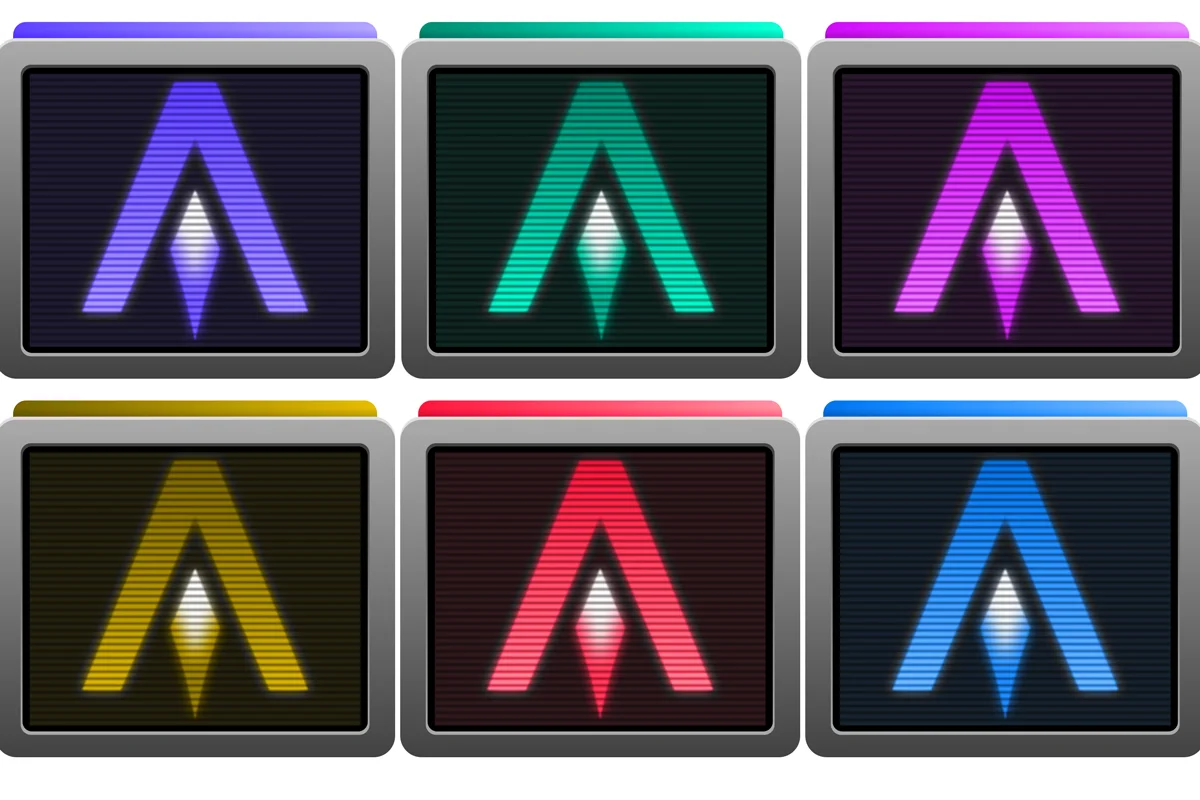
Nosferatu joins Pro, Blade, Buffy, Lincoln, Morbius, Van Helsing, and Alucard. Preview the palette on the Halloween page.
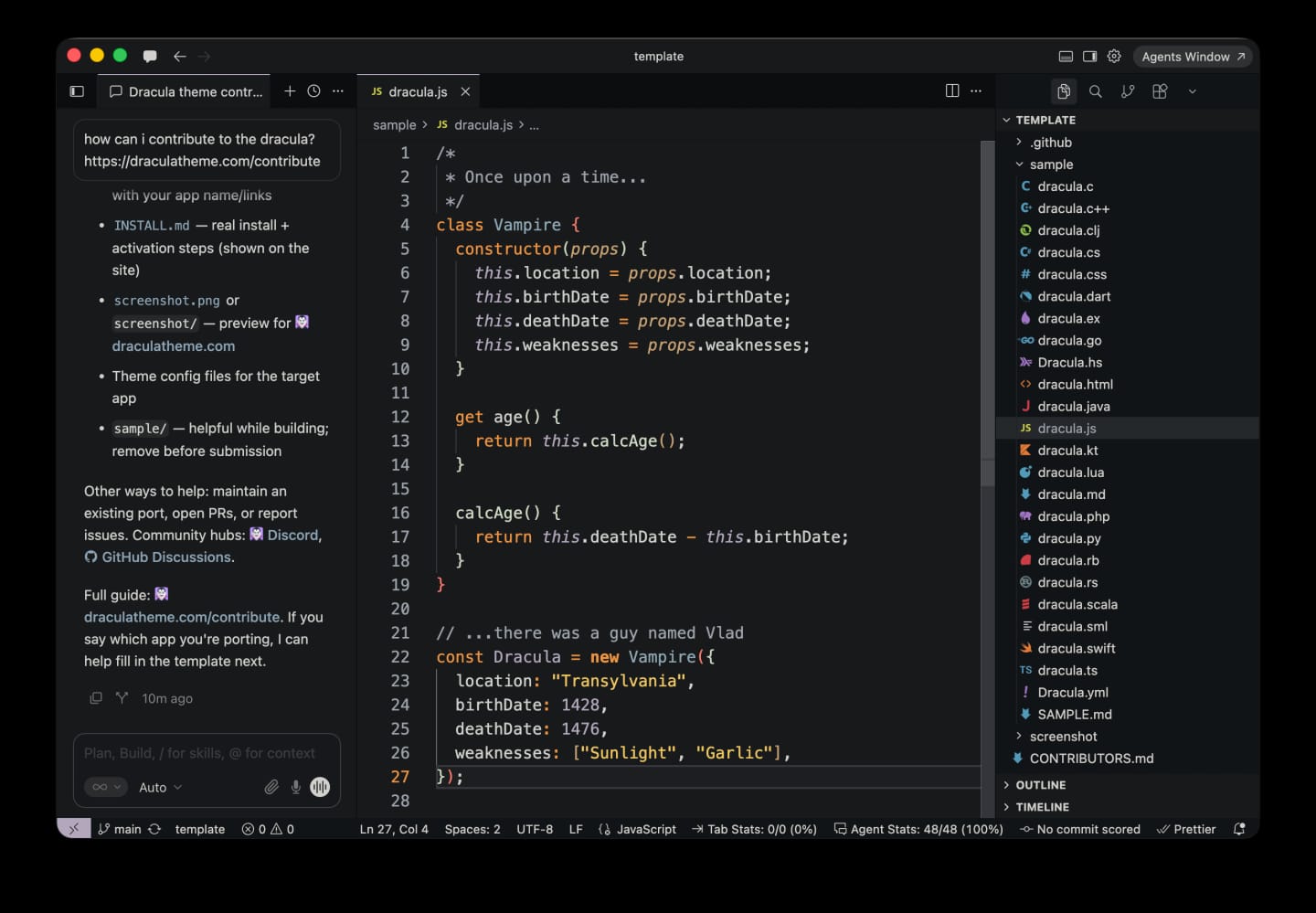
§Shipping in this package
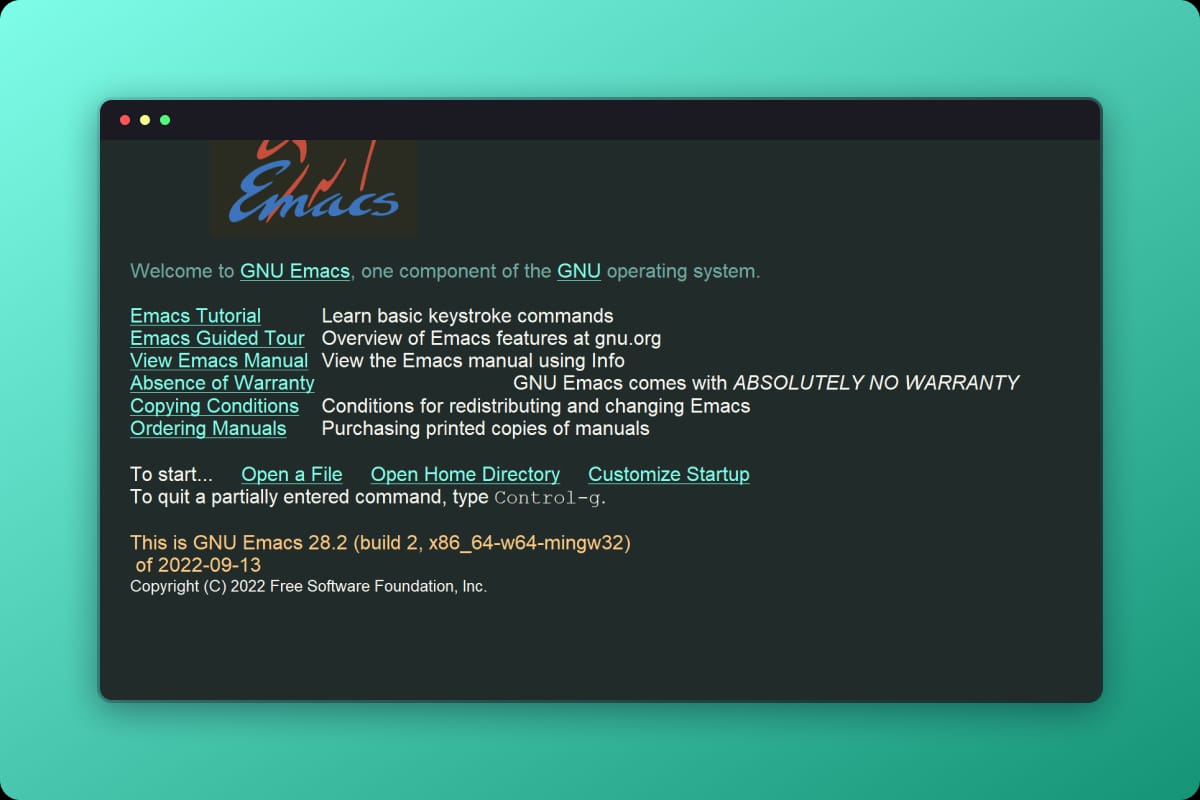
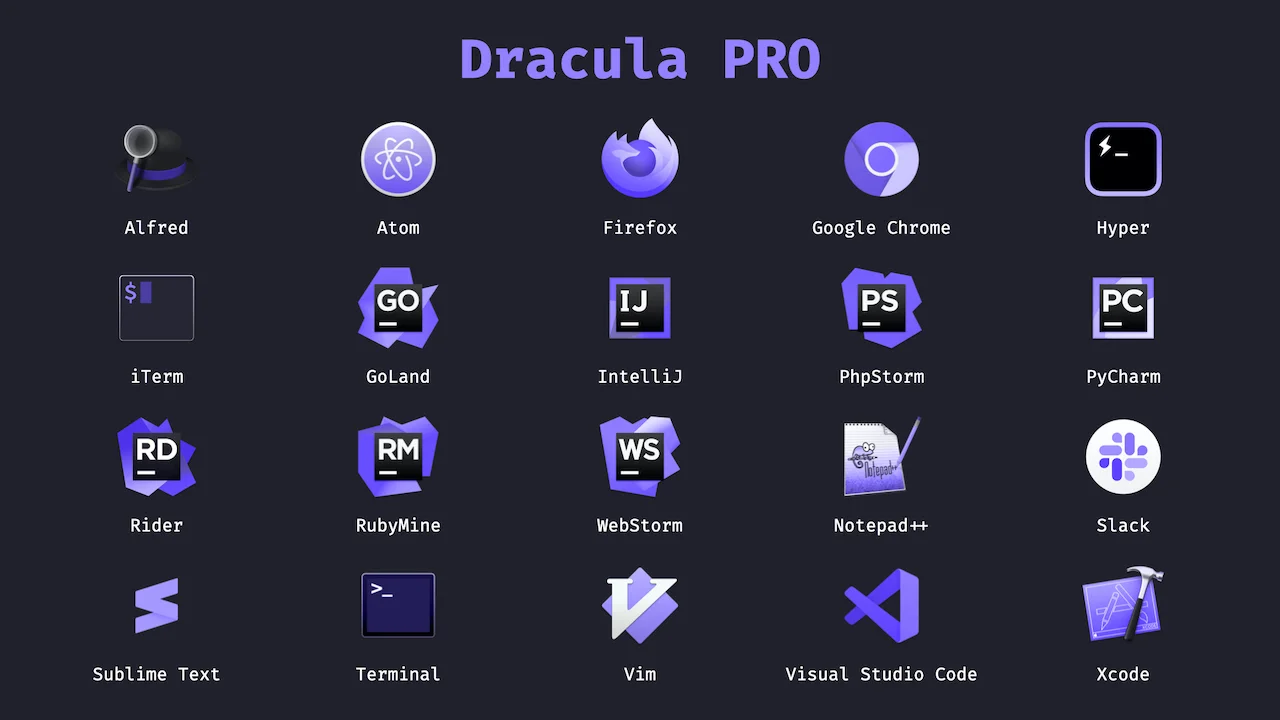
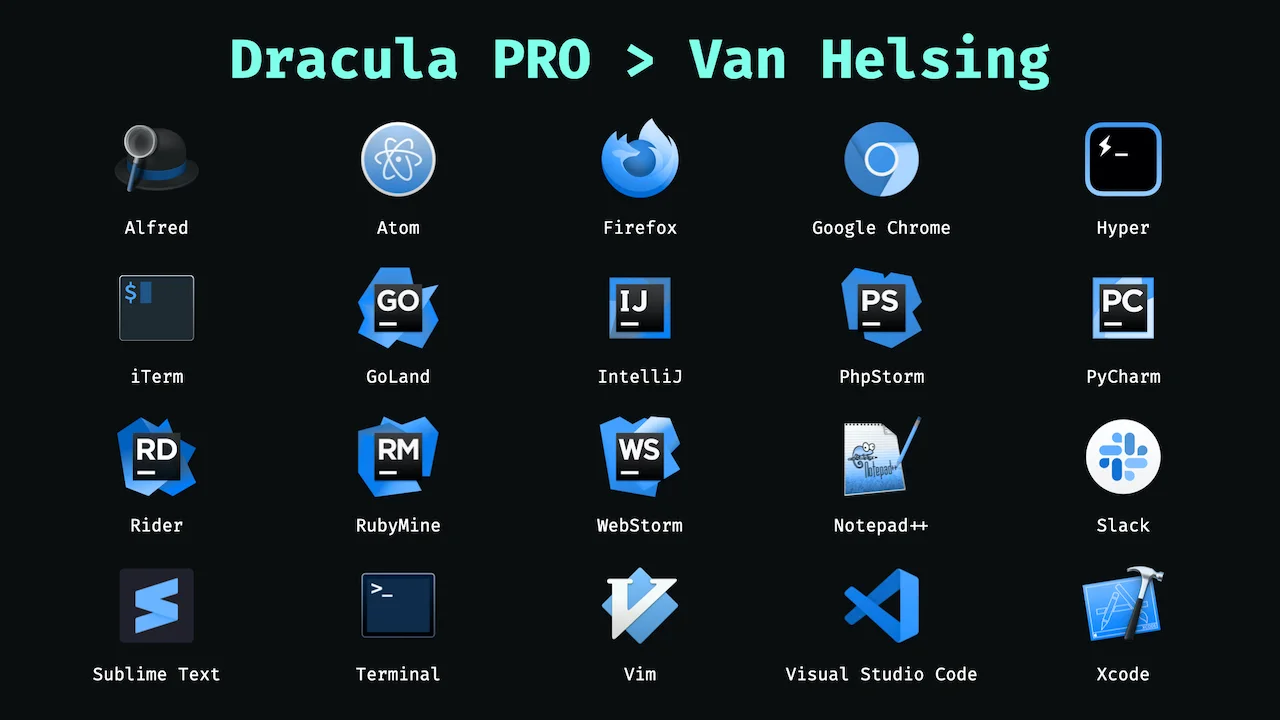
- Emacs
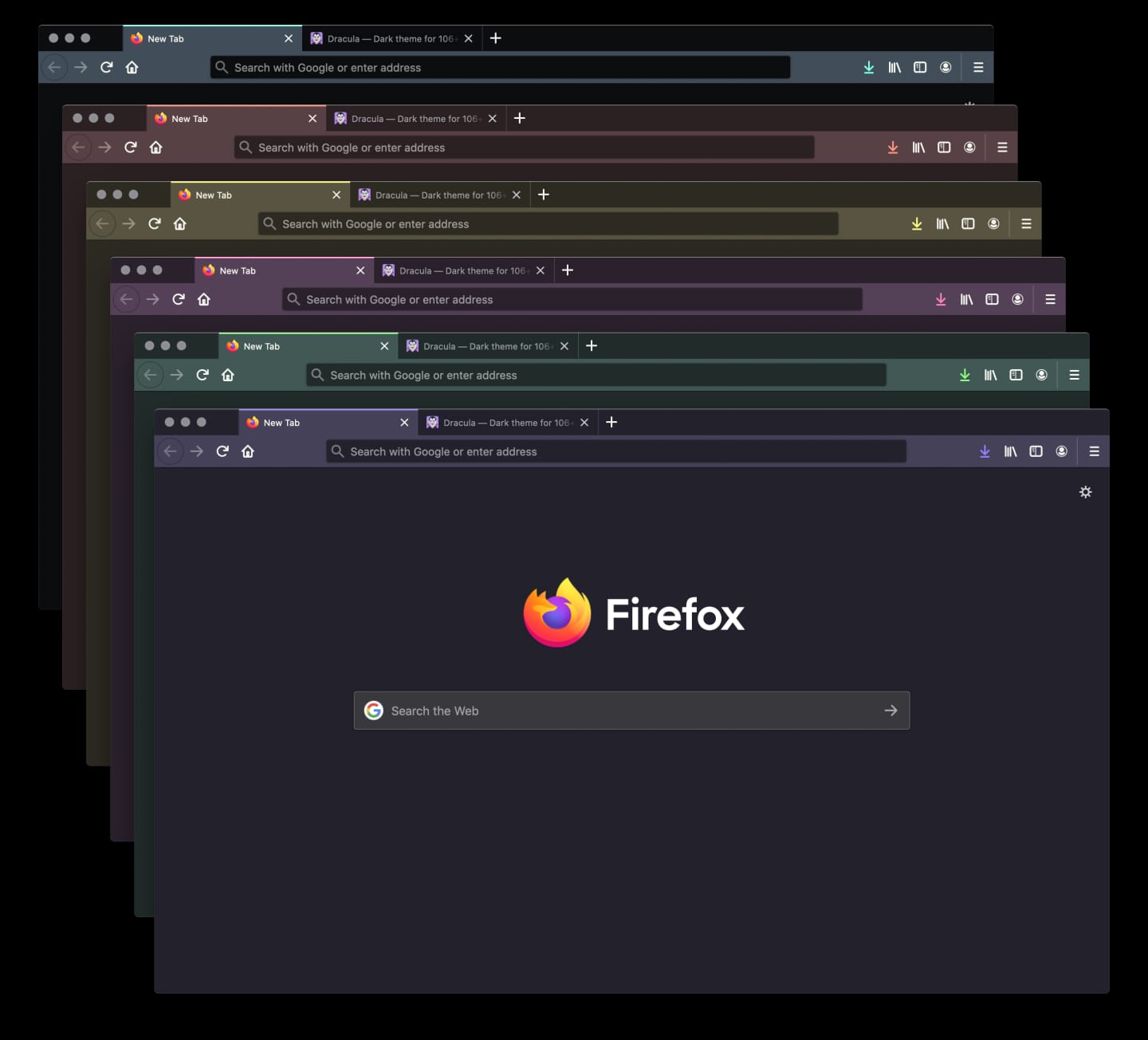
- Firefox
- Ghostty
- Gnome Terminal
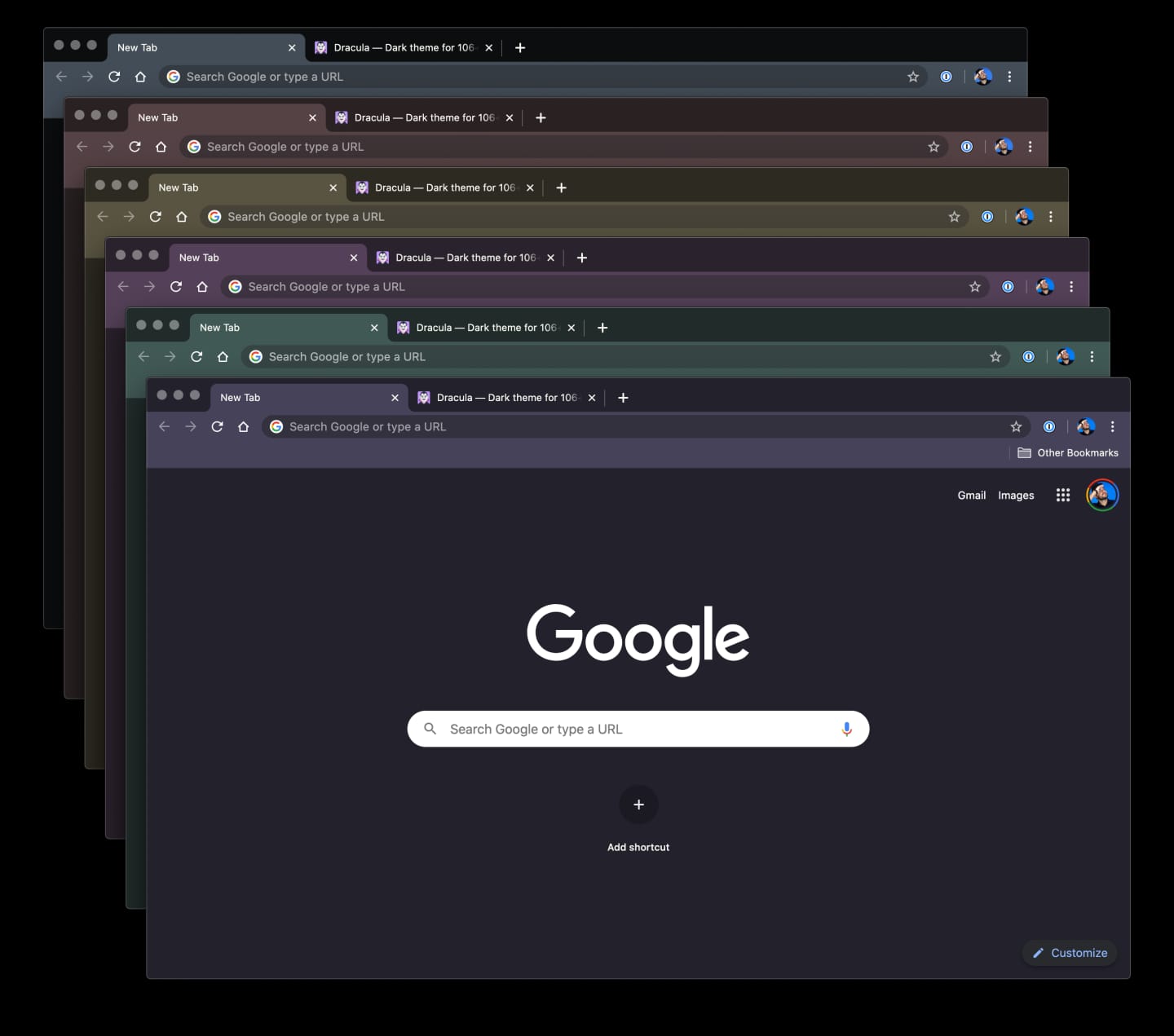
- Google Chrome
- Hyper
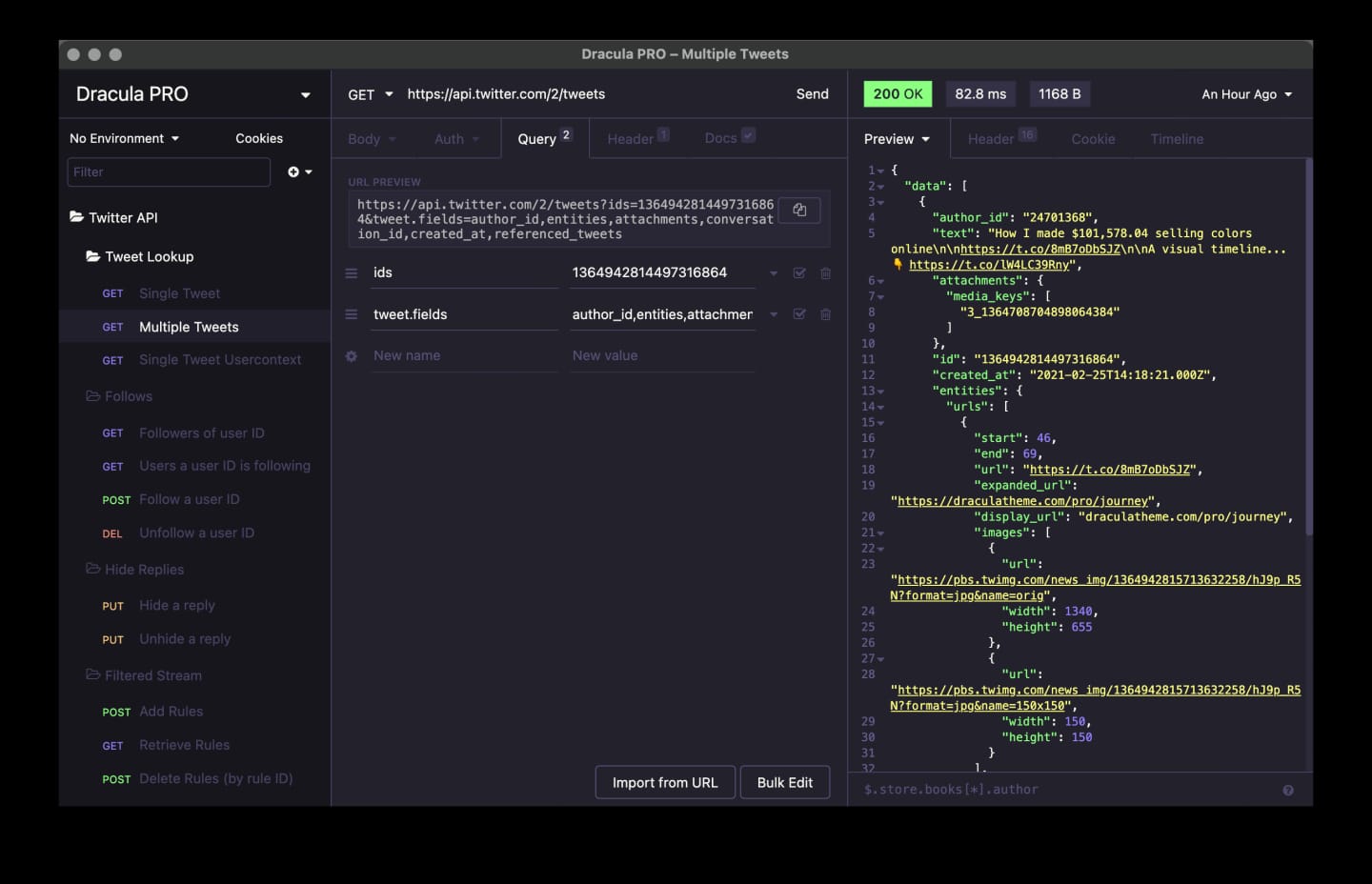
- Insomnia
- iTerm
- JetBrains IDEs (including Islands and experimental Fleet)
- Notepad++
- Raycast
- Slack
- Sublime Text
- Terminal.app
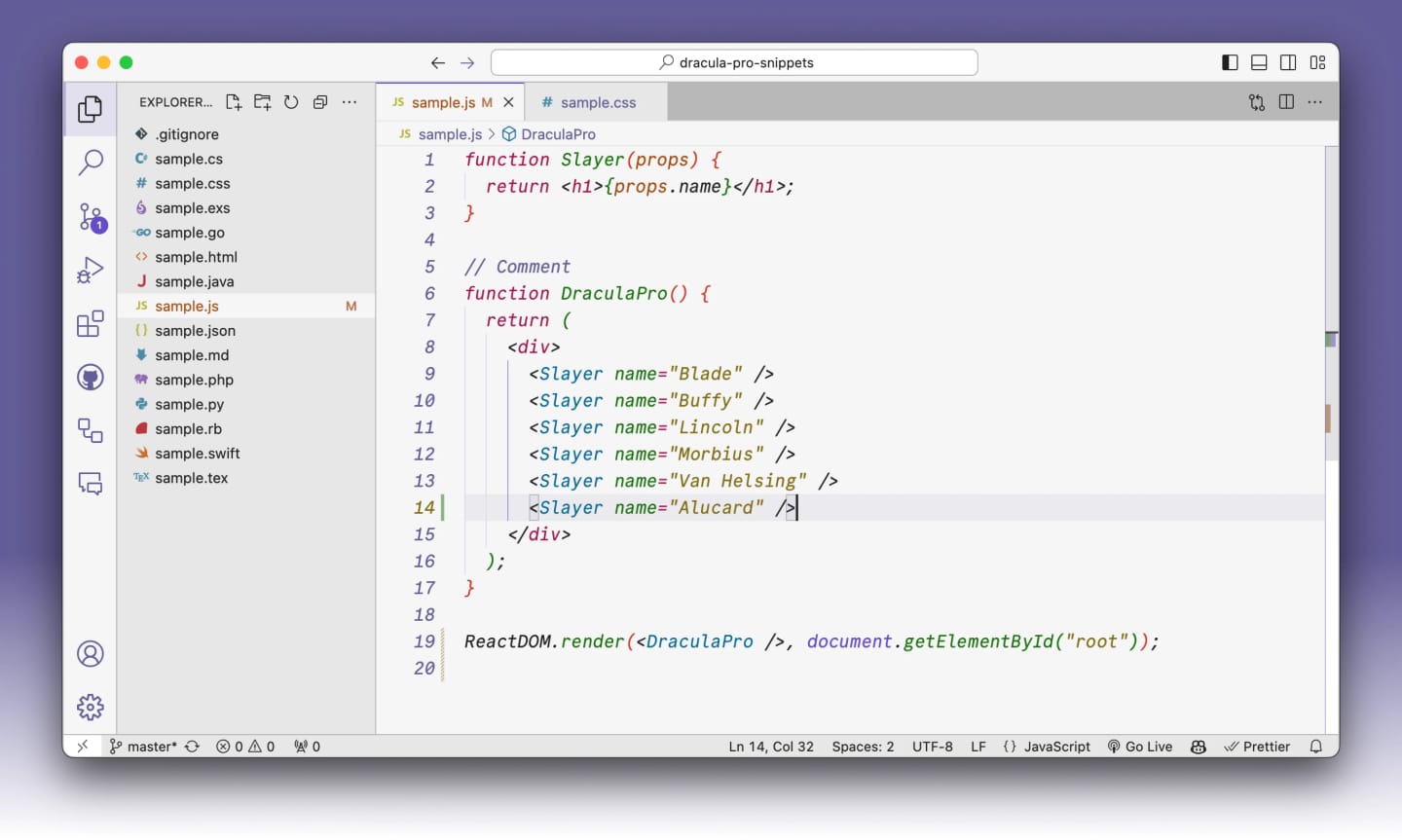
- Visual Studio Code
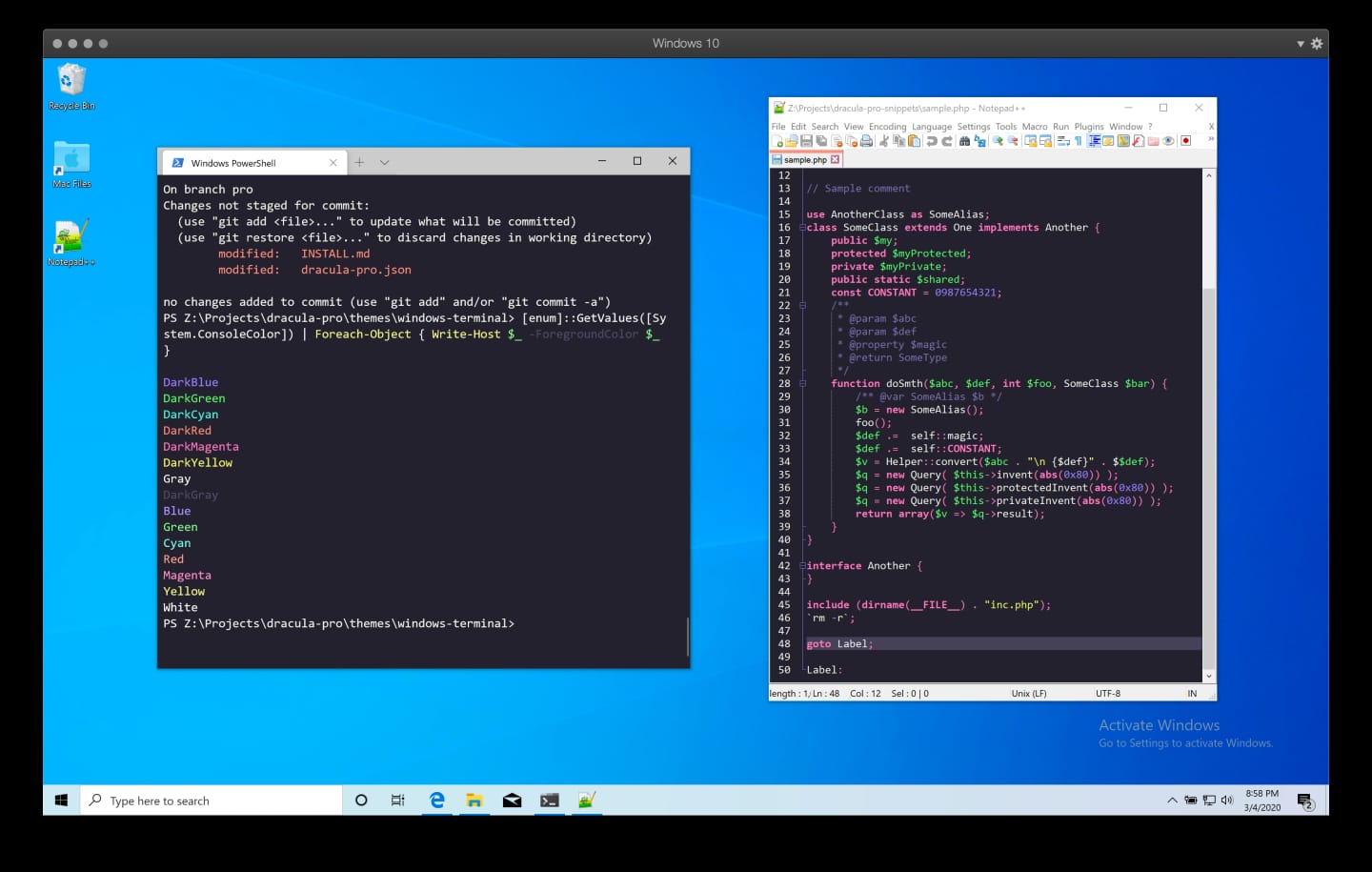
- Windows Terminal
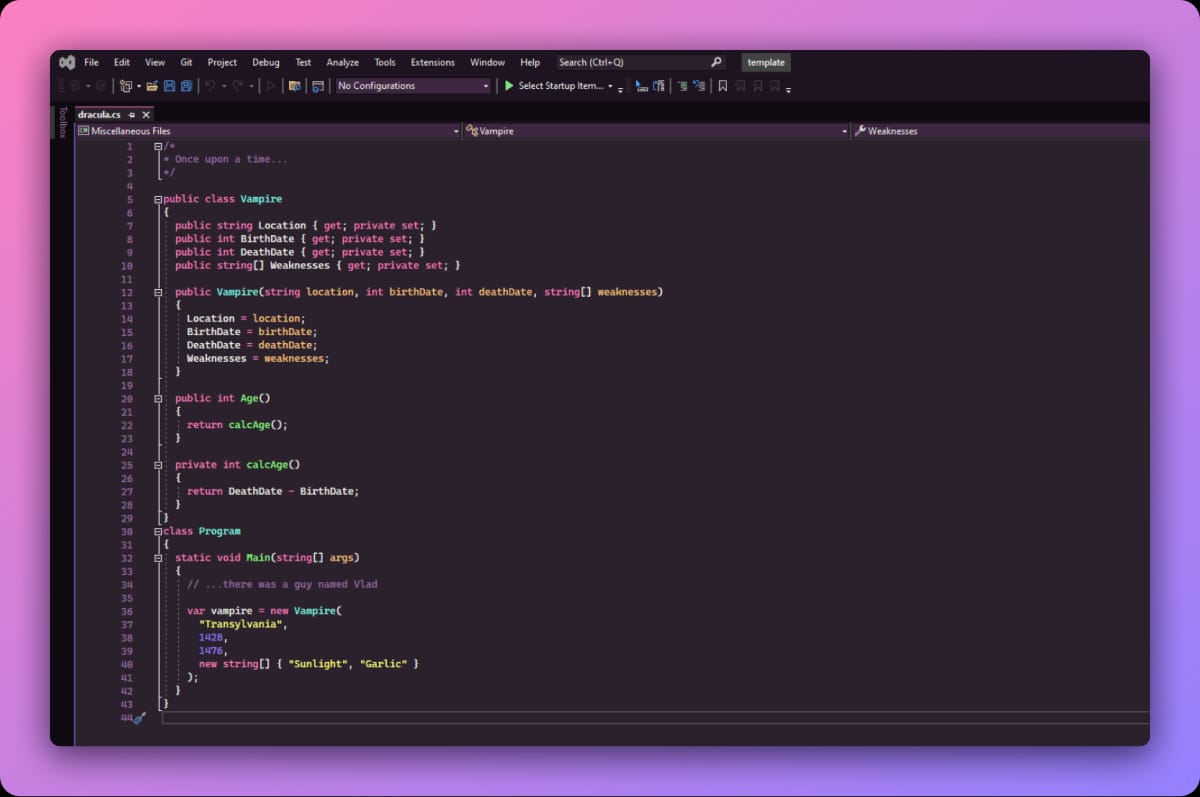
- Xcode
§Coming next
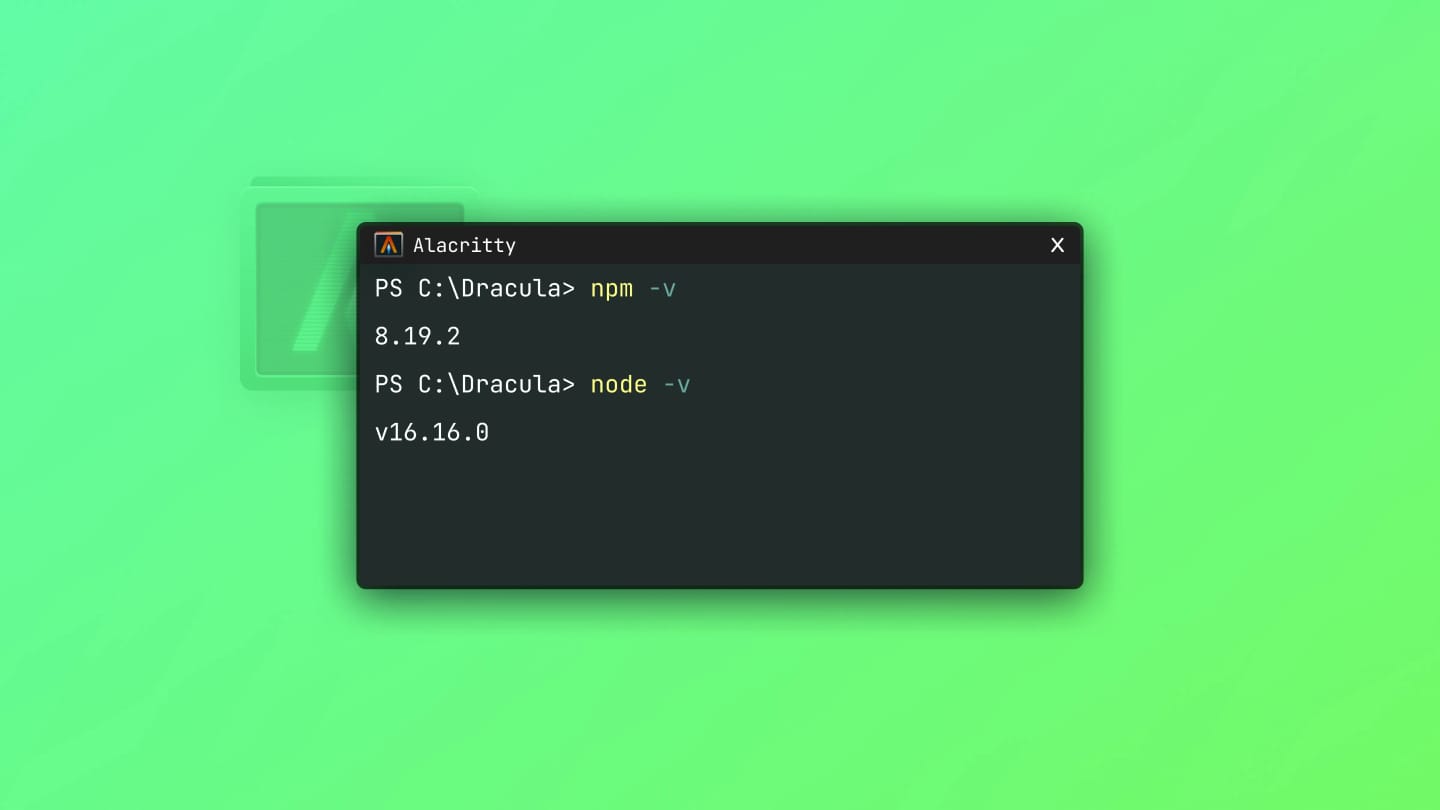
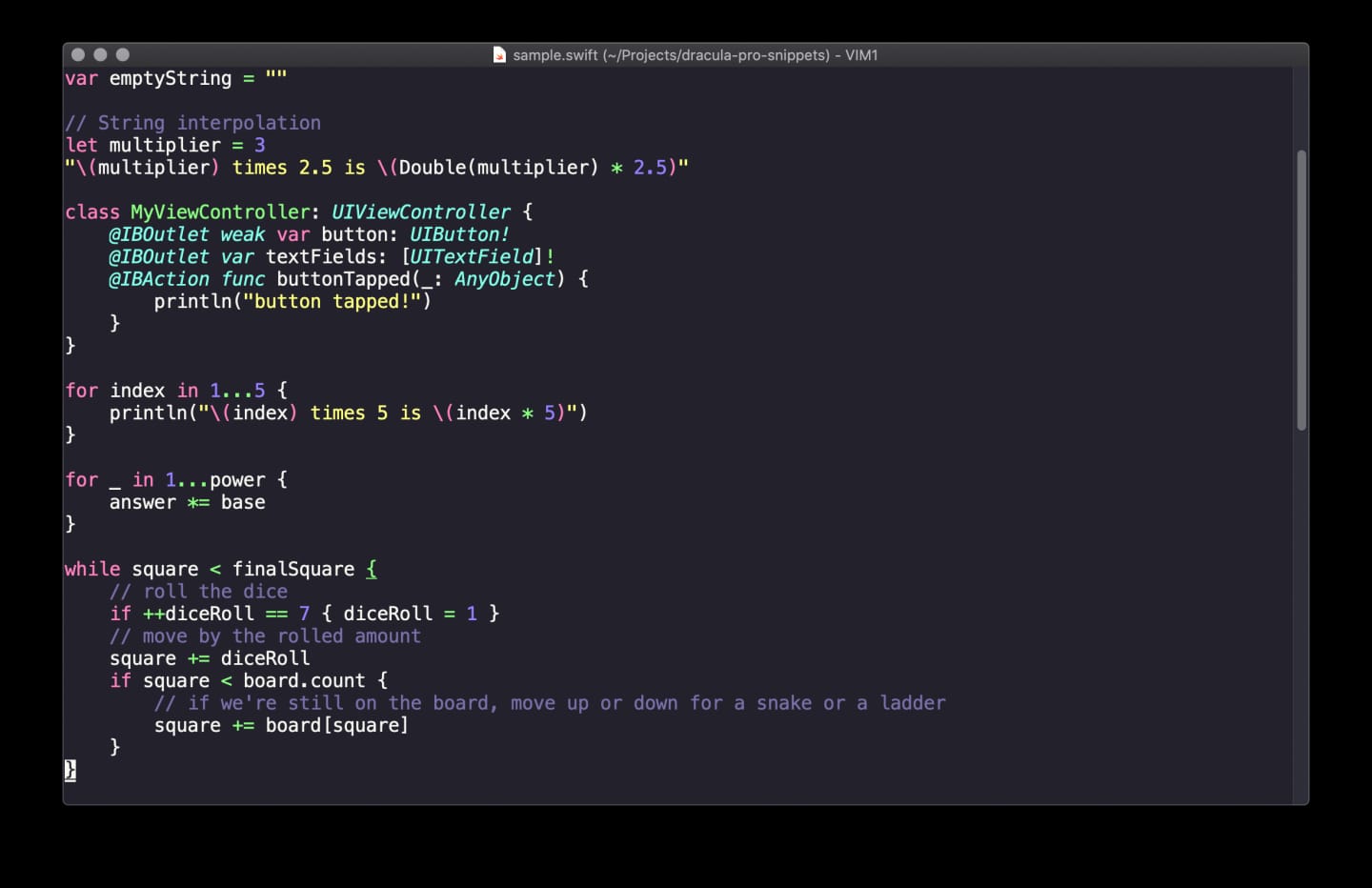
Alacritty and Vim have open pull requests. They will land in the official package soon. If you have access to our private GitHub, you can already grab them from there — request access if you need it.
§JetBrains rebuilt from scratch
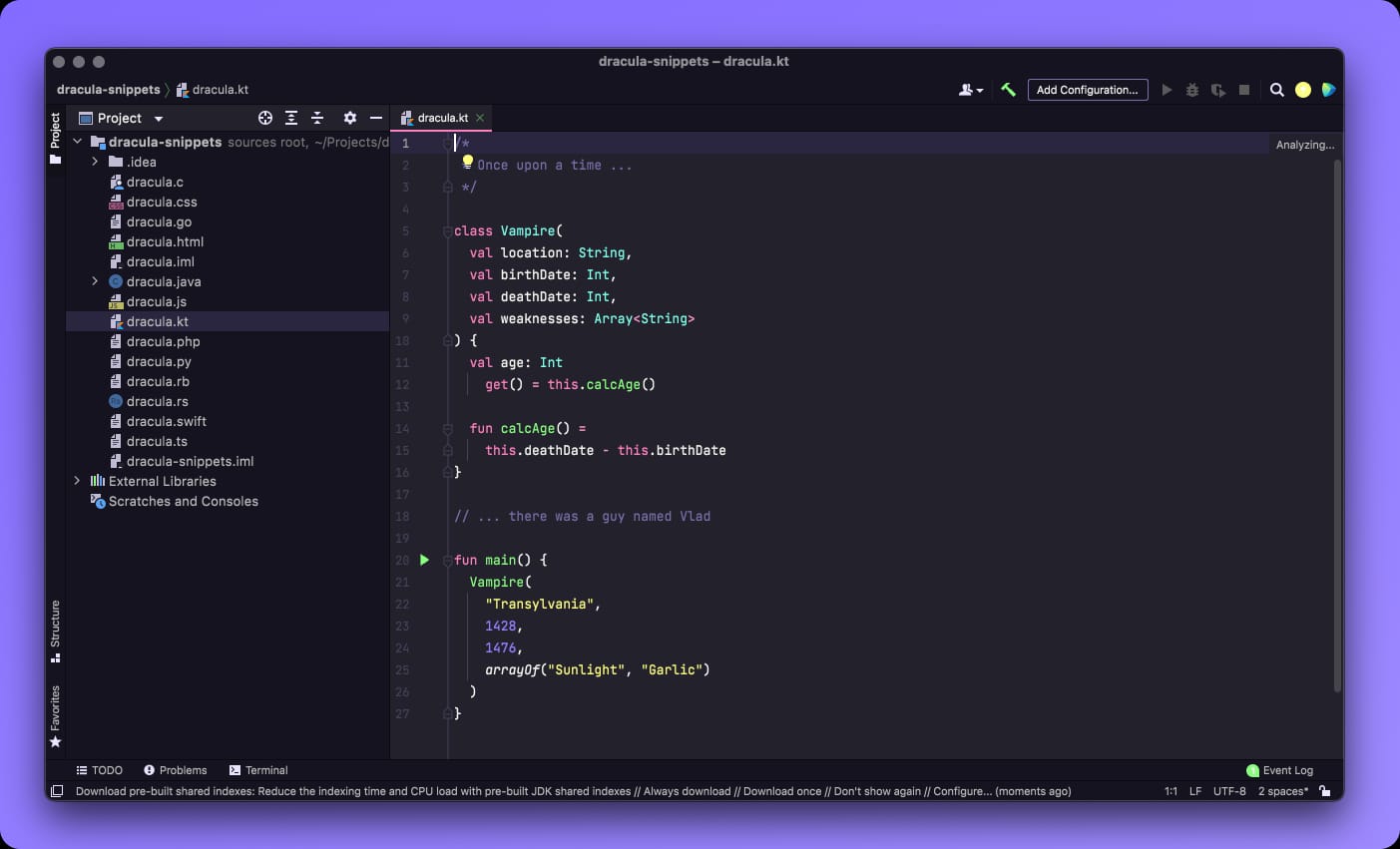
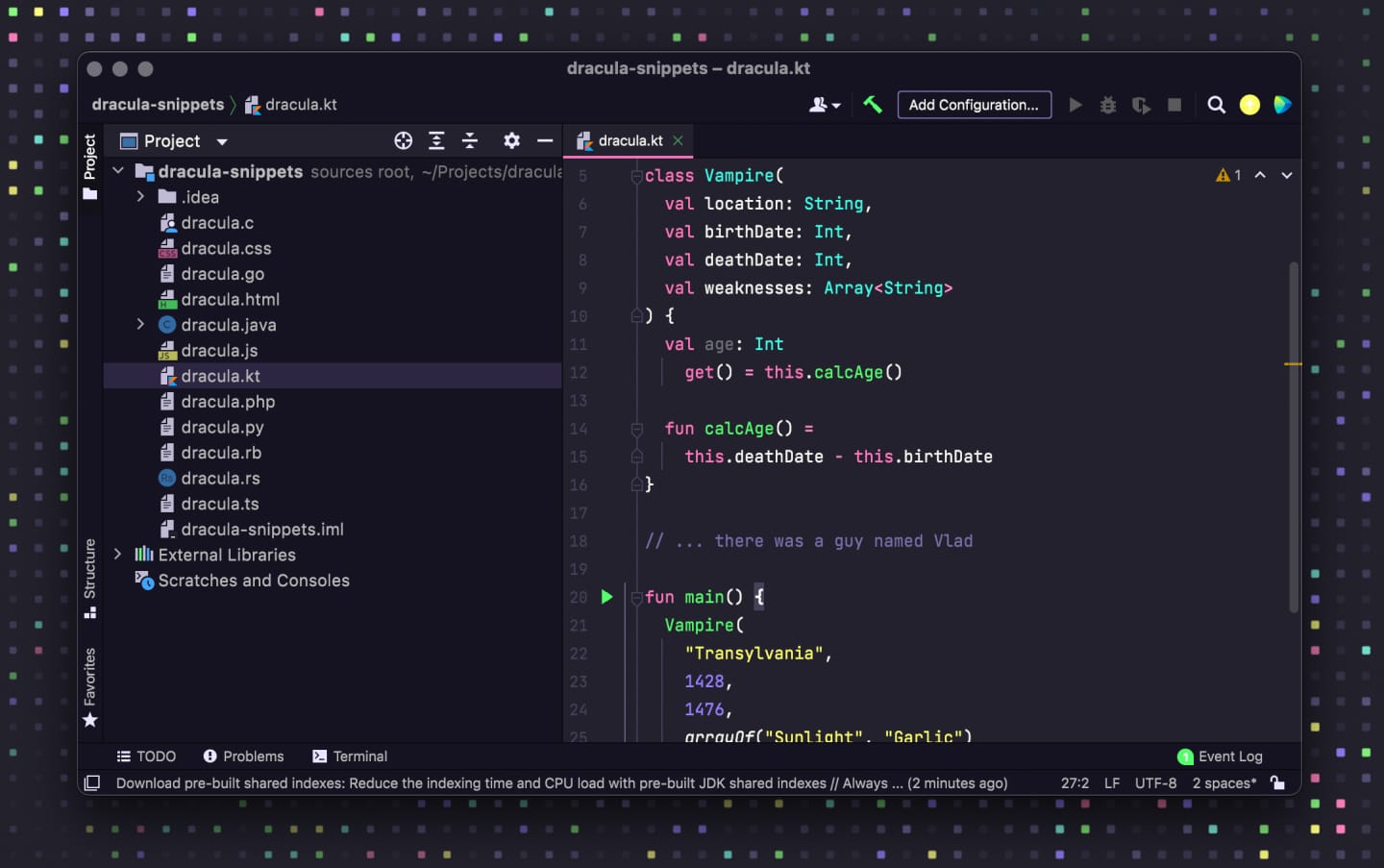
The JetBrains theme is no longer a patchwork of legacy schemes. The plugin was rewritten as a modern IntelliJ Platform package with generated Pro palettes, Islands variants, and editor schemes that stay in sync with the UI theme you pick.
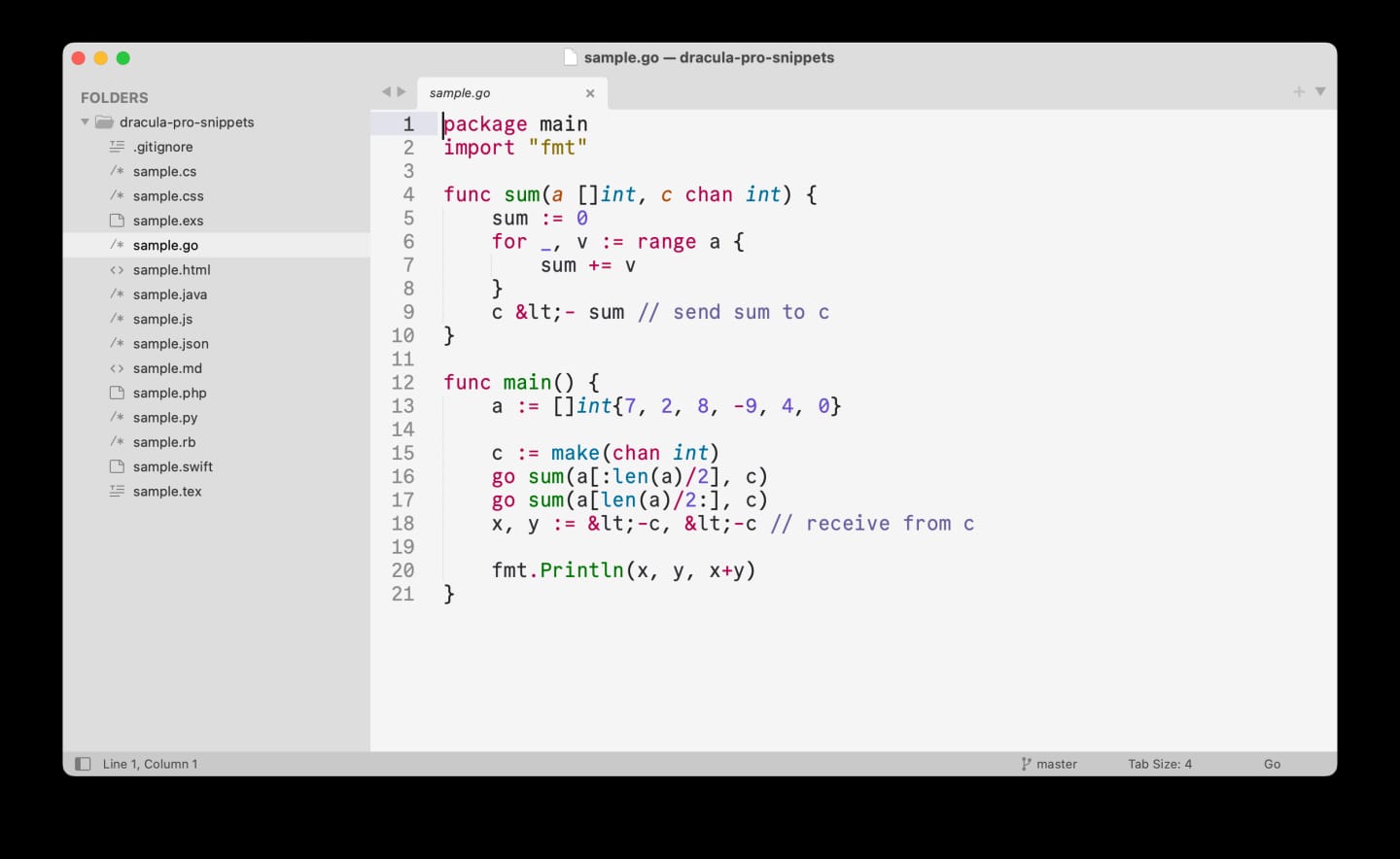
What changed:
- Full rewrite: New plugin architecture, CI, and install flow from disk
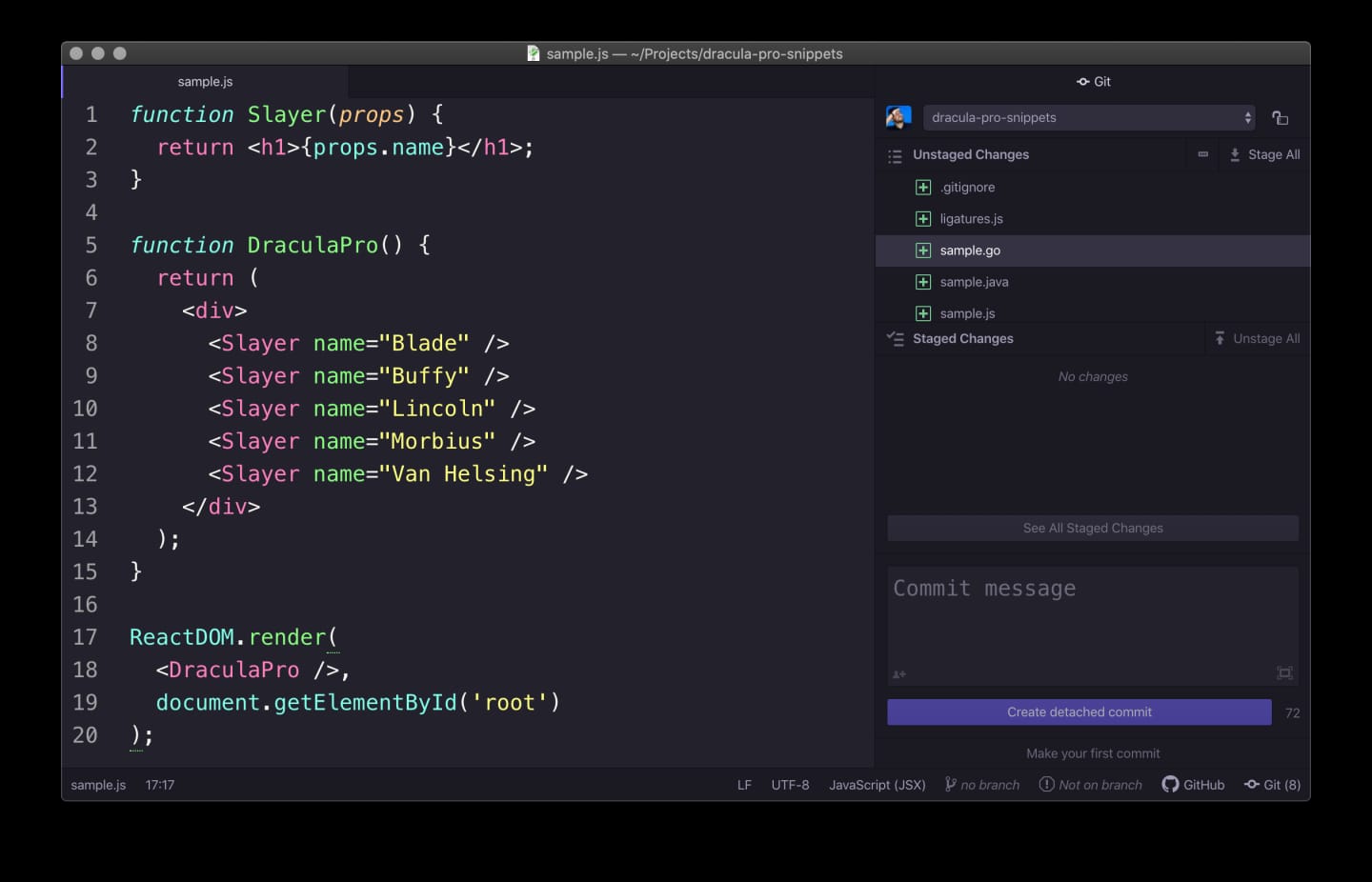
- Syntax aligned with VS Code Pro: Tags pink, attributes green italic, functions green, strings yellow, types and builtins cyan italic, generics orange, CSS selectors pink
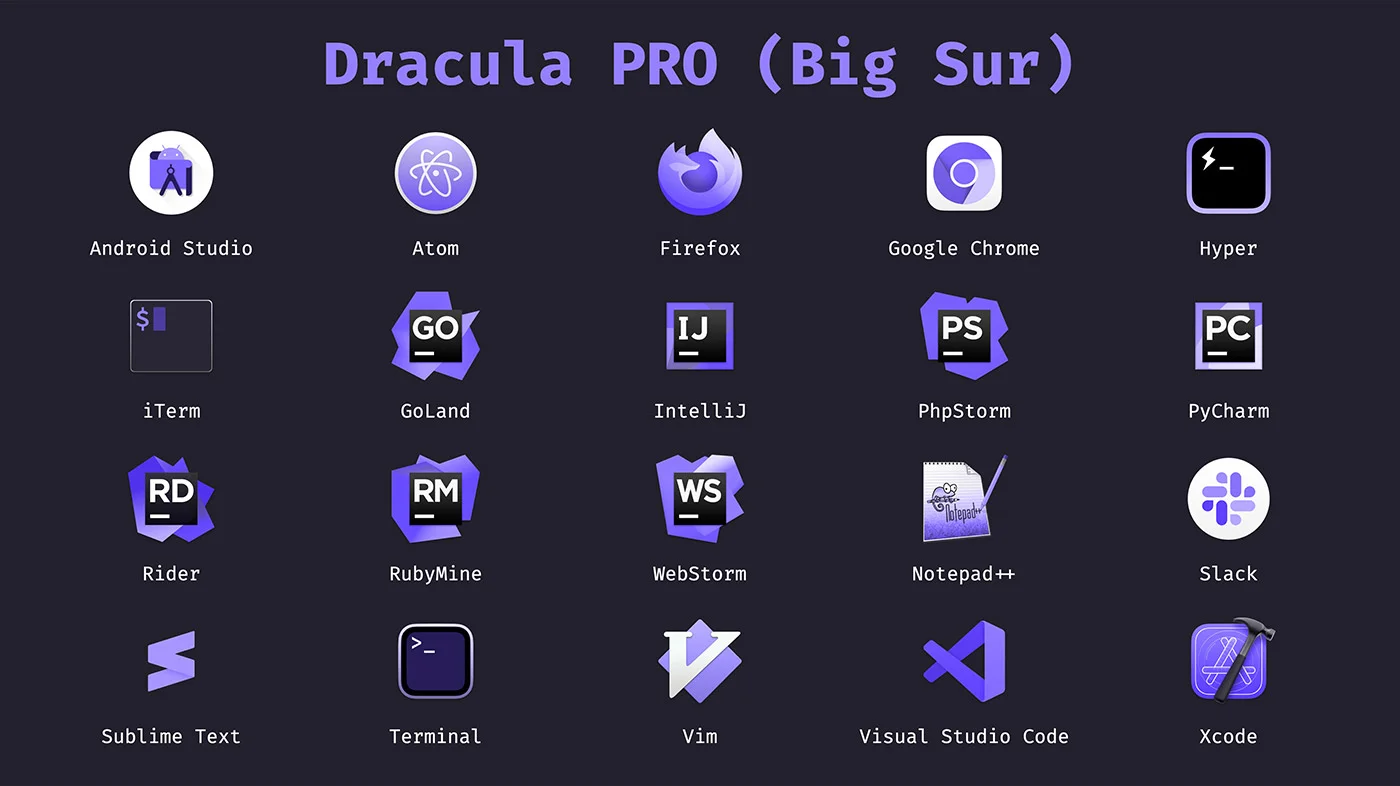
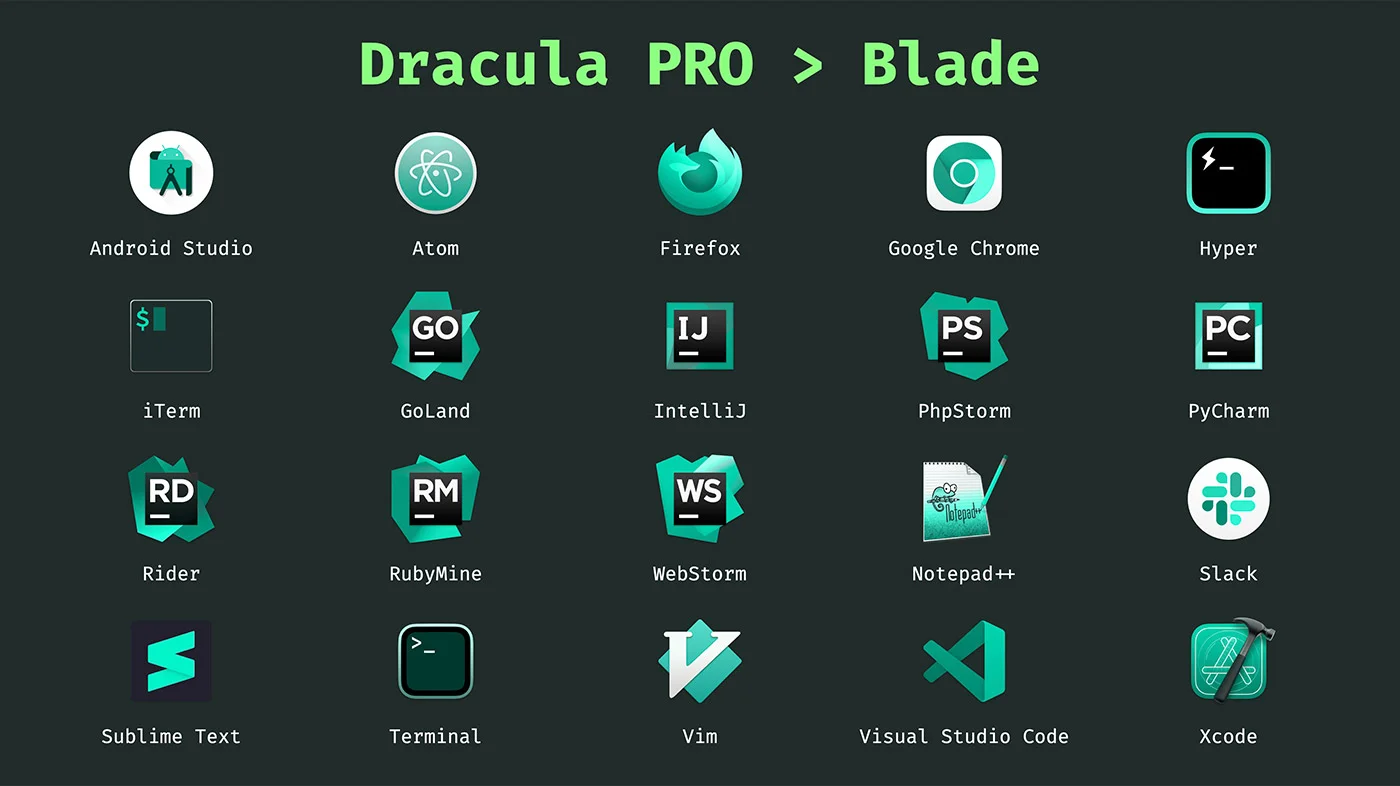
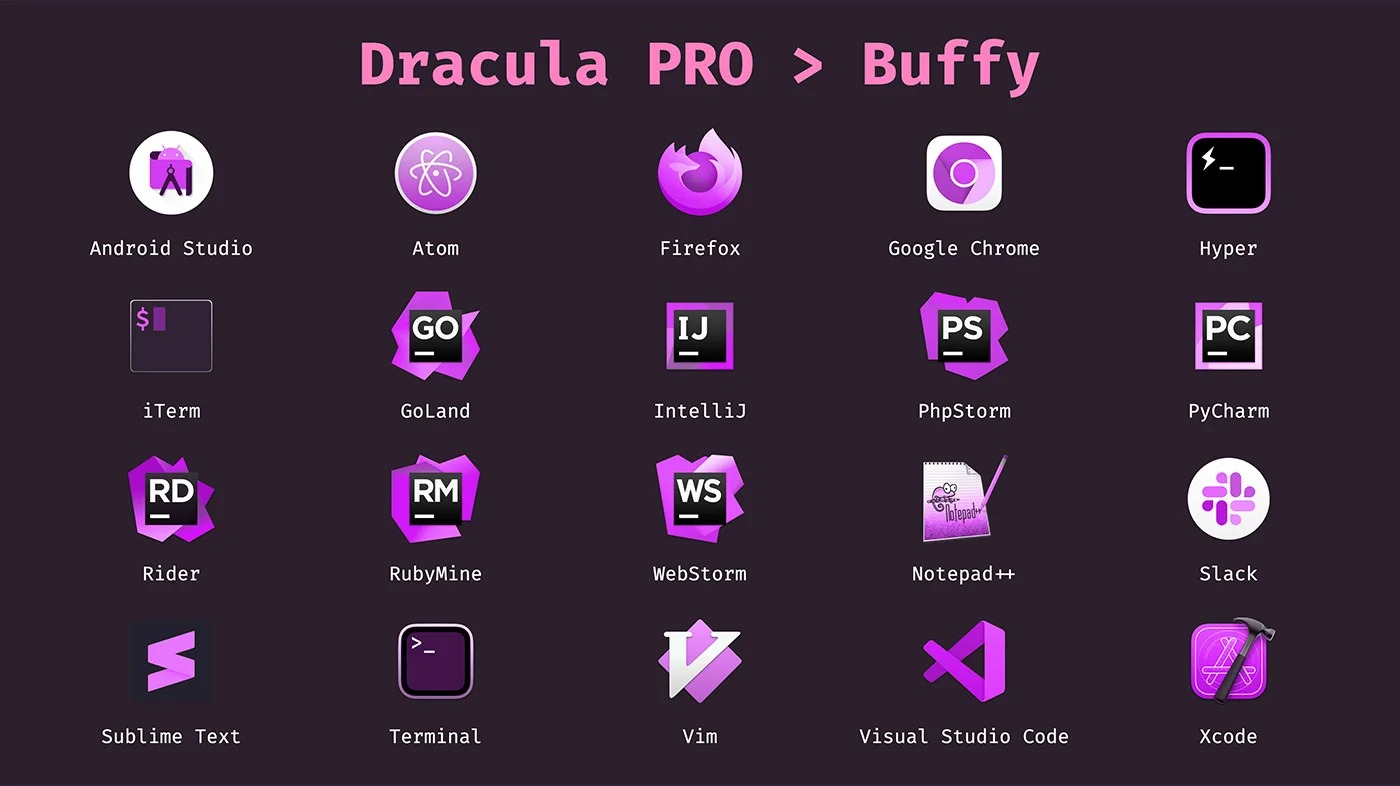
- Every Pro palette: Pro, Blade, Buffy, Lincoln, Morbius, Nosferatu, Van Helsing, and Alucard — each with an Islands counterpart
- Matched chrome: Selected rows, tabs, buttons, checkboxes, hover states, and focus rings stay readable on every palette
- Automatic editor scheme: Switching a Dracula Pro UI theme also switches the matching editor color scheme
- Requires JetBrains IDE 2025.3 or later
Reinstall from the zip in your Gumroad library: Settings → Plugins → Install Plugin from Disk…, then pick a Dracula Pro palette under Appearance.
§Additional notes
- Existing Dracula Pro customers get this update free — download the latest package from your Gumroad library
- JetBrains users on older IDE versions should upgrade to 2025.3+ before installing the new plugin zip
- Installation guides were rewritten and normalized across the package
- More on Nosferatu: /halloween