
§Veilamp
§Install using Git
If you are a Git user, you can install the theme and keep it up to date by cloning the repo:
git clone https://github.com/dracula/veilamp.git
§Install manually
Download using the GitHub .zip download option and unzip it.
§Activating theme
As a single file
- Open the Skins tab in Veilamp.
- Choose Import theme….
- Select
skin.json.
As a skin package
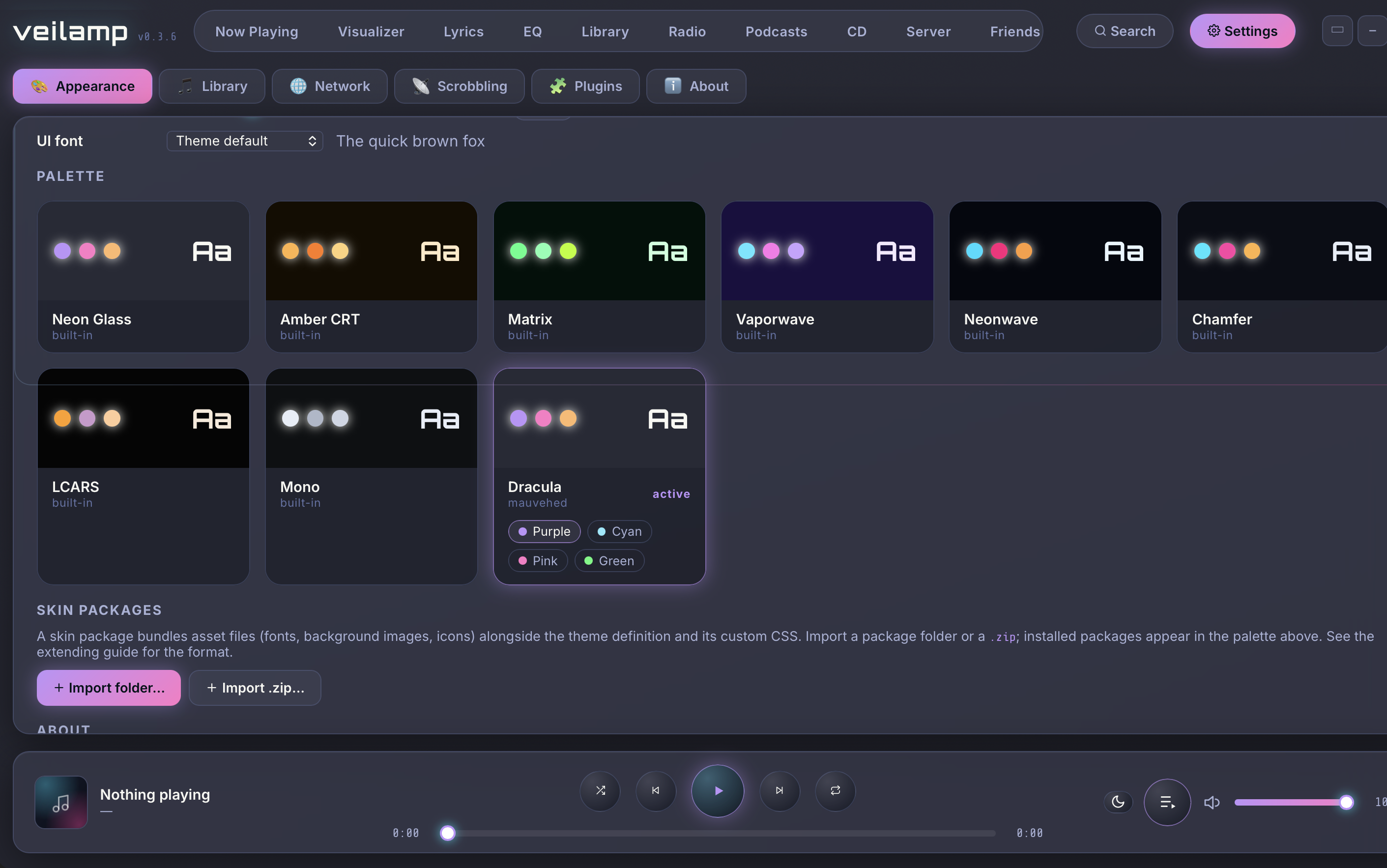
- Navigate to Settings > Appearance > Skin packages.
- Choose Import folder… (or Import .zip…).
- Select this repository's folder or a zip of it.