
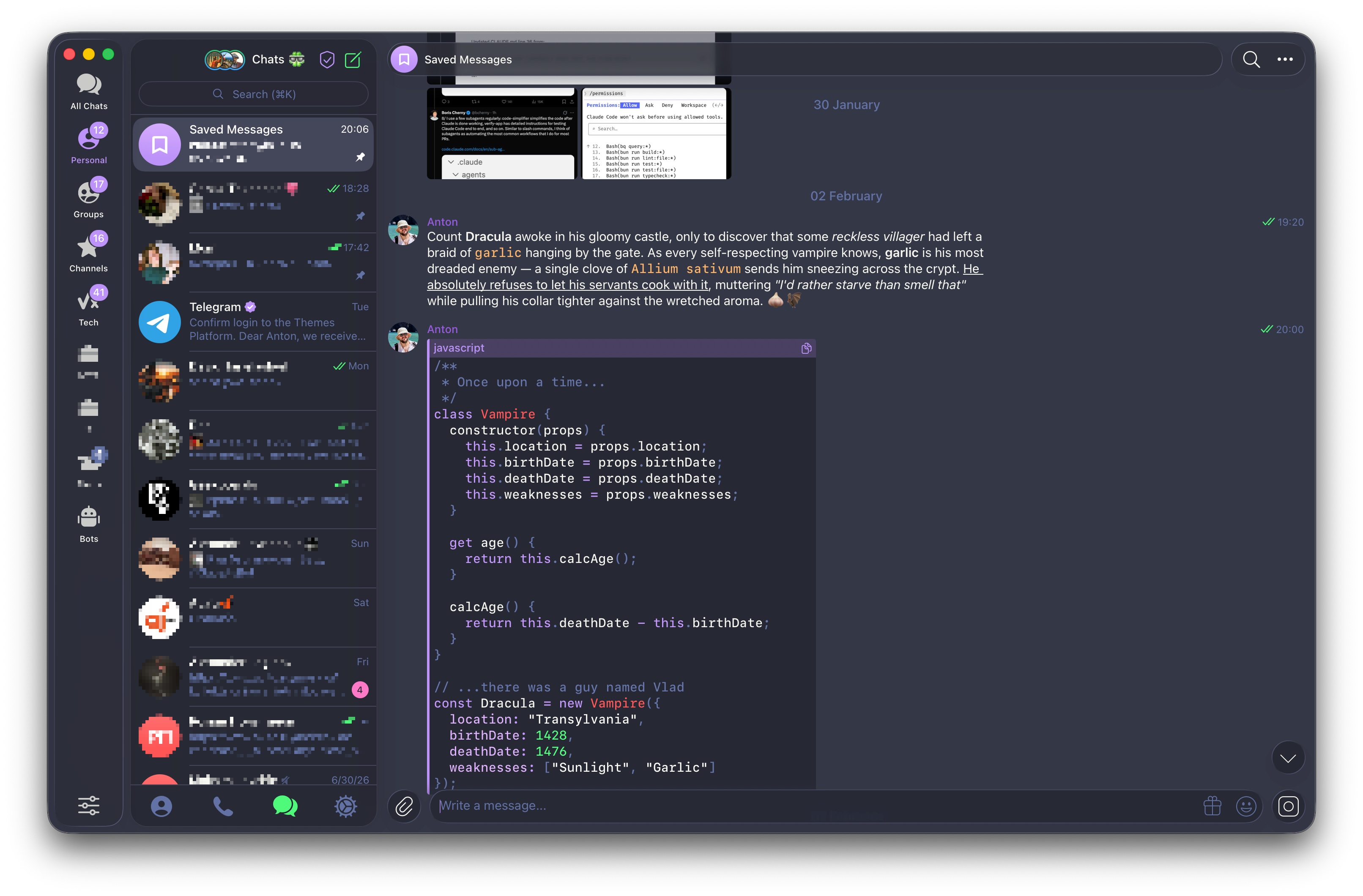
§Telegram for macOS
§Install using Git
If you are a Git user, you can install the theme and keep it up to date by cloning the repository:
git clone https://github.com/dracula/telegram-macos.git
§Install manually
Download the theme using the GitHub .zip download option and unzip the archive.
§Activating theme
One-click install (recommended)
Open t.me/addtheme/DnKCjyhPW3kyo1pepe in Telegram for macOS and press Apply. The theme installs instantly as a cloud theme and stays in sync across your devices.
Install from file
- Open Telegram for macOS and send the
Dracula.palettefile from this repository to any chat (for example, Saved Messages). - Click the file you just sent and press
Apply Theme.
Alternatively, go to Settings → Appearance, open the menu, choose New theme, then right-click the created theme and select Edit → Update from file to load Dracula.palette.