
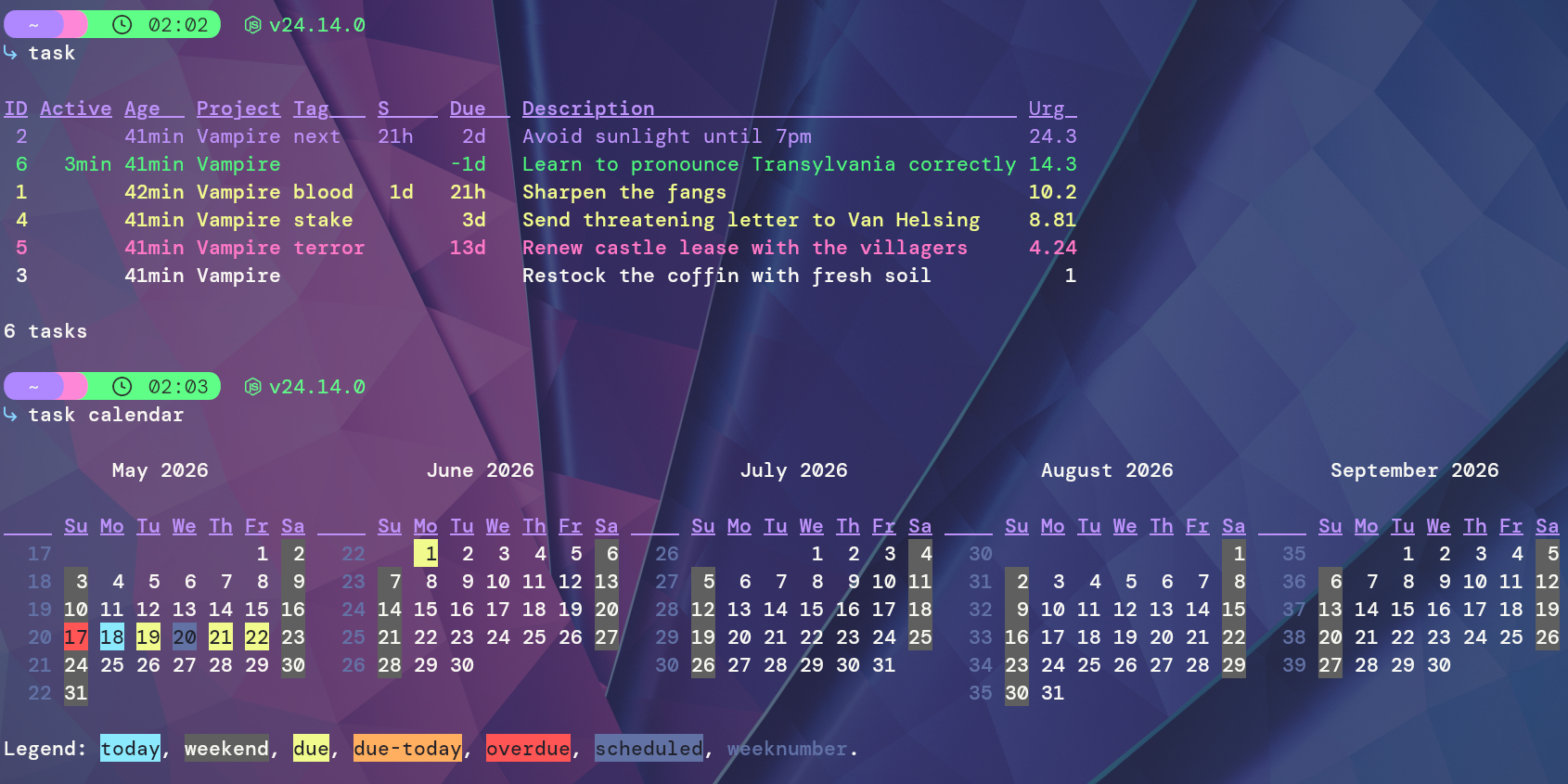
§Taskwarrior
§Install using Git
If you are a git user, you can install the theme and keep up to date by cloning the repo:
git clone https://github.com/dracula/taskwarrior.git
§Install manually
Download using the GitHub .zip download option and unzip them.
§Activating theme
- Install Taskwarrior for your OS/distribution, see the Taskwarrior Download Page.
- Create a
.taskrc(ortaskrc) file. For help on this see the Configuration Docs. - Place the
dracula.themefile in a directory you'll remember (preferably the same one as your.taskrcfile). - Add the following line to your
.taskrcfile:
include ~/{your-theme-location}/dracula.theme
- Run
taskto verify the theme is applied.