
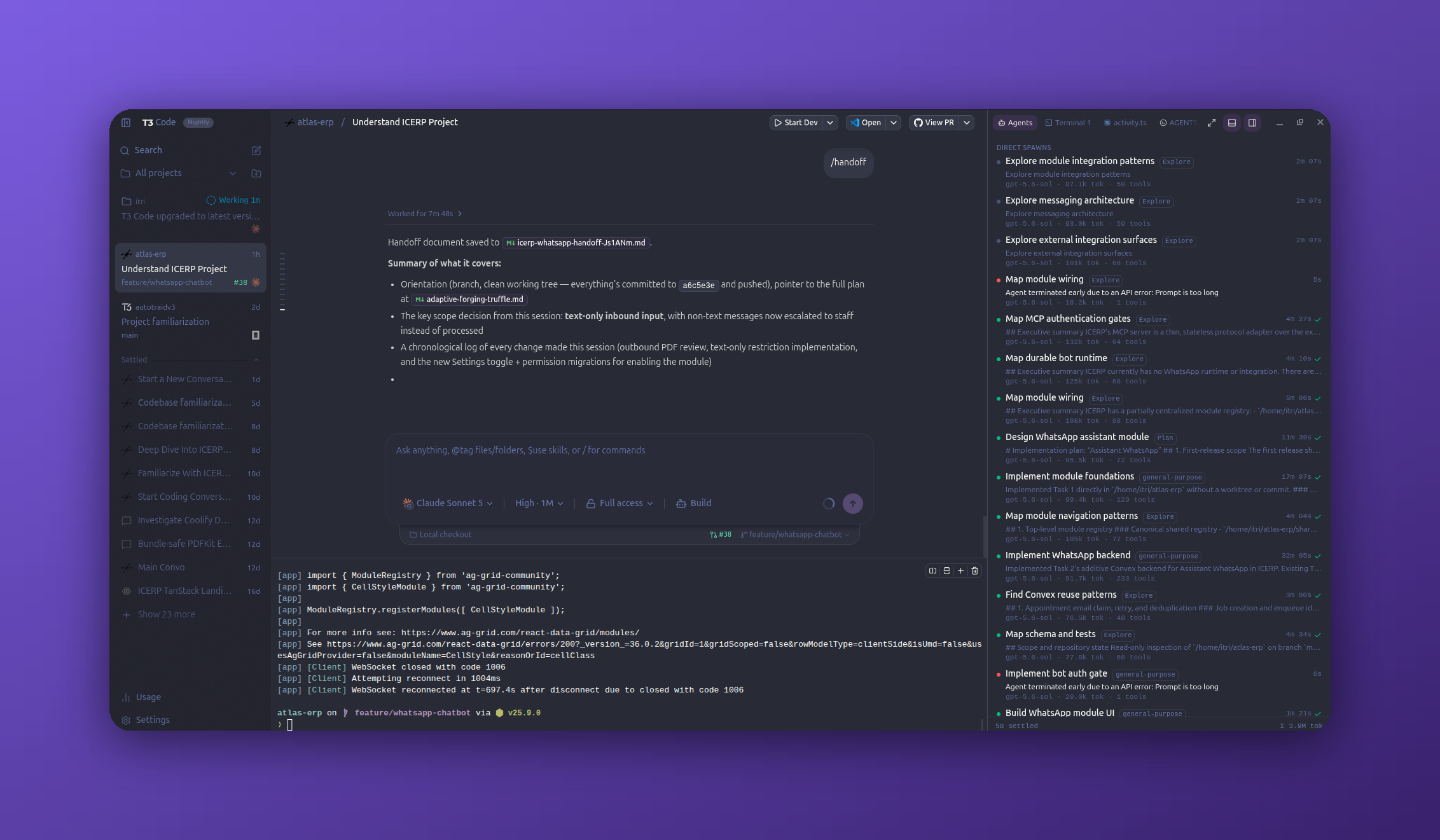
§T3 Code
§Install using Bash
On macOS or Linux, run:
curl -fsSL https://raw.githubusercontent.com/dracula/t3code/main/install.sh | bash
The script imports and selects Dracula for your local T3 Code desktop/server environment. Offline clients apply it when they reconnect. If a compatible T3 CLI is unavailable, the script uses npx, which requires Node.js and npm. The npx fallback supports Apple Silicon macOS and x64/ARM64 Linux.
For a custom T3 directory, pass --base-dir or set T3CODE_HOME:
curl -fsSL https://raw.githubusercontent.com/dracula/t3code/main/install.sh | bash -s -- --base-dir /path/to/t3
§Install using Git
If you use Git, clone the repository to install the theme and keep it up to date:
git clone https://github.com/dracula/t3code.git
cd t3code
bash install.sh
§Install manually
Download the GitHub .zip archive and unzip it, or save Dracula.json directly.
§Activating the theme
- Open T3 Code and go to Settings → Appearance.
- Click Add a theme.
- Drag and drop
Dracula.jsononto the dialog (or click Choose files and select it). - Select Dracula from your theme list.