
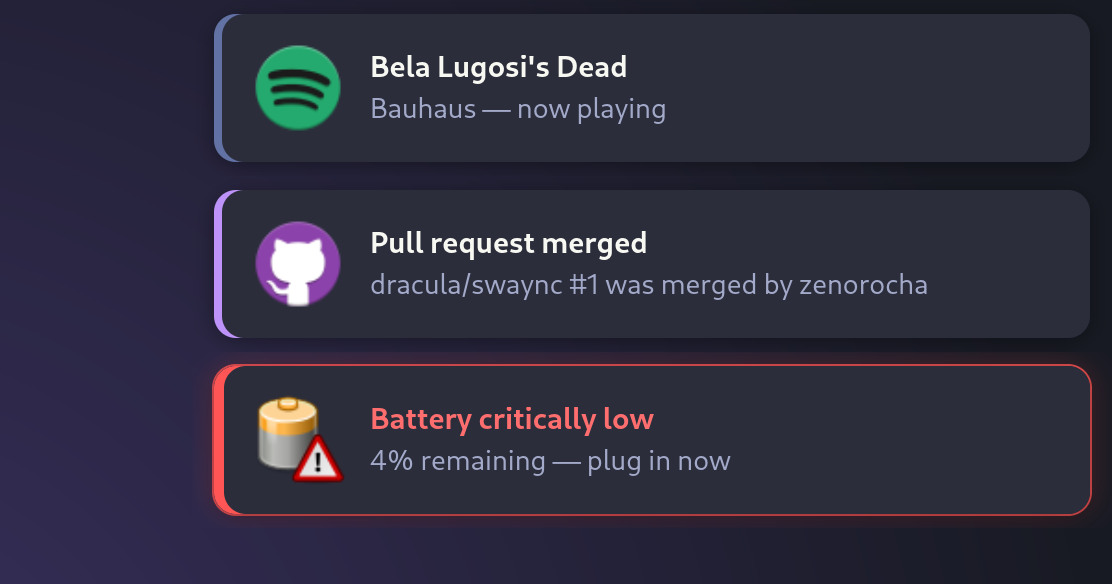
§SwayNotificationCenter
§Install using Git
If you are a git user, you can install the theme and keep up to date by cloning the repo:
git clone https://github.com/dracula/swaync.git
§Install manually
Download using the GitHub .zip download option and unzip it.
§Activating theme
-
Copy
style.cssinto your swaync configuration directory (create it if needed):mkdir -p ~/.config/swaync cp style.css ~/.config/swaync/style.cssPrefer to keep it under version control with your dotfiles? Symlink it instead:
ln -s "$(pwd)/style.css" ~/.config/swaync/style.css -
Reload swaync so it picks up the new stylesheet:
swaync-client --reload-cssor restart the daemon:
killall swaync && swaync & -
Send yourself a test notification to see it in action:
notify-send "Dracula" "One theme. All platforms." -
Boom! It's working ✨