
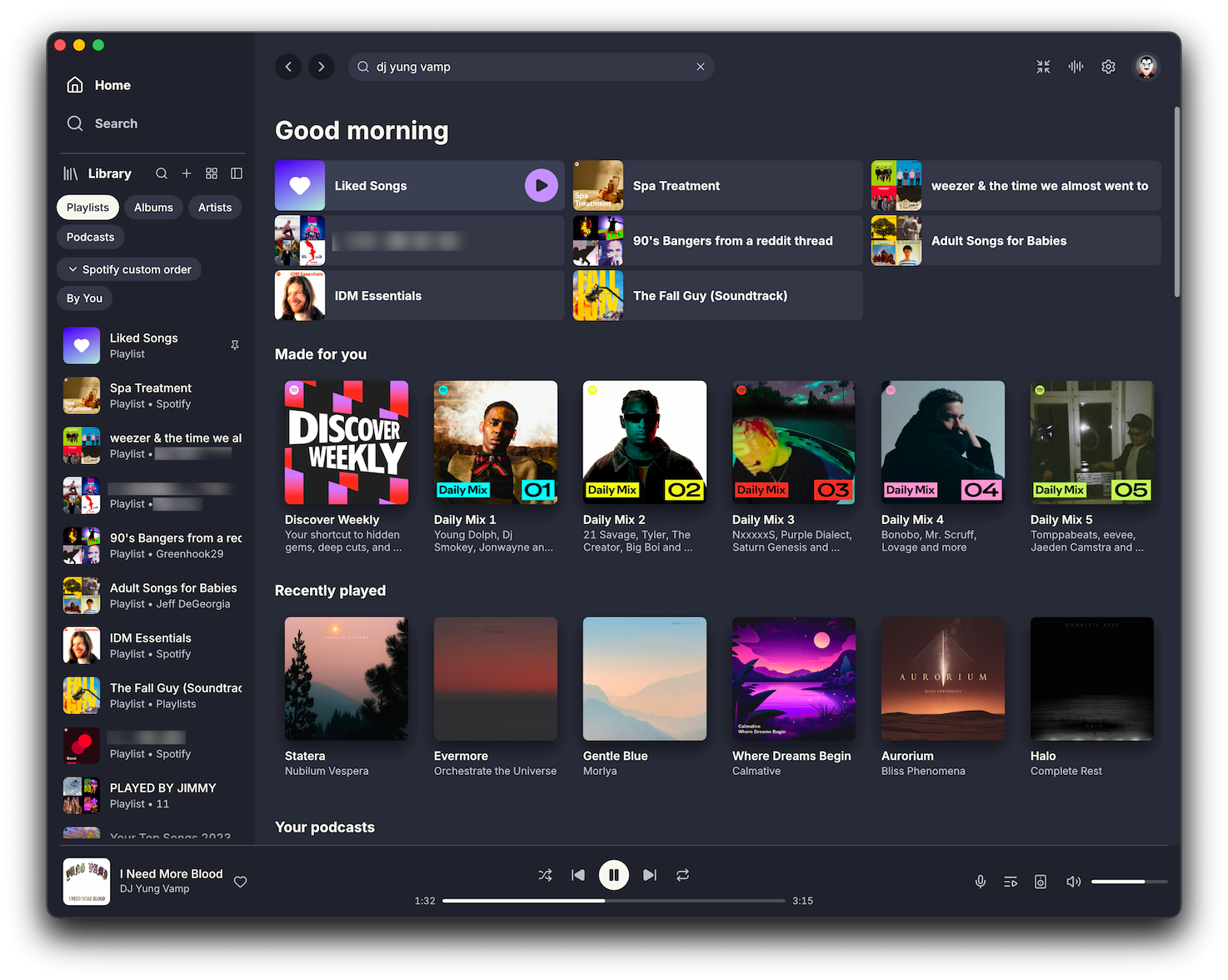
§Spotifast
§Install using Git
If you are a Git user, you can install the theme and keep it up to date by cloning the repo:
git clone https://github.com/dracula/spotifast.git
§Install manually
Download using the GitHub .zip download option and unzip it.
§Activating theme
- Open Spotifast and go to
Settings > Appearance > Theme; - Click the Open themes folder button beside the theme picker;
- Copy
Dracula.jsoninto that folder; - On macOS or Windows, run
spotifast reload-themes(or restart the app). Linux picks up the file on its own; - Pick Dracula from the theme picker.
Spotifast tints pages with the current album art by default. Turn off Colour from album art if you want Dracula purple everywhere.