
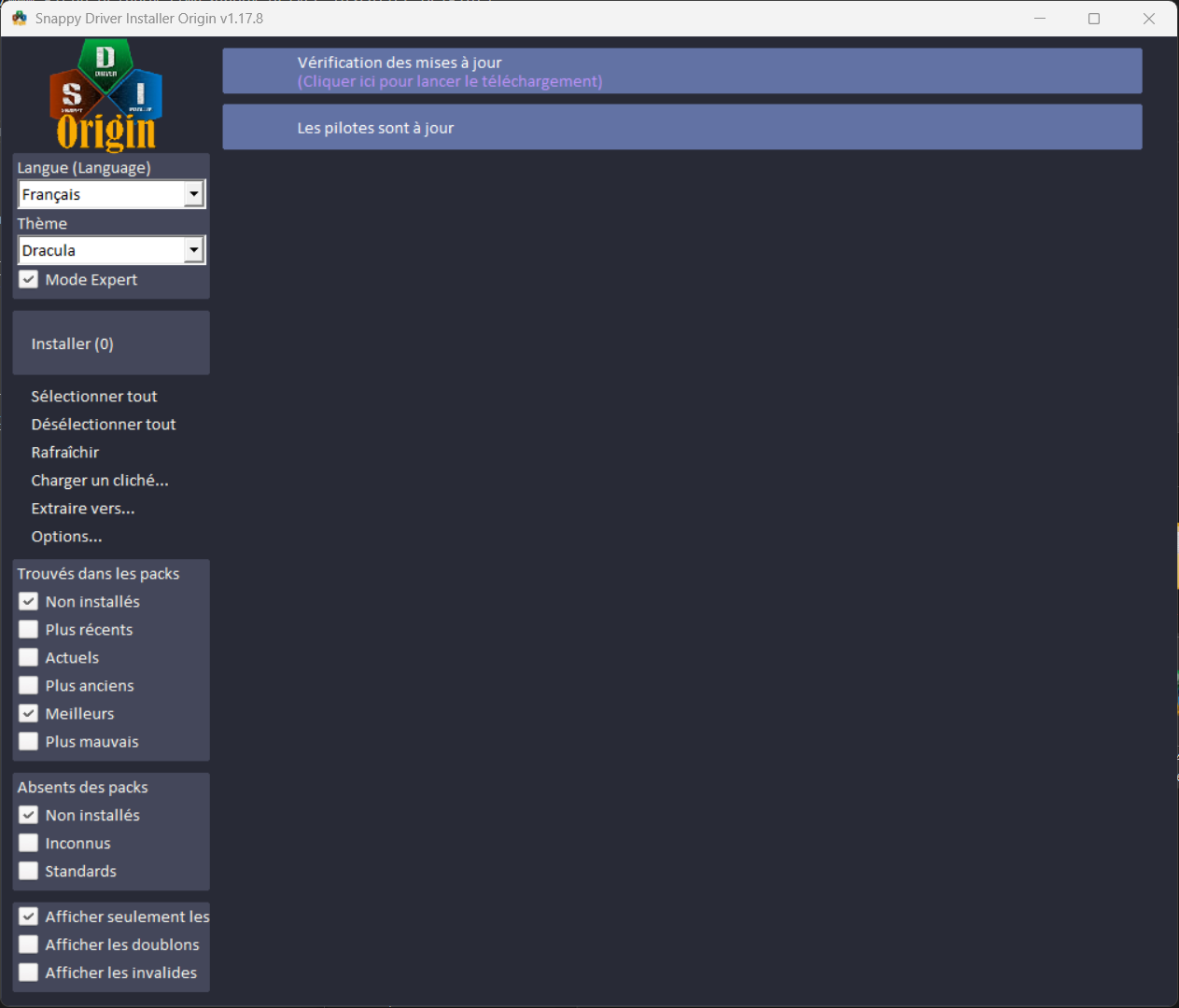
§Snappy Driver Installer Origin
§Install using Git
If you use Git, you can clone this repository to install the theme and keep it up to date:
git clone https://github.com/dracula/snappy-driver-installer-origin.git
§Install manually
Download the GitHub .zip archive, then extract it.
§Activate the theme
§Step 1: Download and extract files
- Download the Snappy Driver Installer Origin archive from the official website: Snappy Driver Installer Origin.
- Download the Dracula theme archive (it includes the
toolsfolder). - Extract both archives to the location of your choice.
§Step 2: Copy the tools folder
- In the extracted Dracula theme archive, locate the
toolsfolder. - Copy the
toolsfolder. - Paste it into the extracted Snappy Driver Installer Origin folder.
§Step 3: Launch Snappy Driver Installer Origin
- Open the Snappy Driver Installer Origin folder.
- Launch the application by running
SDIO_{version}.exe. - Select the
Draculatheme.
Result:
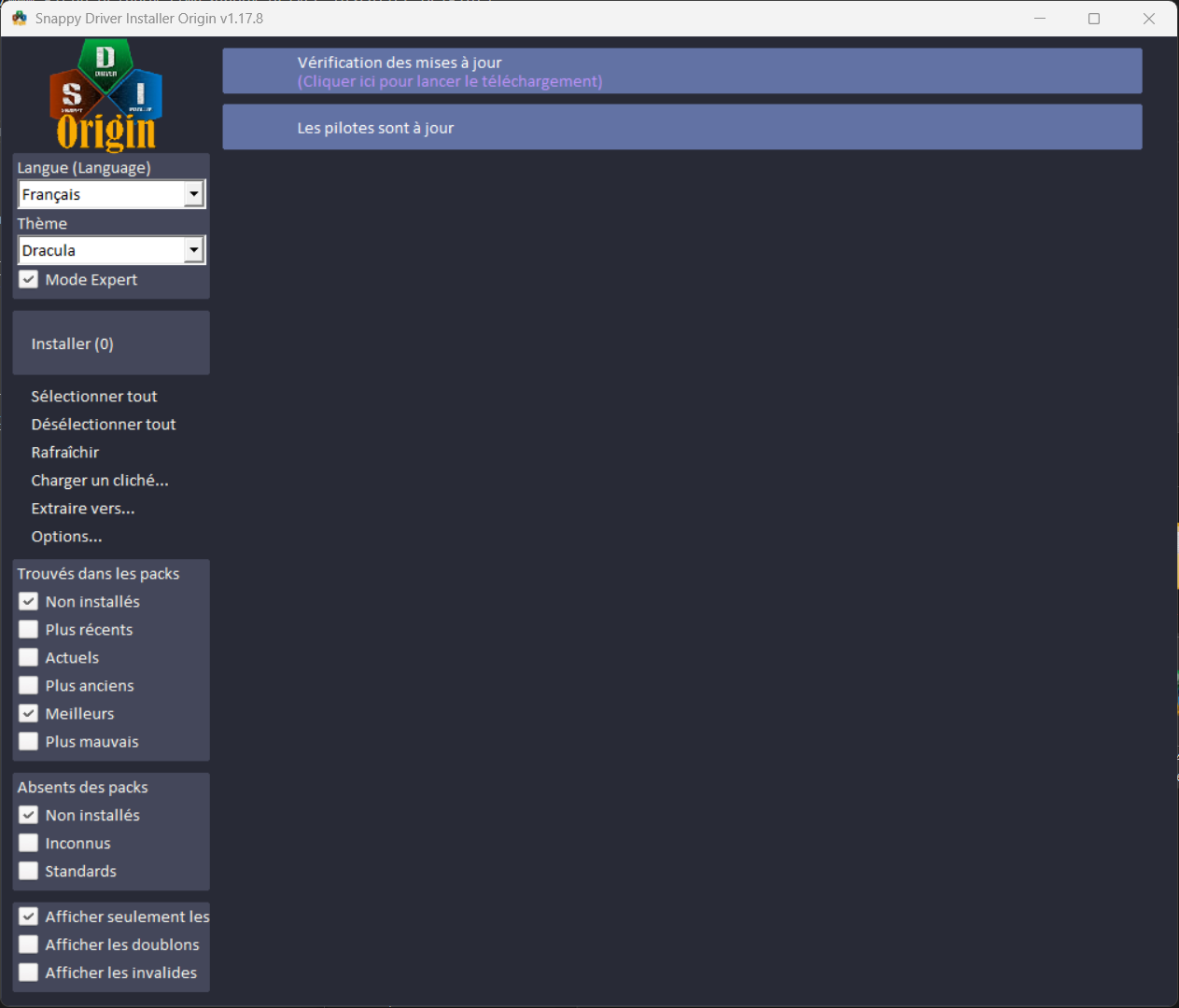
Installation is complete. The theme is now applied. ✨