
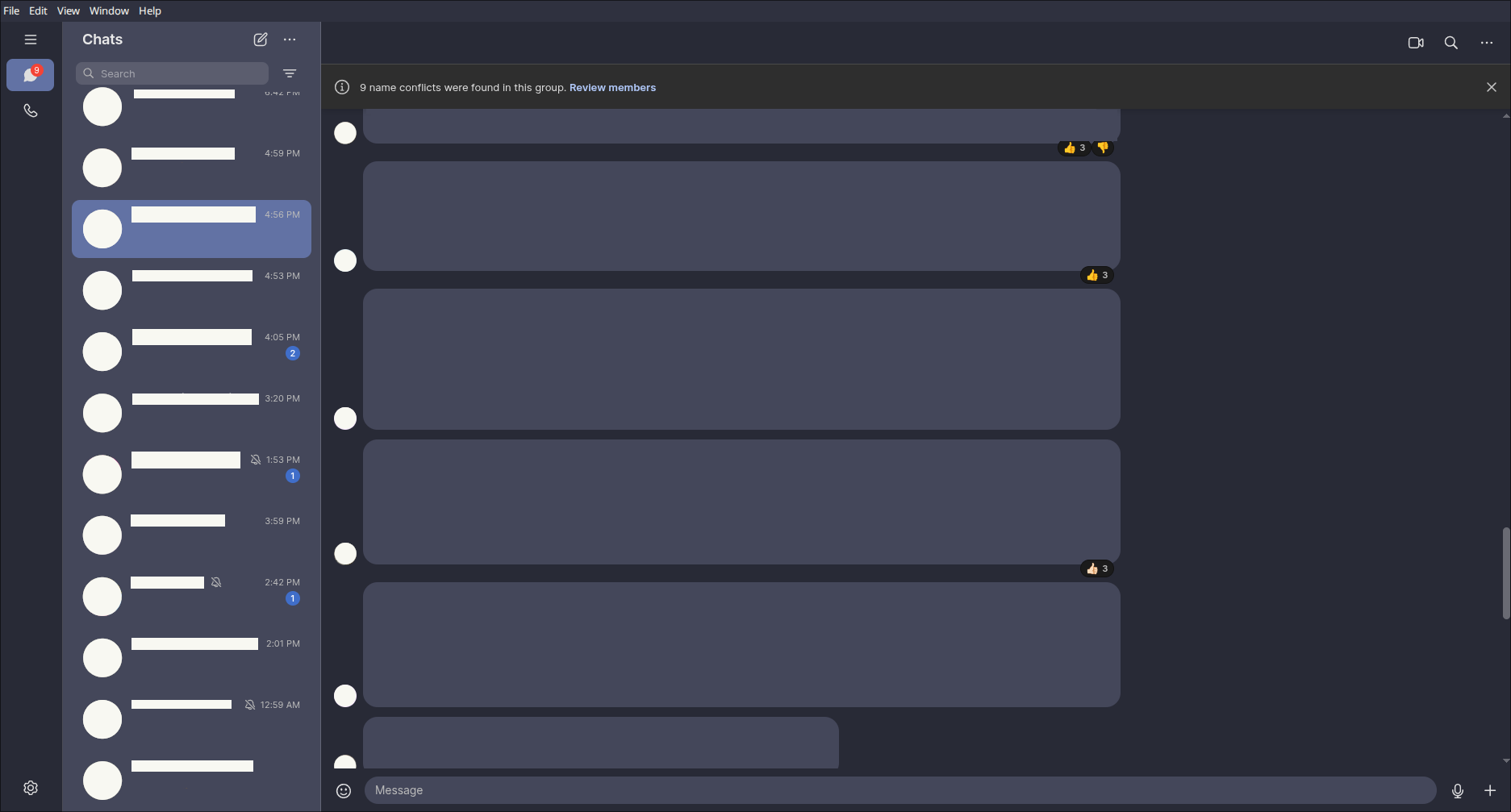
§Signal desktop
§Install using Git
If you are a git user, you can install the theme and keep up to date by cloning the repo:
git clone https://github.com/dracula/signal-desktop.git
The stylesheet you need is at sample/themes.css.
§Install manually
Download using the GitHub .zip download option and unzip it. Copy sample/themes.css from the archive.
§Activating theme
§Windows
- Install 7-Zip and its asar7z plugin.
- Open
C:\Users\user_name\AppData\Local\Programs\signal-desktop\resources\app.asarwith 7-Zip. - Go into the
stylesheetsdirectory. - Copy
themes.cssinto that directory (use the file fromsample/themes.cssin this repository, namedthemes.cssnext to the other stylesheets). - Edit
manifest.cssand add this import at the top:@import "themes.css"; - Save, close your editor, and restart Signal if it is running.
§Linux (Nix flake)
Add the input:
dracula.url = "github:dracula/signal-desktop";
Add overlays:
overlays = [
  inputs.dracula.overlays
];
Use your NixOS or Home Manager integration for signal-desktop as usual with the overlaid package.
§Linux (other)
Install @electron/asar from npm, for example:
npm install -g @electron/asar
Set variables (adjust SIGNAL_DIR for your install or Flatpak layout):
TEMP=$(mktemp -d)
SIGNAL_DIR="/usr/lib/signal-desktop/resources"
[!NOTE] If you use the Flatpak version, try:
SIGNAL_DIR="/var/lib/flatpak/app/org.signal.Signal/current/active/files/Signal/resources"
Extract the asar into the temporary directory:
asar e "${SIGNAL_DIR}/app.asar" "${TEMP}"
Download the theme file into the unpacked stylesheets folder:
curl -fsSL "https://raw.githubusercontent.com/dracula/signal-desktop/main/sample/themes.css" -o "${TEMP}/stylesheets/themes.css"
Add the import at the start of manifest.css:
sed -i "1i @import \"themes.css\";" "${TEMP}/stylesheets/manifest.css"
Repack app.asar (you may need sudo to write under /usr/lib):
sudo asar p "${TEMP}" "${SIGNAL_DIR}/app.asar"