
§Rune
§Install using Rune
Requires Rune built from
mainat commite428893(2026-10-04) or later.
In the Rune console, run:
pkg install github.com/dracula/rune
From the command prompt you can do the same in one step:
console pkg install github.com/dracula/rune
§Install using Git
If you are a Git user, you can install the theme and keep it up to date by cloning the repo:
git clone https://github.com/dracula/rune.git
§Install manually
Download using the GitHub .zip download option and unzip it.
§Activating theme
- Install the package (see above).
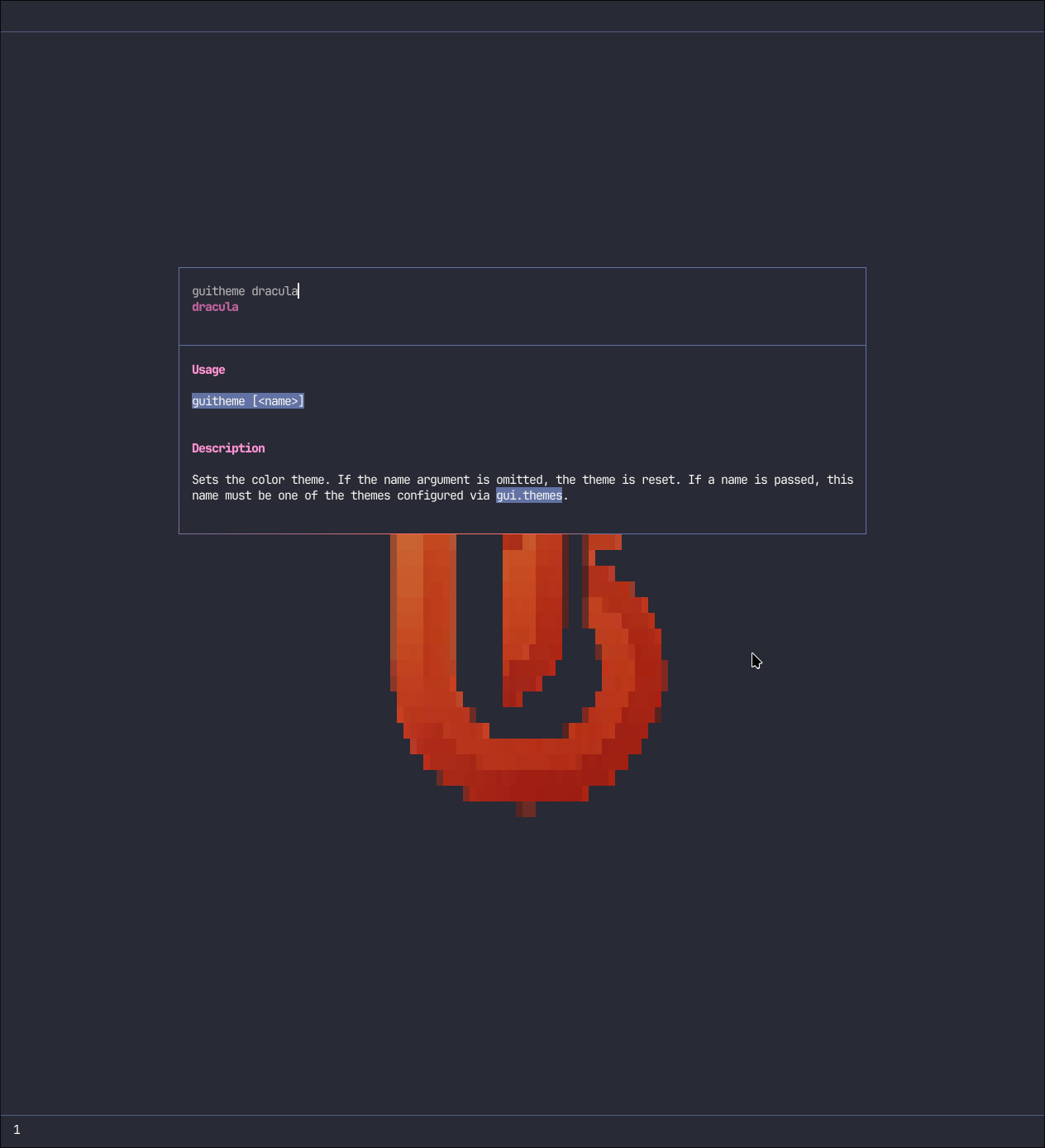
- Activate the theme:
guitheme dracula
- To use it at startup, set the following in your own
config.yaml:
gui:
  default_theme: dracula
- Boom! It's working ✨