
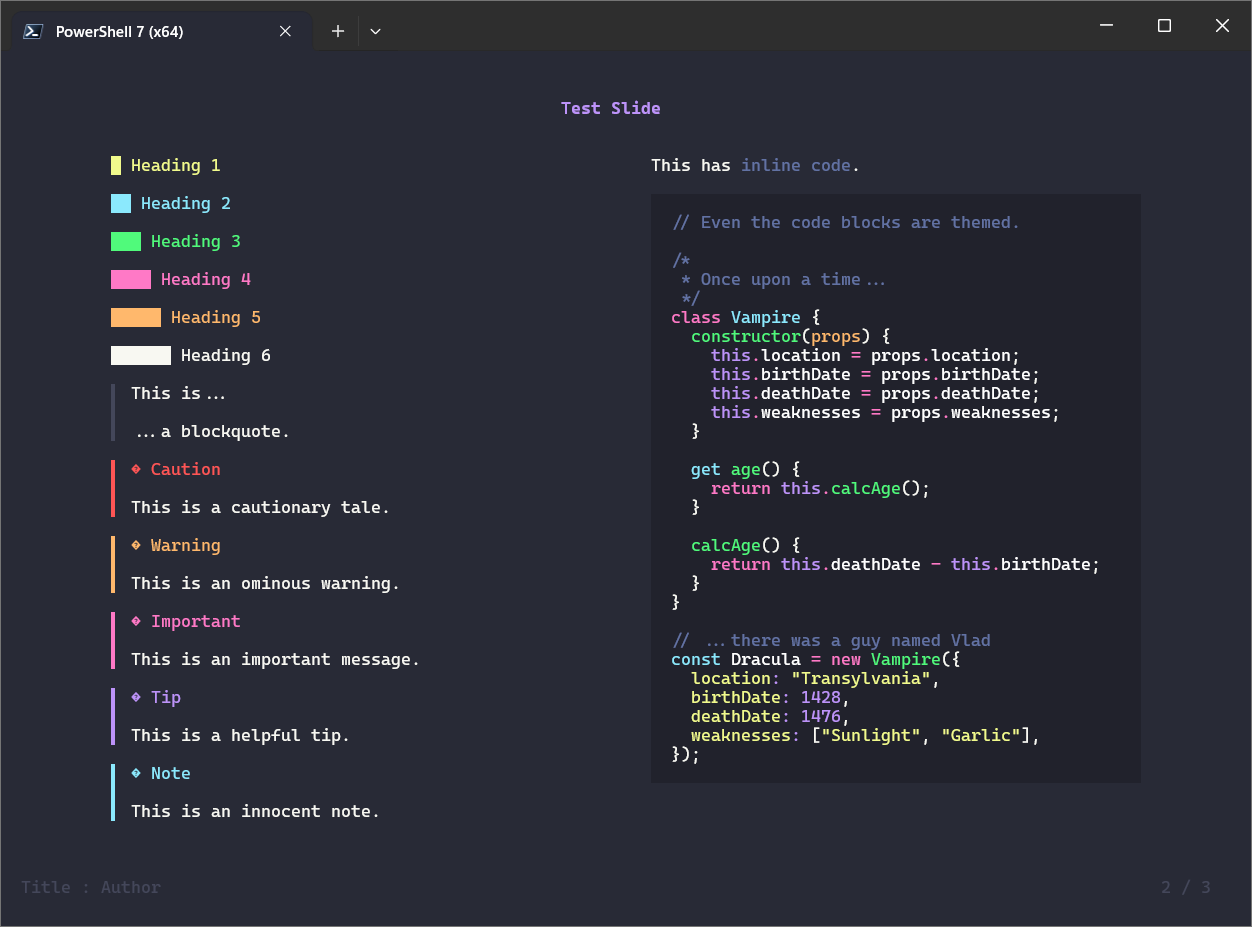
§presenterm
§Install using Git
If you are a git user, you can install the theme and keep up to date by cloning the repo:
git clone https://github.com/dracula/presenterm.git
§Install manually
Download using the GitHub .zip download option and unzip them.
§Activating theme
§By Path
Simply configure the theme file location in the YAML front matter of your presentation.
---
theme:
  path: /path/to/dracula-theme.yaml
---
§By Name
Copy the contents of the themes/ directory into the themes/ directory under the presenterm configuration directory. Now, you can activate the theme by simply using its name in the YAML front matter of your presentation or by passing the --theme CLI option.
---
theme:
  name: dracula
---
§Code Block Syntax Highlighting
The theme for syntax highlighting in code blocks is based on dracula/sublime.