
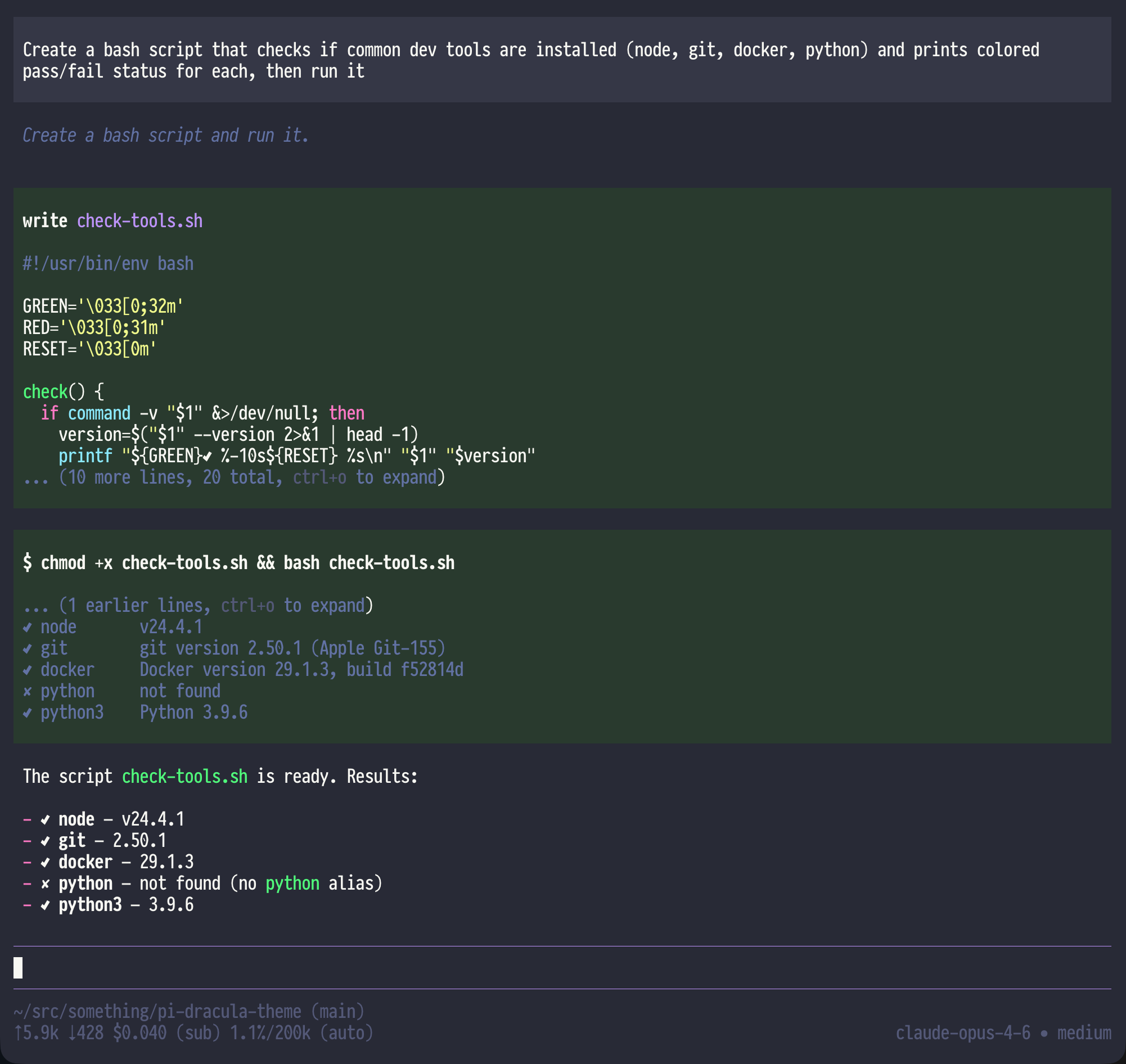
§pi
§Install using Git
Clone the repository to keep the theme up to date with the latest changes:
git clone https://github.com/dracula/pi-coding-agent.git
§Install manually
Download the .zip archive from GitHub and extract it to a location of your choice.
§Activating theme
-
Create the pi themes directory if it doesn't exist:
mkdir -p ~/.pi/agent/themes -
Symlink the theme file into the pi themes directory:
ln -s /path/to/pi-dracula/dracula.json ~/.pi/agent/themes/dracula.jsonReplace
/path/to/pi-draculawith the actual path where you cloned or extracted the theme. -
Open pi and run
/settings, then selectdraculafrom the theme list.Alternatively, open
~/.pi/agent/settings.jsondirectly and add:{ "theme": "dracula" } -
Restart pi for the changes to take effect.