
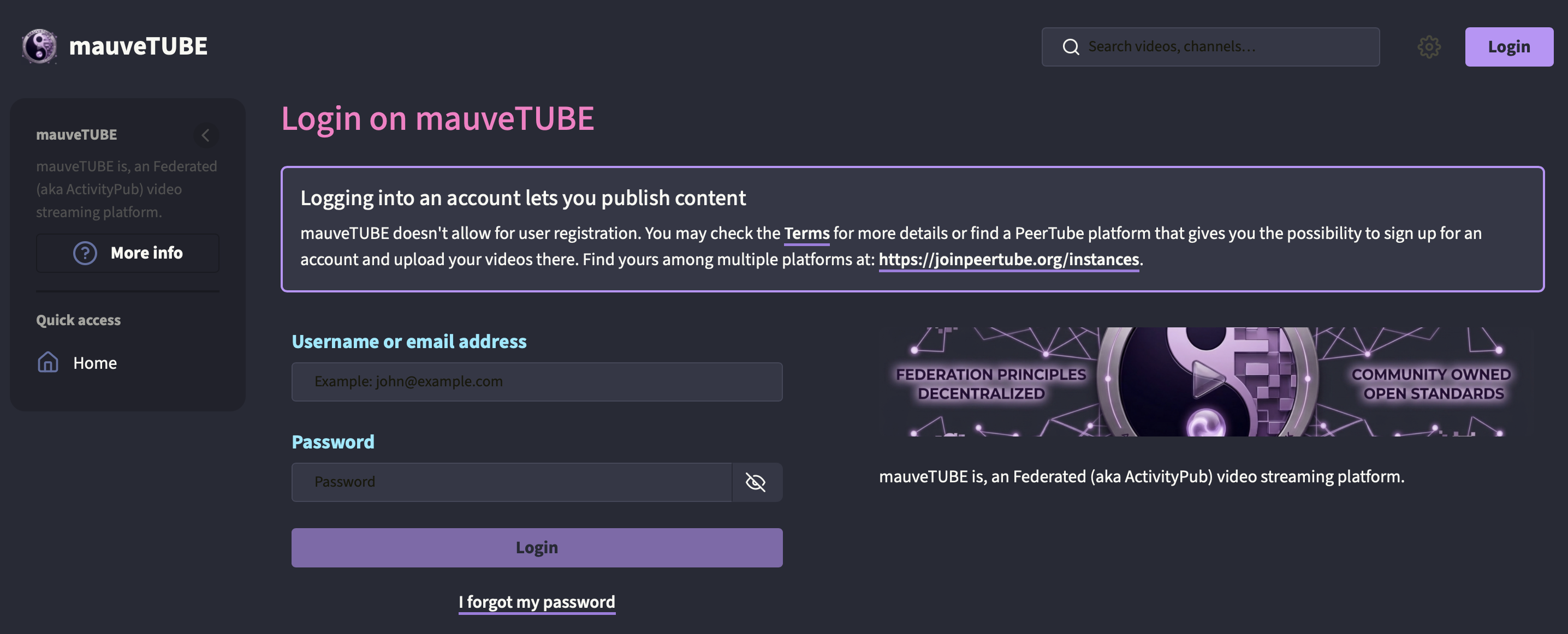
§PeerTube
§Install from the PeerTube admin UI
Navigate to Administration > Plugins/Themes > Search and search for peertube-theme-dracula.
§Install from npm
peertube-cli plugins install --npm-name peertube-theme-dracula
§Install from git
If you are a git user, you can install the theme and keep up to date by cloning the repository:
git clone https://github.com/mauvehed/peertube-dracula-theme.git
Then install from the local path:
peertube-cli plugins install --path /path/to/peertube-dracula-theme
§Activating theme
- Open your PeerTube administration panel.
- Go to Administration > Configuration > Theme.
- Select Dracula and save.