
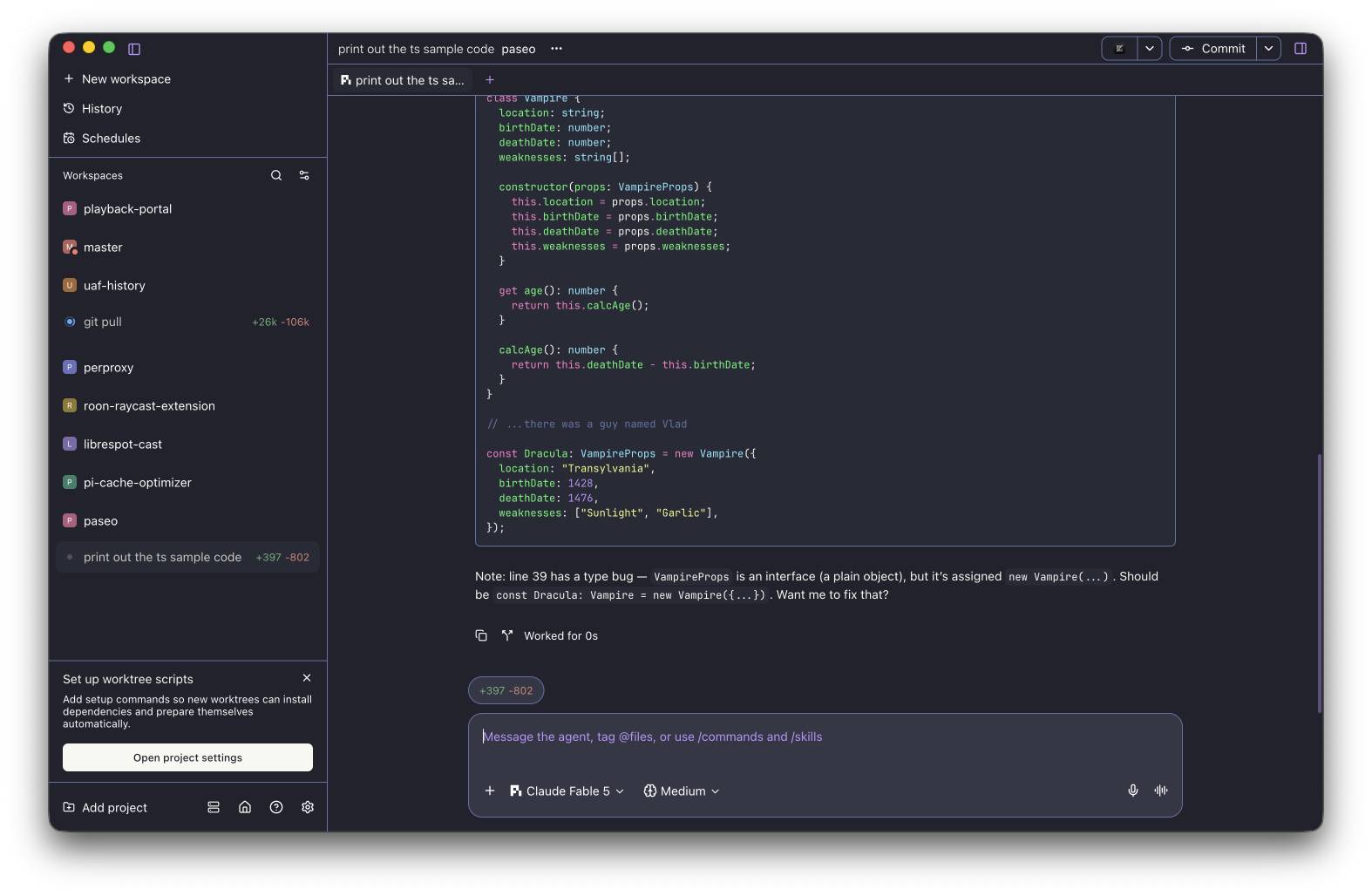
§Paseo
Requires Paseo 0.8.0 or later. Paseo 0.7: install the v0.7 directory, not the repo root. This theme is a data-only plugin: it registers themes and nothing
else — no surfaces, commands, RPCs, filesystem, process, or network access. As with all Paseo
plugins (trusted code), review the source before installing on the daemon host.
§Install using Git
If you are a Git user, you can install the theme and keep it up to date by cloning the repo:
git clone https://github.com/dracula/paseo.git
Or add it directly from Git:
paseo plugin add dracula/paseo
Paseo 0.7:
paseo plugin install /path/to/paseo/v0.7
§Install manually
Download using the GitHub .zip download option and unzip it.
§Activating theme
- Go to Settings;
- Navigate to Host, Plugins;
- Input the path to the theme plugin directory, enable plugins.
- Navigate to App, Appearance;
- Select the Theme
Dracula(dark) orAlucard(light) from the Theme dropdown. - Syntax highlighting is configured separately: select the built-in Highlight theme
Draculafor the dark variant, or any light-capable highlight theme for Alucard. - Boom! It's working ✨
§Update
paseo plugin update paseo
§Remove
paseo plugin remove paseo
§Local development
Requires Bun.
git clone https://github.com/dracula/paseo.git
cd paseo
bun install
bun run check && bun run typecheck && bun run test
paseo plugin install "$PWD"