
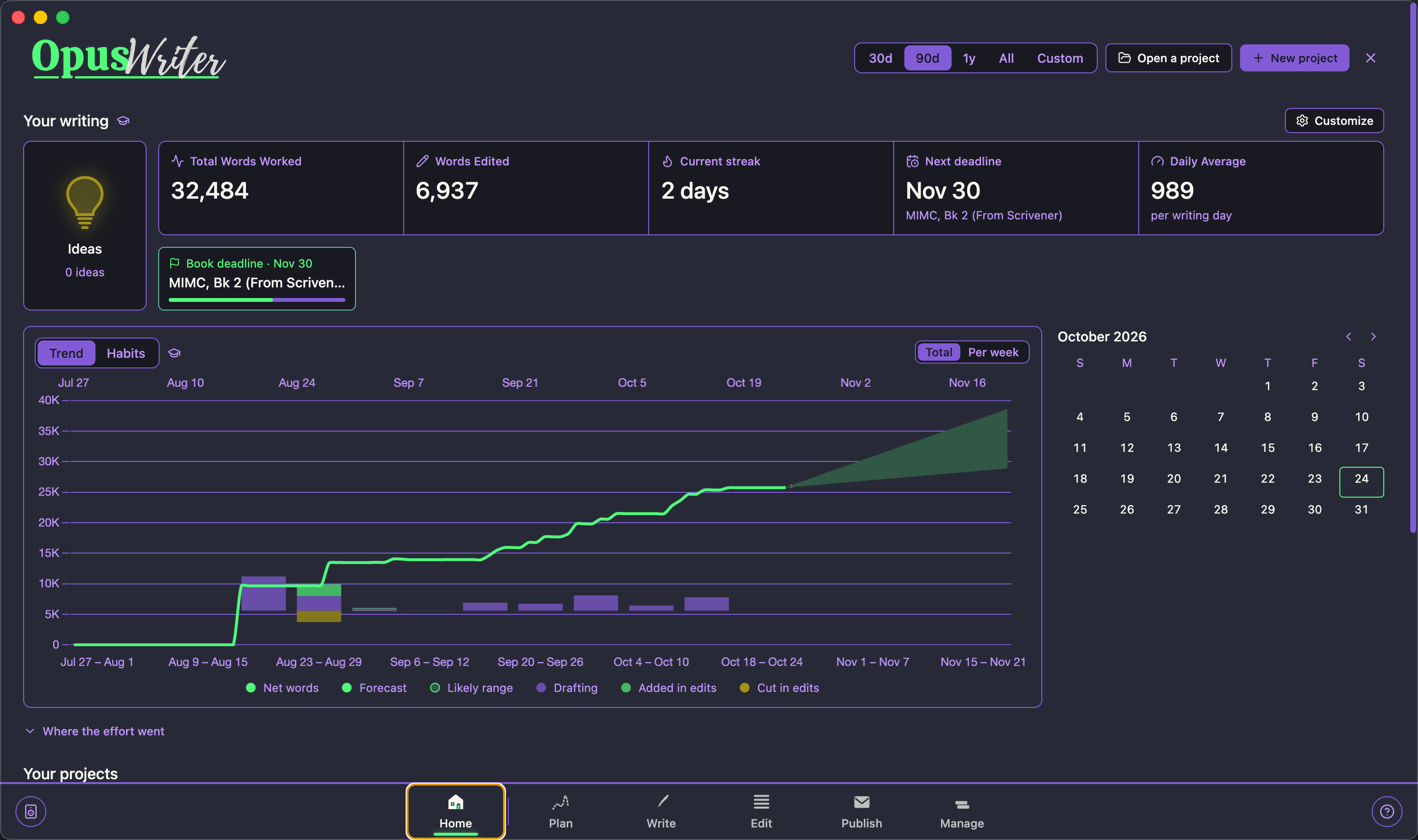
§OpusWriter
§Install using Git
If you are a Git user, you can install the theme and keep it up to date by cloning the repo:
git clone https://github.com/dracula/opus-writer.git
§Install manually
Download using the GitHub .zip download option and unzip it.
§Activating theme
- Open OpusWriter and open the Appearance Studio;
- Import
Dracula.opustheme(dark) and/orAlucard.opustheme(light); - Apply the theme from My Themes to your series or book;
- Boom! It's working ✨