
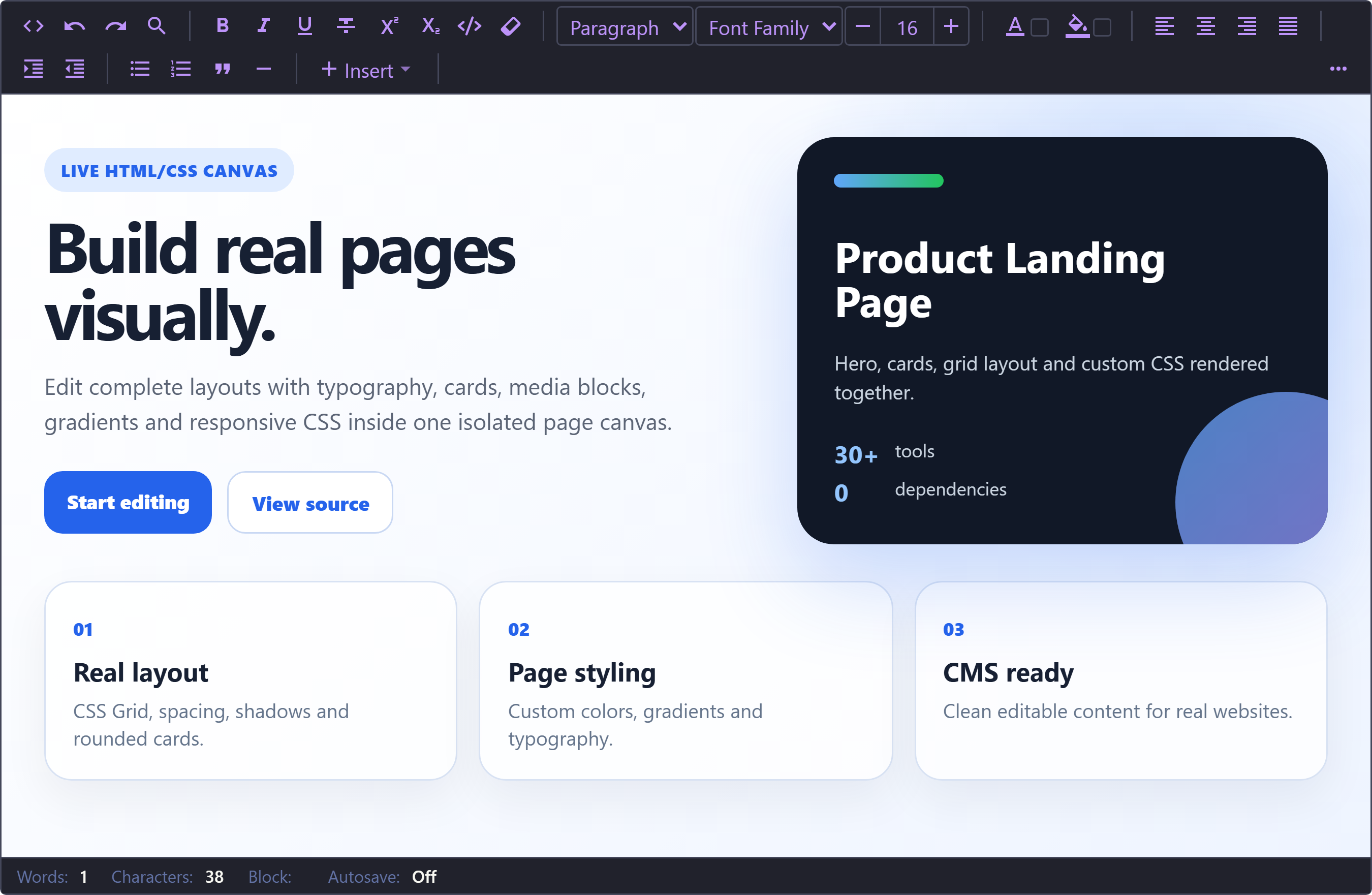
§Neiki's Page Editor
The Dracula Theme ships with Neiki's Page Editor 0.4.0 and later — no separate theme install is required. Clone or download this repository only if you want the theme source.
§Install using Git
If you use Git, clone the repository and keep it up to date:
git clone https://github.com/dracula/neiki-page-editor.git
§Install manually
Download the GitHub .zip archive and unzip it.
§Activating the theme
- Make sure you are using Neiki's Page Editor 0.4.0 or later, which includes the Dracula theme.
- Enable Dracula in one of these ways:
- Pass
theme: 'dracula'when creating the editor - Open the toolbar's More menu and use Change Theme to cycle to Dracula
- Switch at runtime with
editor.setTheme('dracula')
- Pass
const editor = new NeikiPageEditor("#editor", {
  theme: "dracula",
});
Note: The selected theme is stored globally in
localStorageonly whenpersistTheme: trueis enabled. If a user previously chose a different theme, that saved choice overrides thethemeoption on later loads — the config value is only the initial default.
- Boom! It's working ✨