
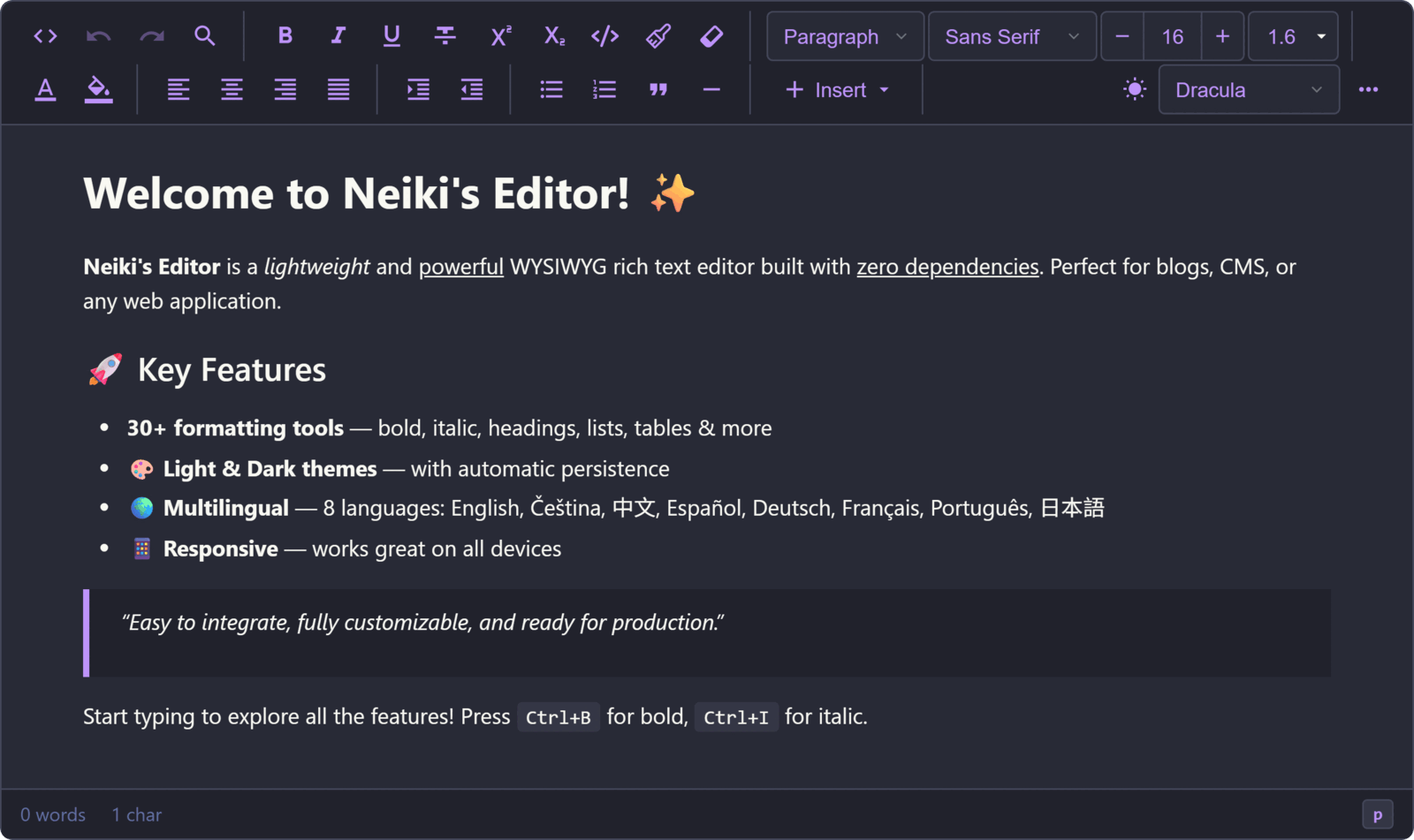
§Neiki's Editor
The Dracula theme is an external package for Neiki's Editor 3.14.0 and later. Clone or download this repository to install the theme source.
§Install using Git
If you are a Git user, you can clone the repo and keep it up to date:
git clone https://github.com/dracula/neiki-editor.git
§Install manually
Download using the GitHub .zip download option and unzip it.
§Activating theme
- Copy this repository's
themes/dracula/folder into your Neiki's Editorthemes/folder. - Add
"dracula/theme.json"to thethemesarray in Neiki's Editor's centralthemes/index.jsonmanifest. - Pass
theme: 'dracula'when creating the editor, open the toolbar's theme selector and choose Dracula, or switch to it at runtime witheditor.setTheme('dracula').
const editor = new NeikiEditor("#editor", {
  theme: "dracula",
});
If your themes folder has another name or location, configure its URL with themesUrl:
const editor = new NeikiEditor("#editor", {
  themesUrl: "/assets/neiki-themes/",
});
Note: the selected theme is remembered globally in
localStorage. If a user previously picked a different theme, that saved choice takes precedence over thethemeoption on subsequent loads — the config value only applies as the initial default.
- Boom! It's working ✨