
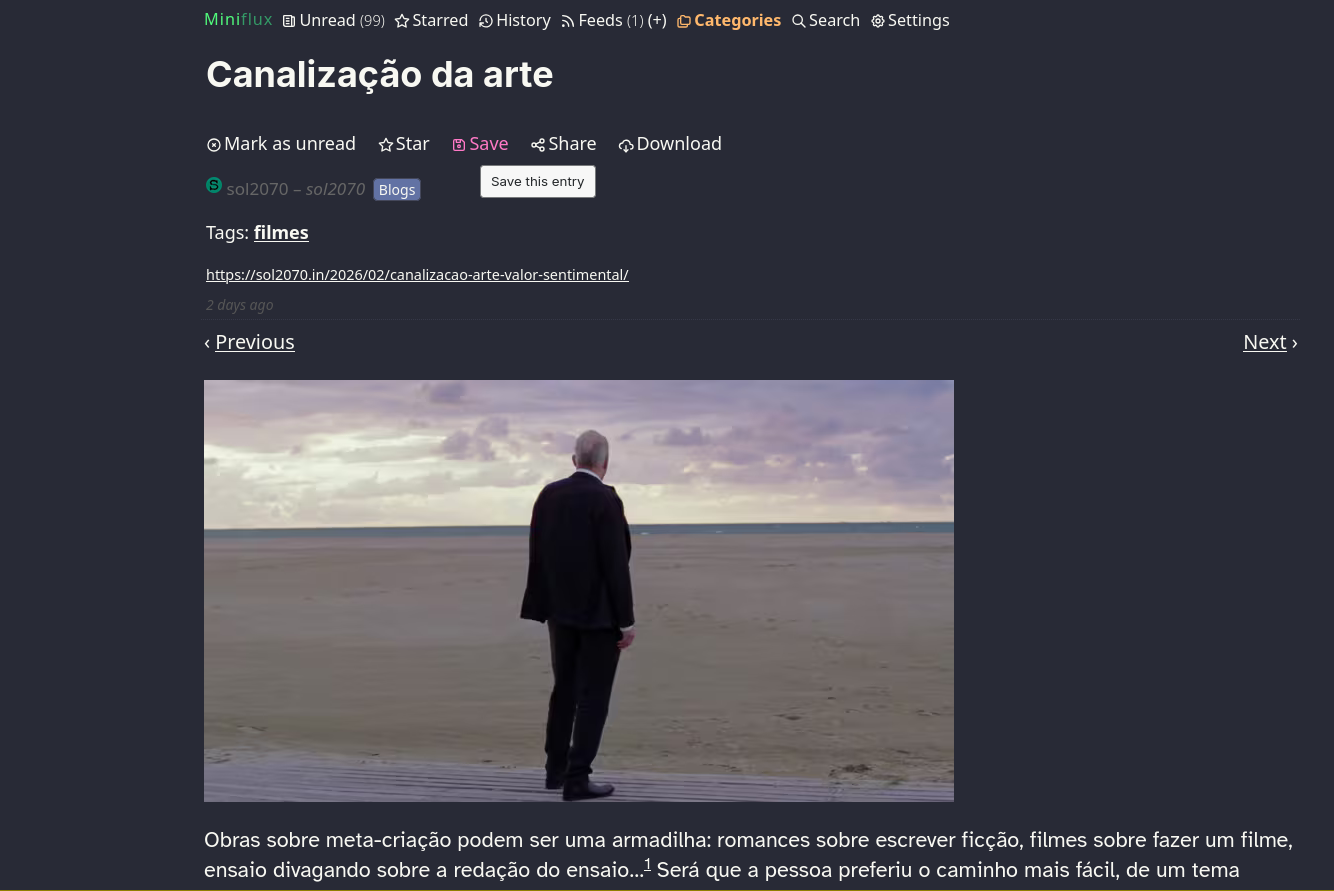
§Miniflux
§Prerequisites
In Settings → Appearance, set the theme to System.
§Install using Git
If you are a git user, you can install the theme and keep up to date by cloning the repo:
git clone https://github.com/dracula/miniflux.git
Open miniflux-dracula.css from the cloned repository and copy its contents.
§Install manually
Download using the GitHub .zip download option, or open the raw CSS file directly:
§Activating theme
- Copy the contents of
miniflux-dracula.css. - Go to Settings → Custom CSS in your Miniflux instance.
- Paste the CSS into the textarea.
- Click Save. ✨
§Optional enhancements
For a wider layout, larger titles, custom fonts, and styled blockquotes, also paste the contents of mf-drc-opt.css below the main theme CSS in the same textarea.