
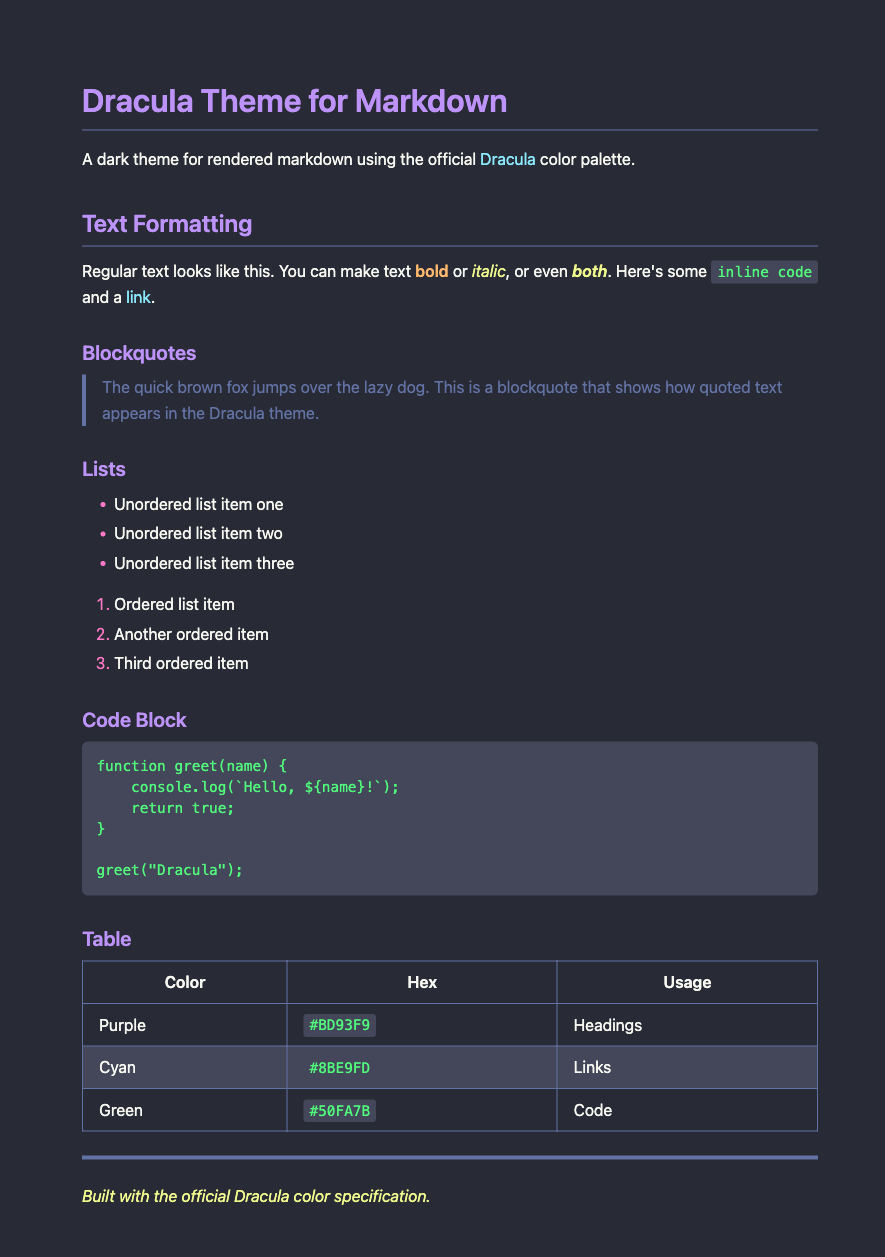
§Dracula for Markdown CSS
§Install
§Option 1: Download
- Save
dracula-markdown.cssinto your project - Reference it from your HTML:
<link rel="stylesheet" href="dracula-markdown.css" />
§Option 2: CDN
<link
  rel="stylesheet"
  href="https://cdn.jsdelivr.net/gh/dracula/markdown-css/dracula-markdown.css"
/>
§Option 3: npm
npm install dracula-markdown-css
import "dracula-markdown-css/dracula-markdown.css";
§Usage
§Basic Usage
The default build targets plain HTML elements, so your compiled markdown should sit in the document (or a subtree) that loads this stylesheet:
<!DOCTYPE html>
<html>
  <head>
    <link rel="stylesheet" href="dracula-markdown.css" />
  </head>
  <body>
    <h1>My Markdown Content</h1>
    <p>
      Headings, paragraphs, and other elements pick up the Dracula palette
      automatically.
    </p>
  </body>
</html>
§With a Container Class
To style only part of a page, load the scoped build and wrap the rendered markdown in .dracula-markdown:
<link rel="stylesheet" href="dracula-markdown-scoped.css" />

<div class="dracula-markdown">
  <!-- Your markdown content here -->
</div>
§Included Files
| File | Description |
|---|---|
dracula-markdown.css | Element-level rules (typical headings, paragraphs, lists, code, etc.) |
dracula-markdown-scoped.css | Same look, gated behind the .dracula-markdown container |
§Color Palette
Colors follow the canonical Dracula specification:
| Element | Color | Hex |
|---|---|---|
| Background | Background | #282A36 |
| Text | Foreground | #F8F8F2 |
| Headings | Purple | #BD93F9 |
| Links | Cyan | #8BE9FD |
| Code | Green | #50FA7B |
| Bold | Orange | #FFB86C |
| Italic | Yellow | #F1FA8C |
| Blockquotes | Comment | #6272A4 |
| List markers | Pink | #FF79C6 |