
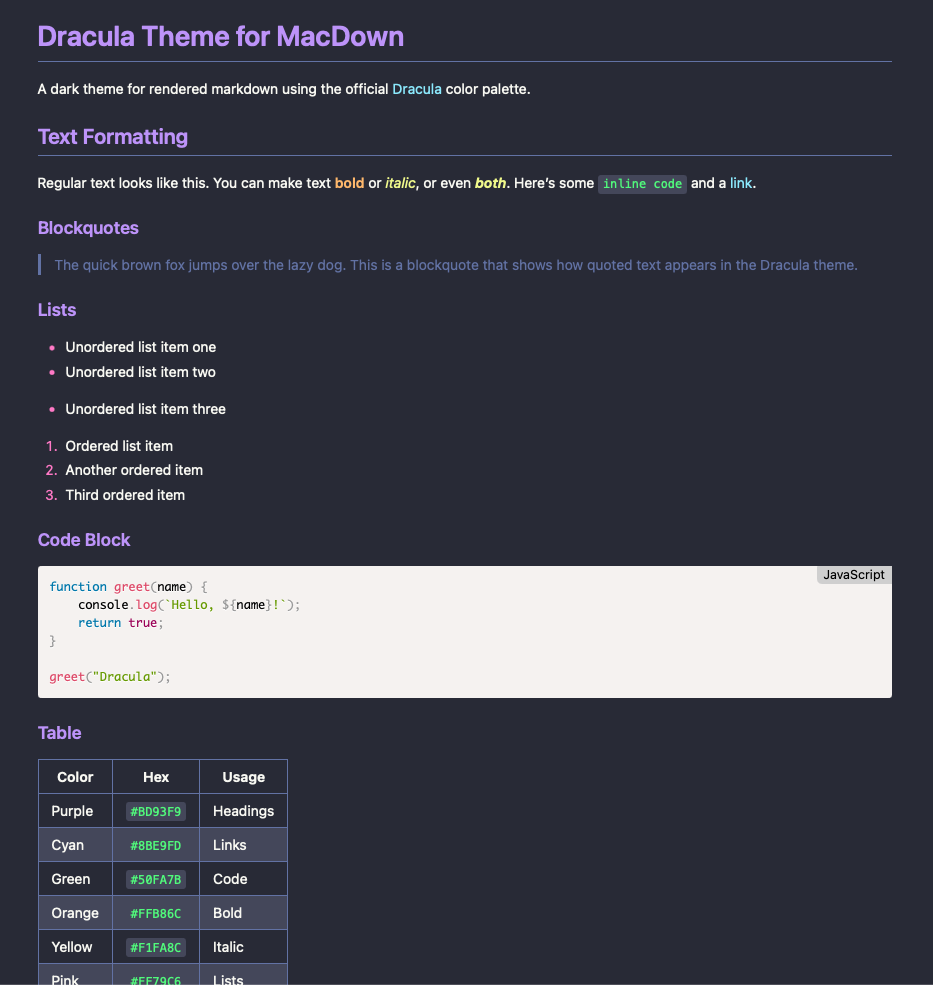
§Dracula for MacDown Preview CSS
§Install
- Download
Dracula.css. - In Finder, open
~/Library/Application Support/MacDown/Styles/- Or use MacDown: MacDown → Preferences → Rendering → Reveal in Finder
- Place
Dracula.cssin theStylesfolder - Quit and reopen MacDown
- Open MacDown → Preferences → Rendering and choose Dracula from the CSS menu
§What This Theme Does
This CSS styles the preview pane in MacDown - the rendered markdown on the right side of the window.
For the editor pane (syntax highlighting on the left), install the official Dracula for MacDown theme.
§Recommended Setup
For a full Dracula setup in MacDown, install both:
- Editor theme (
.stylefile) from draculatheme.com/macdown - Preview CSS (
.cssfile) from this repository
That way the editor and preview both follow the Dracula palette.