
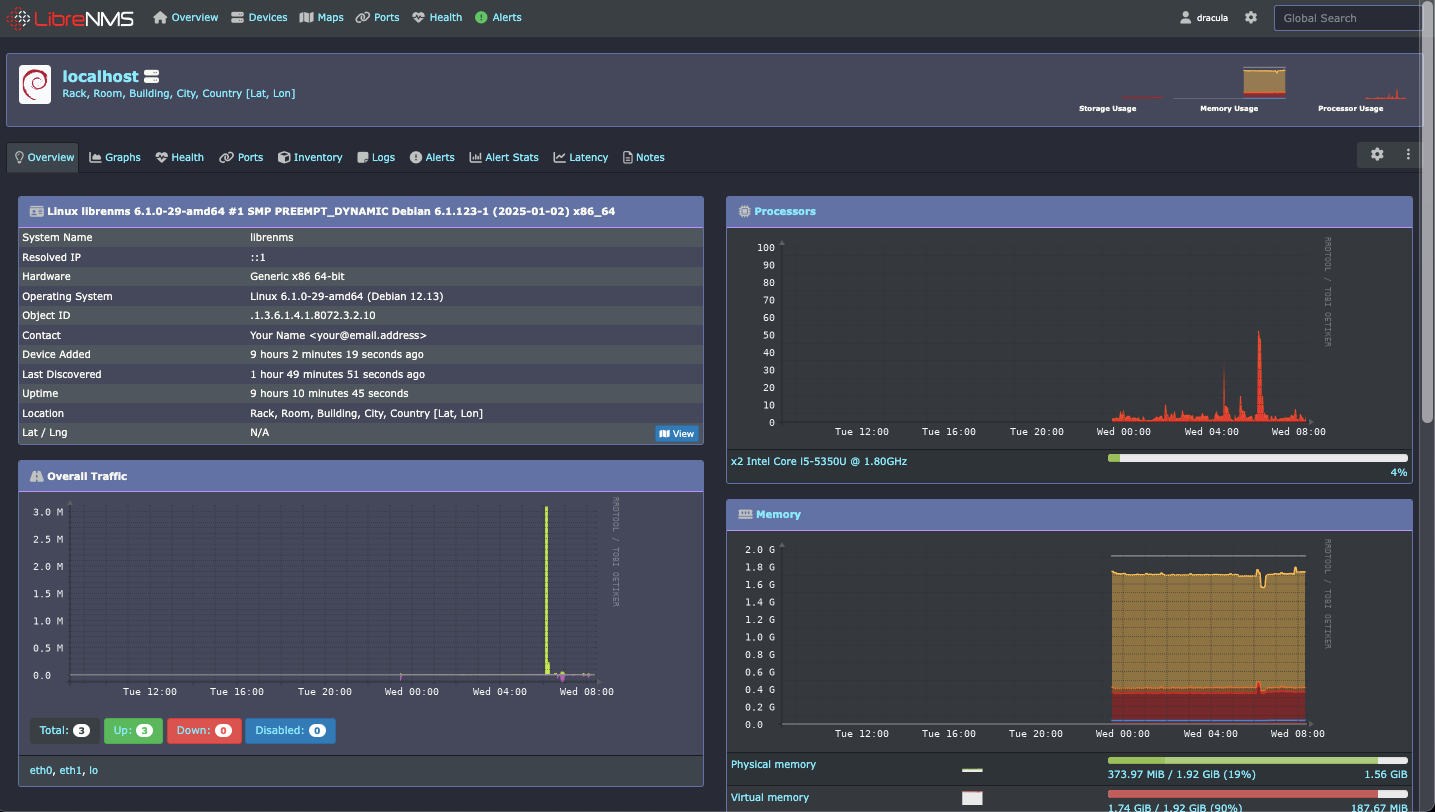
§LibreNMS
§Install the Stylus extension
This theme is applied via the Stylus browser extension:
§Activating the theme
- Click install directly with Stylus;
- In the Stylus tab, replace
your-ip-or-domain.comwith your LibreNMS server address; - Save and reload your LibreNMS instance.
§Configuration for multiple servers
If you manage multiple instances, you can target them explicitly or use a pattern.
Specific servers — list each URL prefix in the document rule:
@-moz-document url-prefix("http://192.168.1.50"), url-prefix("https://nms.yourcompany.com") {
Any LibreNMS instance — match any URL containing the word "librenms":
@-moz-document regexp("https?://.*librenms.*") {