
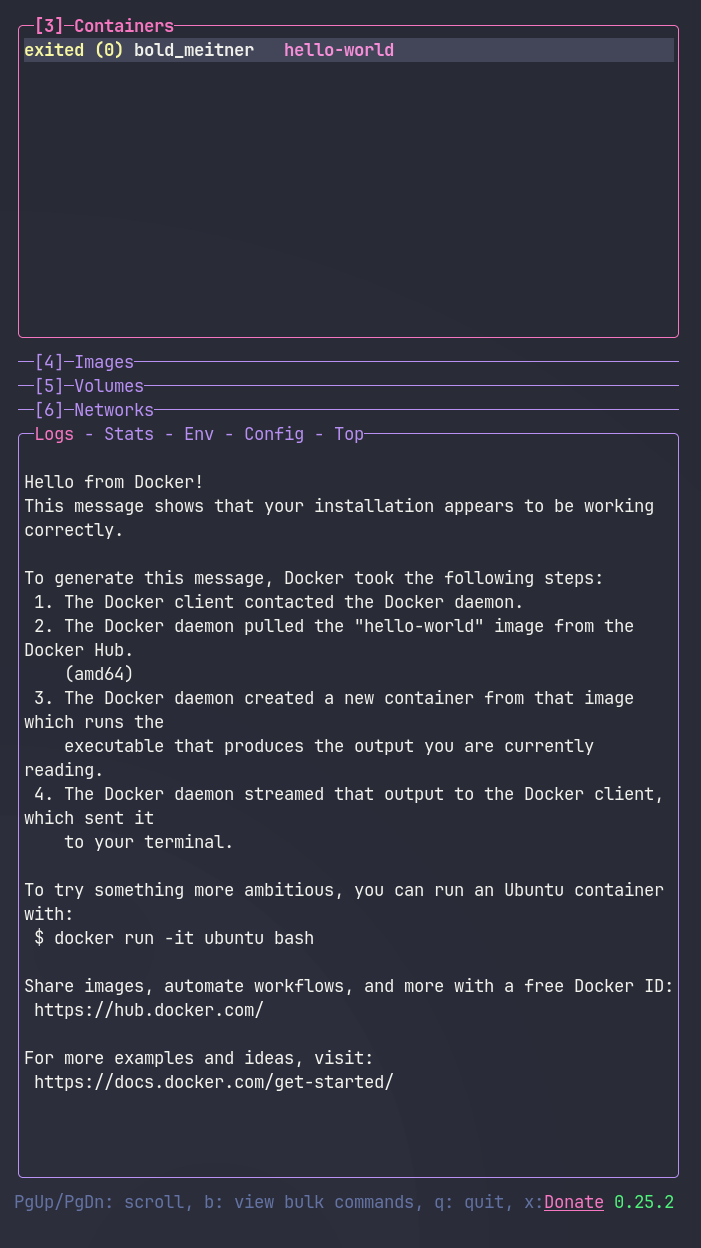
§lazydocker
§Install using Git
If you are a Git user, you can install the theme and keep it up to date by cloning the repo:
git clone https://github.com/dracula/lazydocker.git
§Install manually
Download the GitHub .zip archive, then extract it.
§Activating theme
- Open lazydocker's configuration file by selecting the Status panel and pressing
e. On Linux, the file is usually located at~/.config/lazydocker/config.yml, or at$XDG_CONFIG_HOME/lazydocker/config.ymlifXDG_CONFIG_HOMEis set. - Copy the
gui.themeblock fromconfig/dracula.ymlinto your configuration file. If it already contains agui:section, add or replace itstheme:block while preserving your other settings. Do not create duplicategui:ortheme:keys. If the configuration file is empty, copy the entire contents ofconfig/dracula.yml. - Restart
lazydocker.
For matching background, foreground, and ANSI colors, install a Dracula theme for your terminal. Lazydocker inherits these colors from your terminal, while its gui.theme settings control borders, the selected row, and option text.