
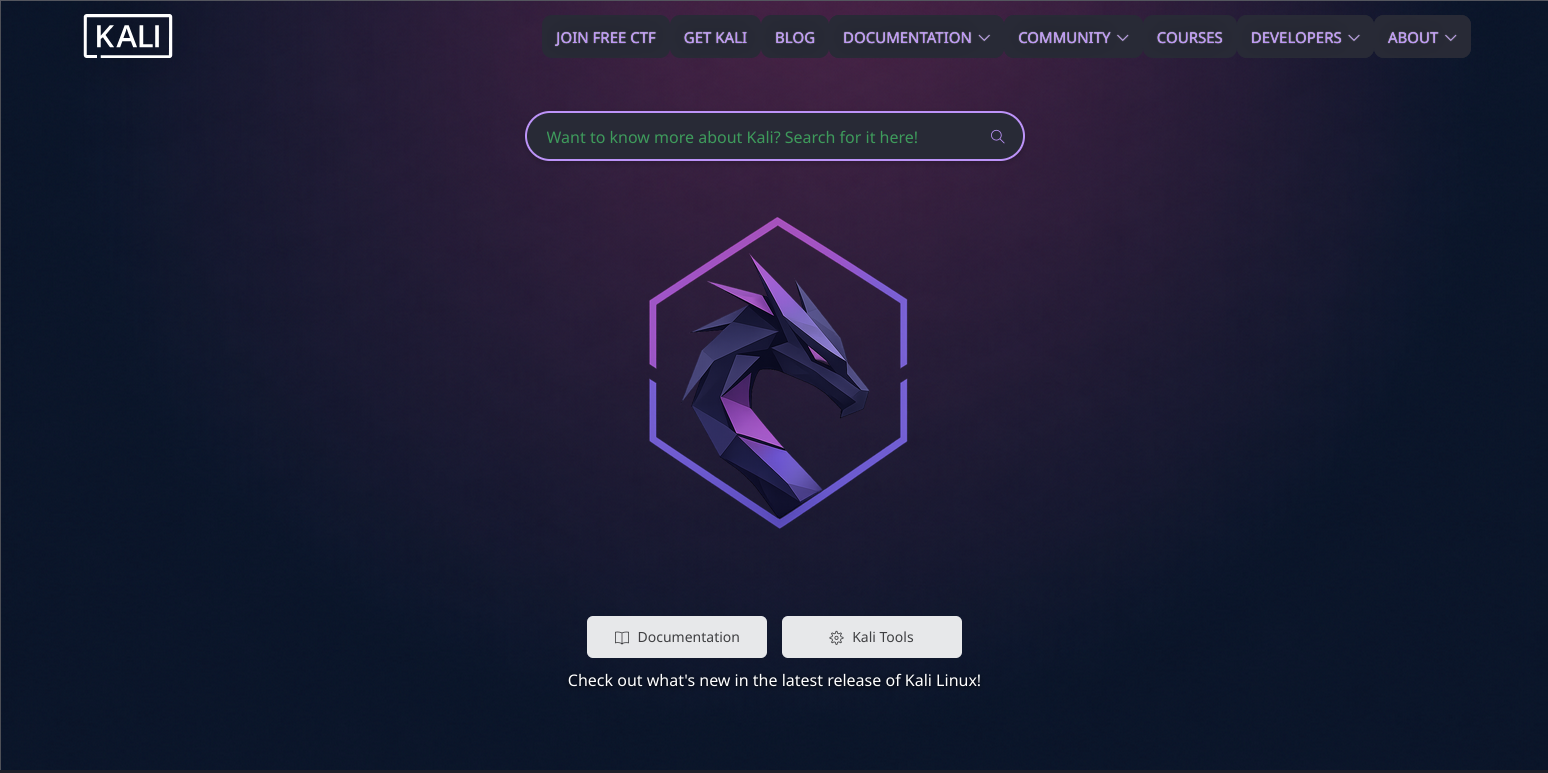
§Kali Browser
§Install using Git
If you are a Git user, you can install the theme and keep it up to date by cloning the repo:
git clone https://github.com/dracula/kali-browser.git
§Install manually
Download using the GitHub .zip download option and unzip it.
§Activating theme
- Copy the contents of the
imgdirectory into Kali Browser's image directory:
sudo cp -r img/* /usr/share/kali-defaults/web/images/
- If the directory already contains images with the same names, they will be replaced.
- Close and reopen Kali Browser to ensure all assets are loaded correctly.
- Boom! It's working ✨