
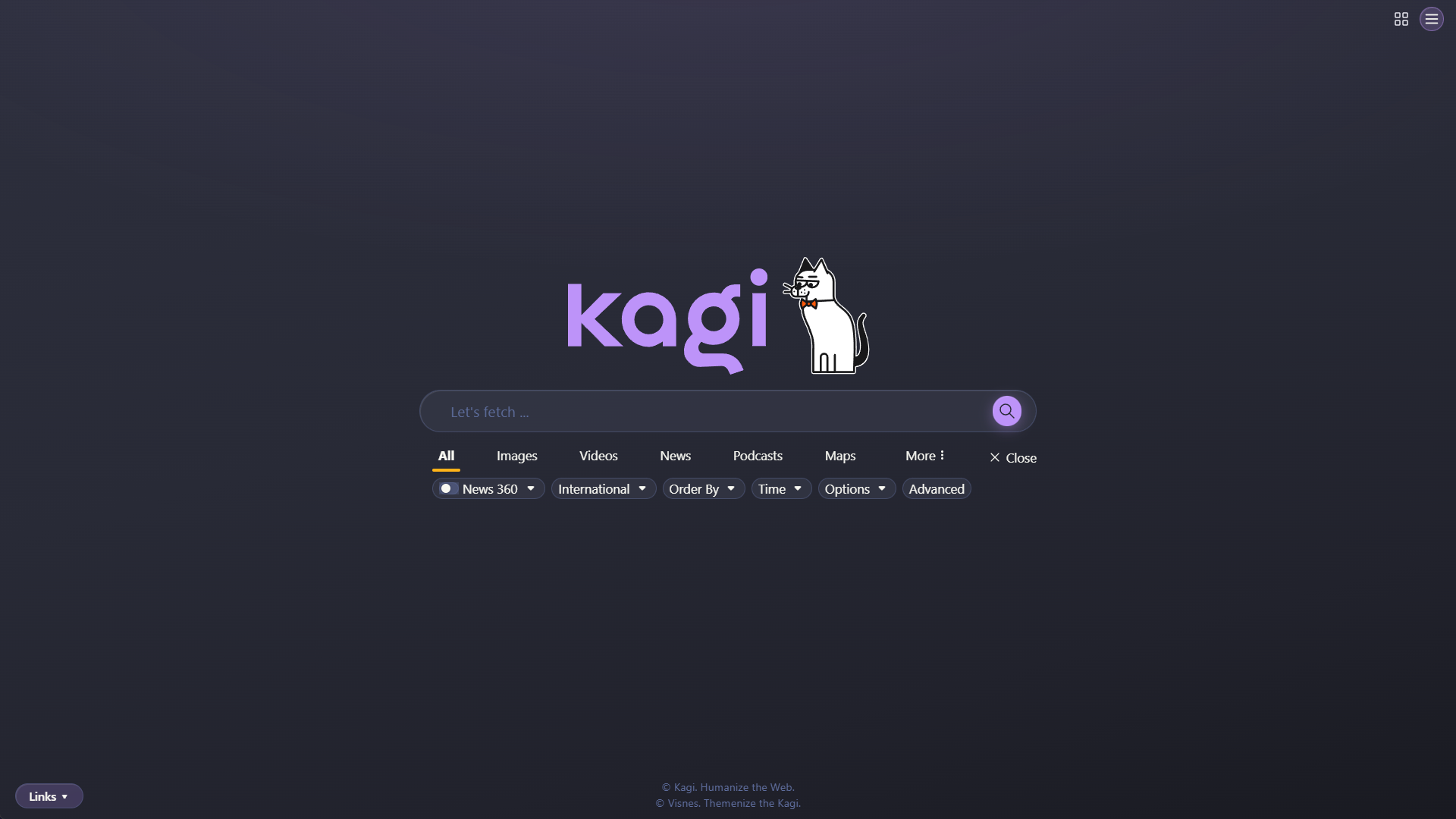
§Kagi
§Install using Git
If you are a git user, you can install the theme and keep up to date by cloning the repo:
git clone https://github.com/dracula/kagi.git
§Install manually
Download using the GitHub .zip download option and unzip them.
§Activating theme
- Open Kagi Settings → Appearance → Custom CSS.
- Turn on Enable Custom CSS.
- Copy the entire contents of
custom.cssand paste them into the text area. - Click Apply Custom CSS.
The theme follows your system's color scheme — Dracula for dark mode and Alucard for light mode.
Tip: If something breaks, add
?no_cssto any Kagi URL (for example,kagi.com/search?q=test&no_css) to temporarily disable custom CSS.