
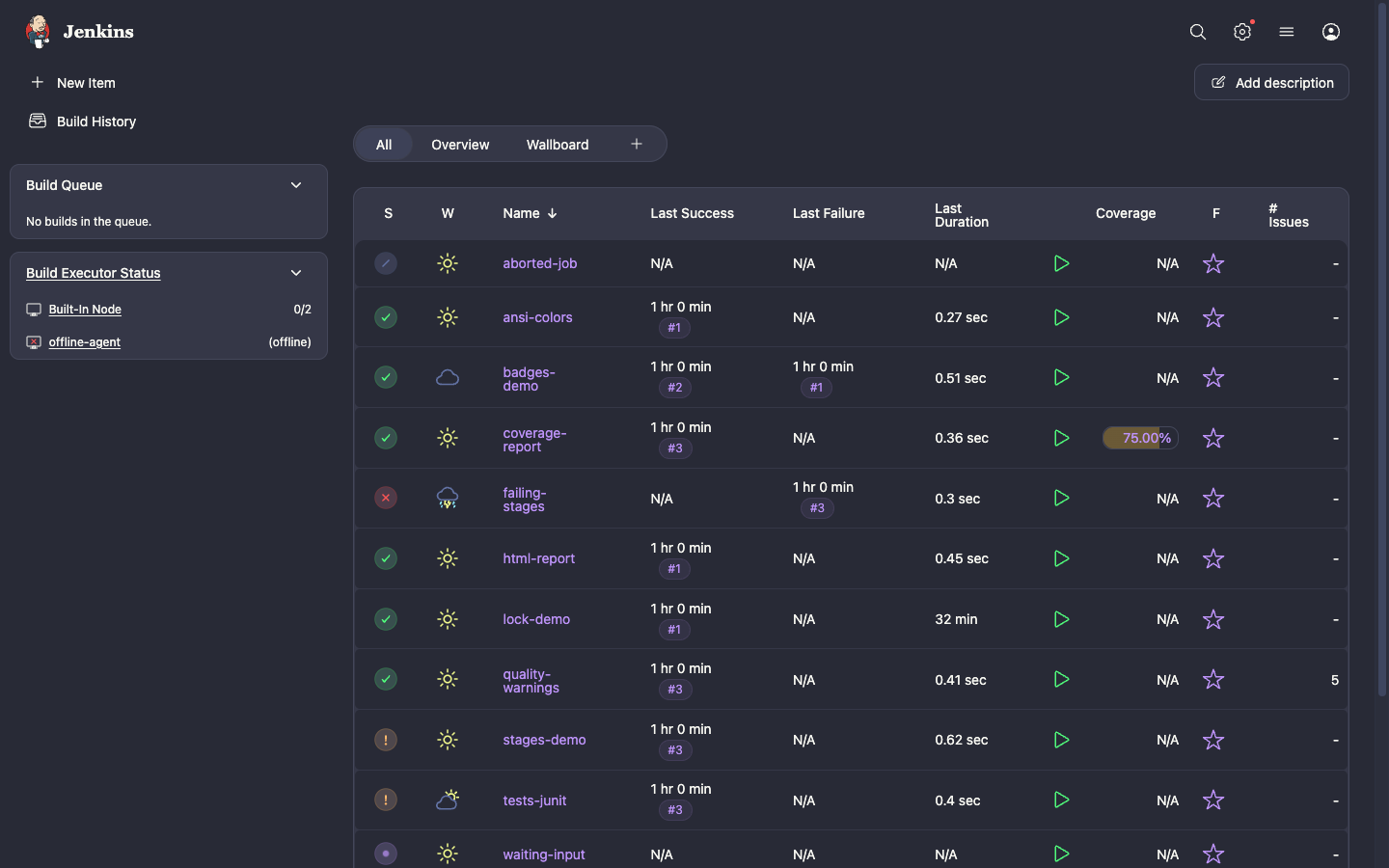
§Jenkins
The theme ships as the Dracula Theme plugin and needs Jenkins 2.541.3 or newer. The Theme Manager plugin is installed with it as a dependency.
§Install from the Update Center
- Go to Manage Jenkins → Plugins → Available plugins;
- Search for
Dracula Theme, select it, and click Install.
§Install manually
- Download the latest
dracula-theme.hpifrom the plugin releases page; - Go to Manage Jenkins → Plugins → Advanced settings;
- Under Deploy Plugin, choose the
.hpifile and click Deploy.
§Activating theme
- Go to Manage Jenkins → Appearance;
- Select Dracula, Dracula (Alucard) for the light theme, or Dracula (System), then click Save;
- Boom! It's working ✨
Dracula (System) switches between Dracula and Alucard based on the dark mode setting of the operating system.
To use the theme for every user, also select Do not allow users to select a different theme. Otherwise, each user can pick a Dracula theme from their user menu → Appearance.
§Configuration as Code
With the Configuration as Code plugin:
appearance:
  themeManager:
    disableUserThemes: true
    theme: "dracula"
Use "draculaAlucard" for Dracula (Alucard) and "draculaSystem" for Dracula (System).