
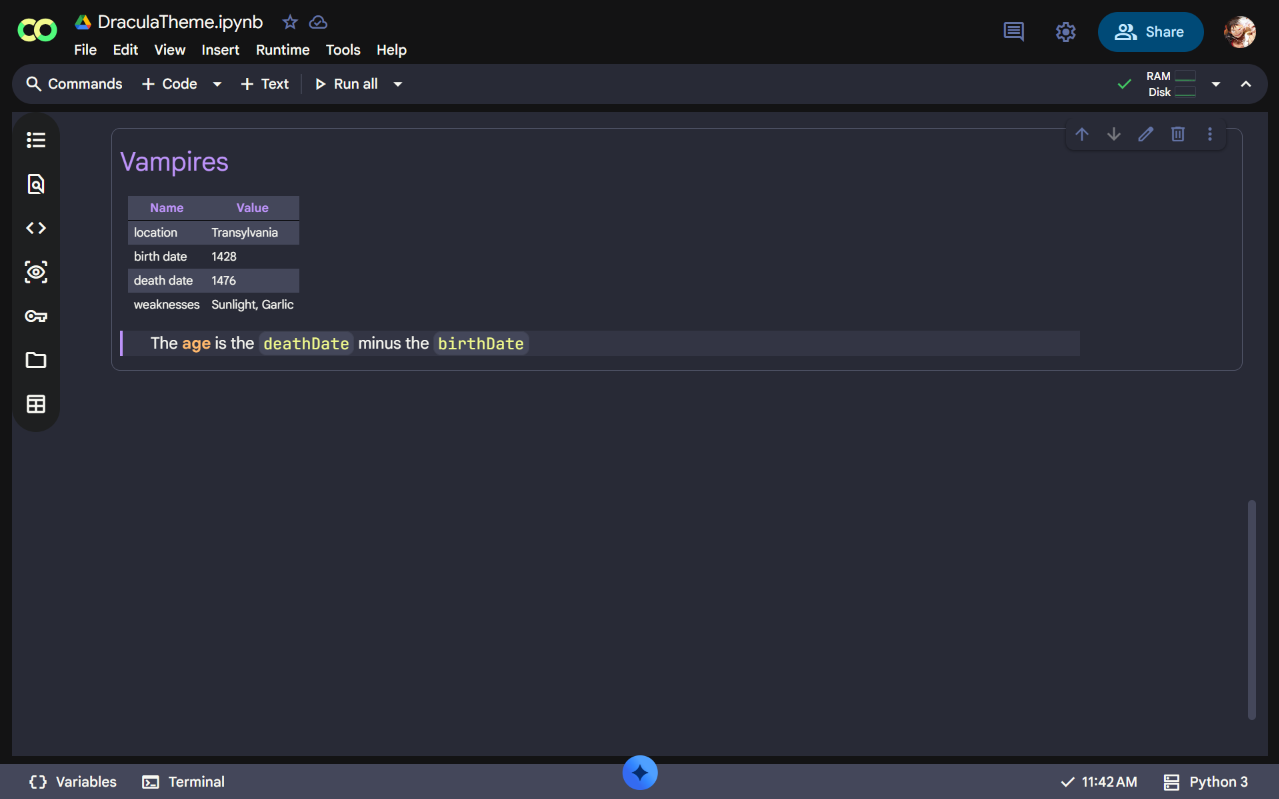
§Google Colab
§Install using Git
If you use Git, clone the repository:
git clone https://github.com/paarthsiloiya/Dracula-Theme-Google-Colab.git
Install the Stylus browser extension, create a new style for colab.research.google.com, and paste the contents of dracula-google-colab.styl into the editor. Save the style to apply it.
§Install manually
Install the Stylus browser extension, then open the Dracula for Google Colab user style and confirm the installation when Stylus prompts you.
§Activating theme
- Open the Stylus extension and make sure the Google Colab Dracula style is enabled;
- Open or refresh Google Colab;
- The Dracula theme is now active ✨