
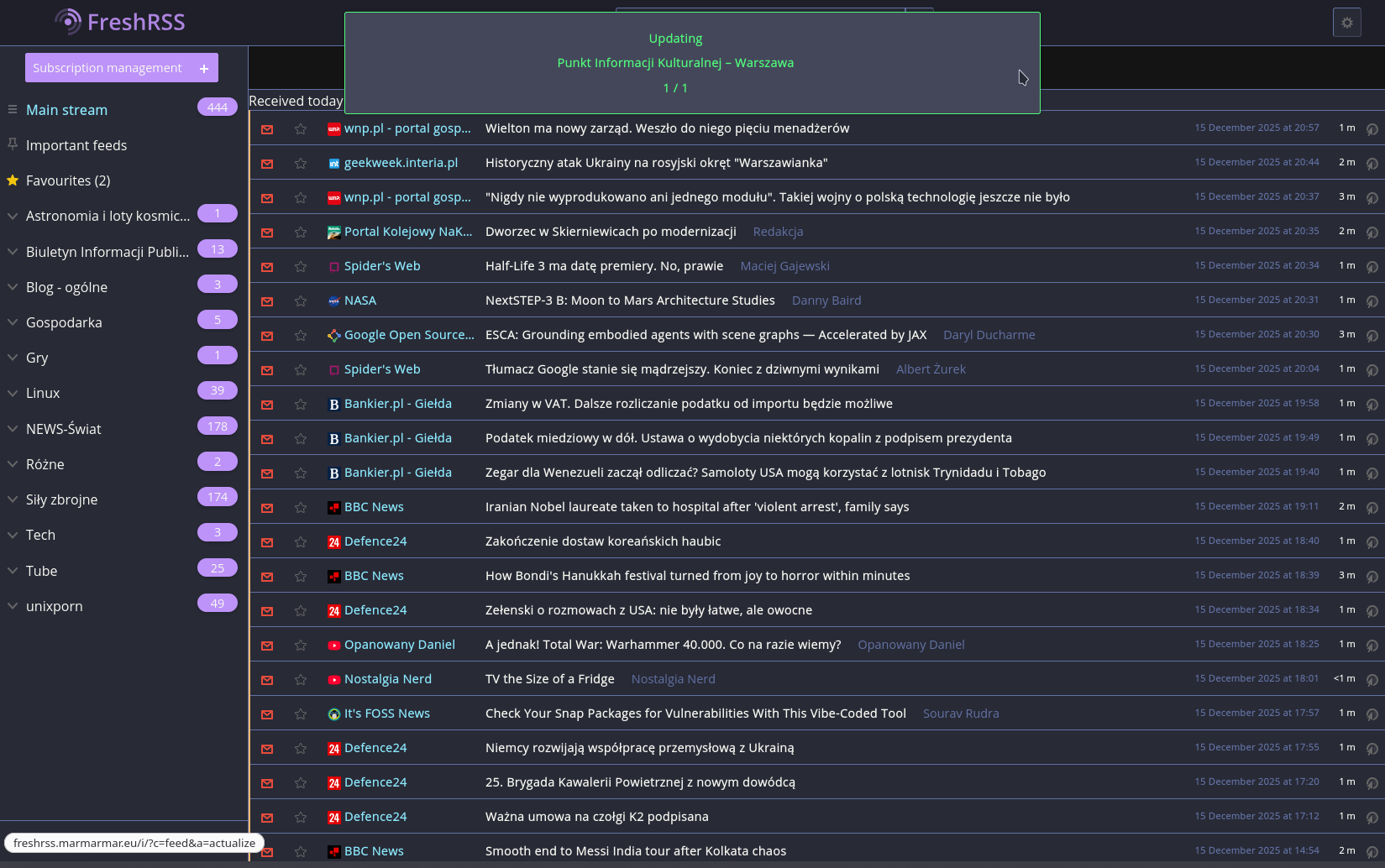
§FreshRSS
§Install using Git
If you are a git user, you can install the theme and keep up to date by cloning the repo:
cd /path/to/FreshRSS/p/themes
git clone https://github.com/dracula/freshrss.git
§Install manually
Download using the GitHub .zip download option and unzip them into the p/themes directory of your FreshRSS installation.
§Activating theme
- Log in to your FreshRSS instance;
- Go to Configuration (⚙️ gear icon) → Display;
- Under Theme, select Dracula;
- Scroll down and click Submit to save;
- Boom! It's working ✨