§FocusWriter
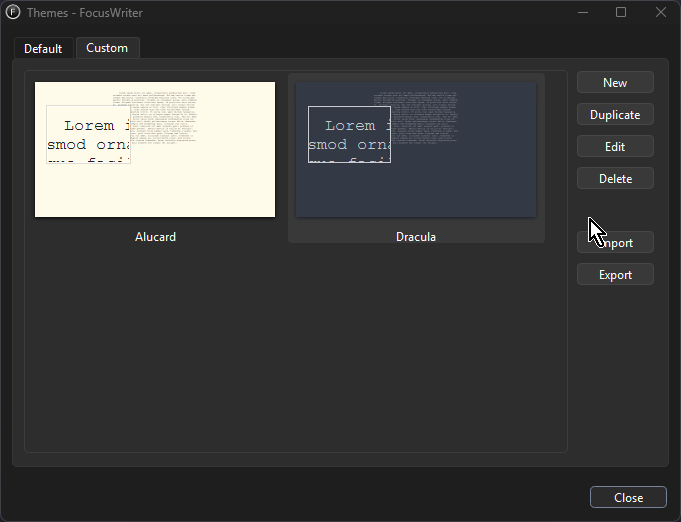
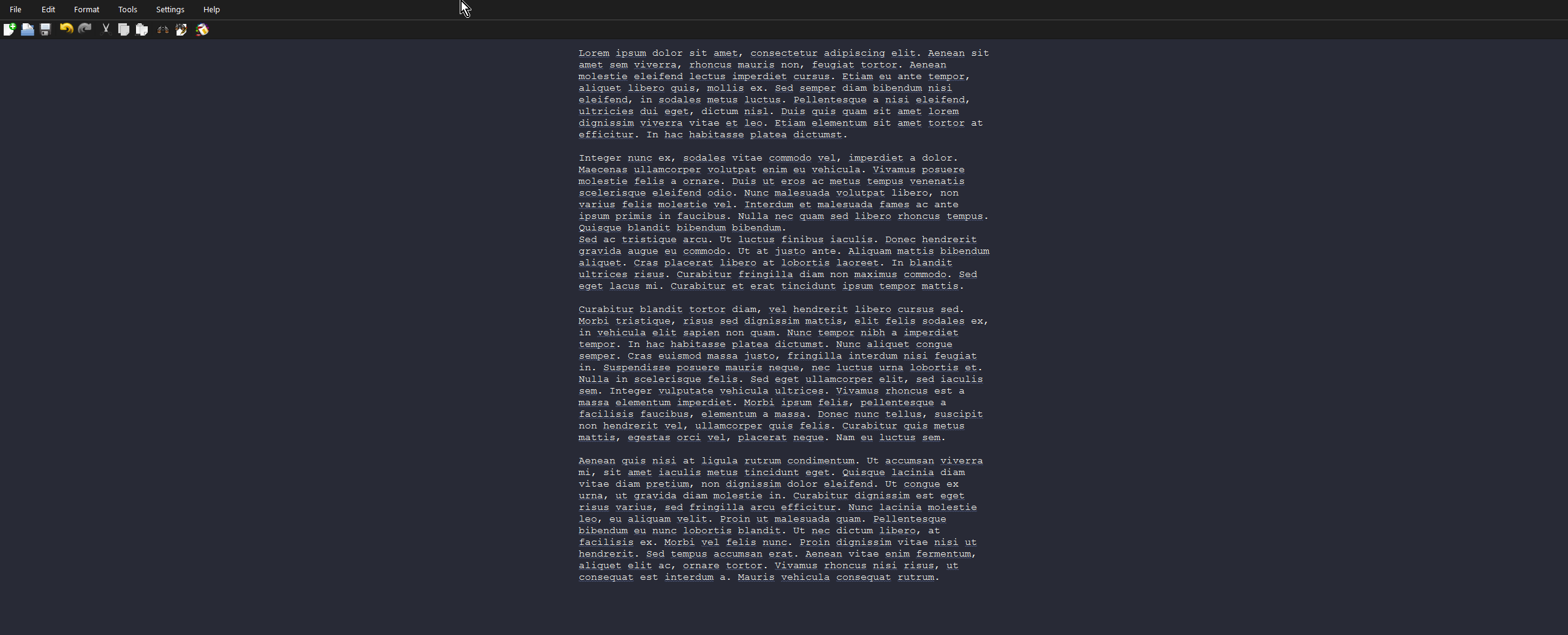
This repository includes two themes:
- Dracula — dark variant (
dracula.theme) - Alucard — light variant (
alucard.theme)
§Theme directory
Copy the .theme files into the Themes folder for your platform:
macOS
~/Library/Application Support/GottCode/FocusWriter/Themes
Linux
~/.local/share/GottCode/FocusWriter/Themes
Windows
%LOCALAPPDATA%\GottCode\FocusWriter\Themes
§Install using Git
If you are a git user, you can install the themes and keep up to date by cloning the repo and copying the theme files:
git clone https://github.com/dracula/focuswriter.git
cp focuswriter/*.theme "<path-to-themes-folder>"
Replace <path-to-themes-folder> with the directory for your platform listed above.
§Install manually
Download using the GitHub .zip download option, unzip it, and copy dracula.theme and alucard.theme into your Themes folder.
You can also download .fwtz files from the Releases page and import them directly in FocusWriter.
§Activating theme
- Open FocusWriter.
- Go to Settings → Themes → Custom.
- If you downloaded a
.fwtzfile, click Import and select it. - Otherwise, pick Dracula or Alucard from the theme list.
- Click OK to apply.