
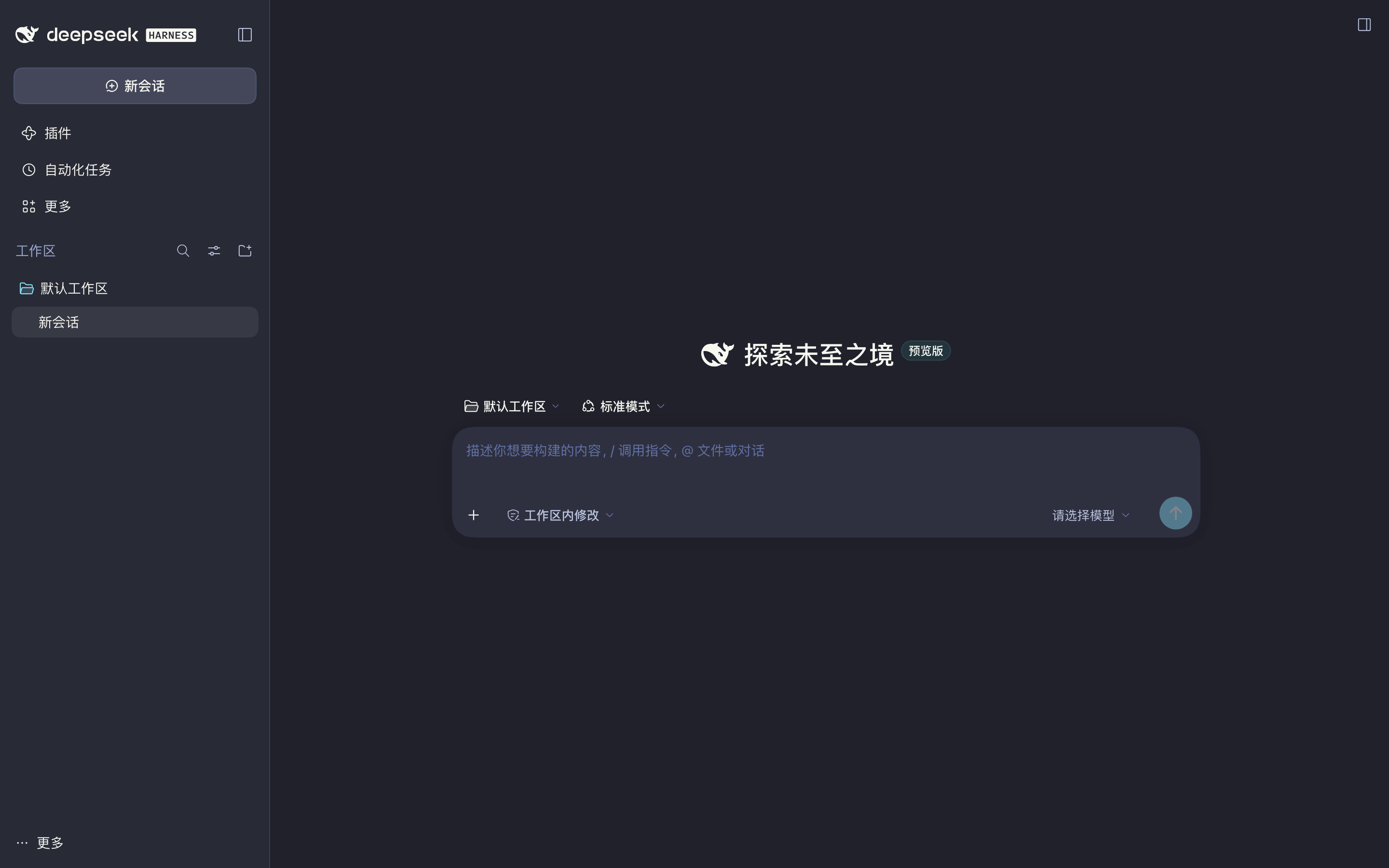
§DeepSeek Harness
§Install from the plugin marketplace
Once listed, open the Plugins page in DeepSeek Harness, search for dsh-theme-dracula, install it, and restart the app.
§Install using Git
If you are a Git user, you can install the theme and keep it up to date by cloning the repo:
git clone https://github.com/PuerJJJ/dsh-theme-dracula.git
cd dsh-theme-dracula
node scripts/install.mjs --profile desktop           # dry-run: preview changes
node scripts/install.mjs --profile desktop --apply   # symlink and register the bundle
Restart DeepSeek Harness, then open Settings → General, find Dracula theme, and turn it on.
The script only creates a symlink under $DSH_HOME/profiles/<profile>/node_modules/ and appends the package name to that profile's dsh.profile.bundles. Before writing, it backs up package.json.bak-dracula. It does not change dependencies or touch pnpm-lock.yaml — bundles only need to resolve by package name, the same way built-in bundles load.
§Install manually
Download using the GitHub .zip download option and unzip it. Then run the same install commands from the extracted folder:
node scripts/install.mjs --profile desktop --apply
§Activating theme
- Restart DeepSeek Harness after install;
- Open Settings → General;
- Enable Dracula theme — Boom! It's working ✨
§Uninstall
node scripts/install.mjs --profile desktop --uninstall --apply
Or remove the node_modules/dsh-theme-dracula symlink by hand, drop the package name from dsh.profile.bundles, and restart.