
§Dash
§Install using pip (recommended)
pip install dash-dracula-theme
§Install manually
If you are a git user, you can install the theme and keep up to date by cloning the repo:
git clone https://github.com/dracula/dash.git
cd dash
pip install -e .
Or download using the GitHub .zip download option and unzip it.
For local development alongside your Dash app:
pip install -e /path/to/dash
§Optional — PDF export
To use fig_to_print_image() you also need reportlab and kaleido:
pip install "dash-dracula-theme[pdf]"
§Requirements
| Package | Minimum version |
|---|---|
| Python | 3.9+ |
| dash | 4.0+ |
| plotly | 5.0+ |
| dash-bootstrap-components | 2.0+ |
Note: Your Dash app must include
dbc.themes.DARKLYinexternal_stylesheets. The Dracula CSS variables build on top of Bootstrap DARKLY's CSS variable layer.
§Activating theme
- Create your Dash app with Bootstrap DARKLY as the base stylesheet;
- Call
dr.apply_theme(app)to wire the CSS and theme-toggle callback; - Add the returned
theme_storeanddr.theme_toggle_button()to your layout; - Use
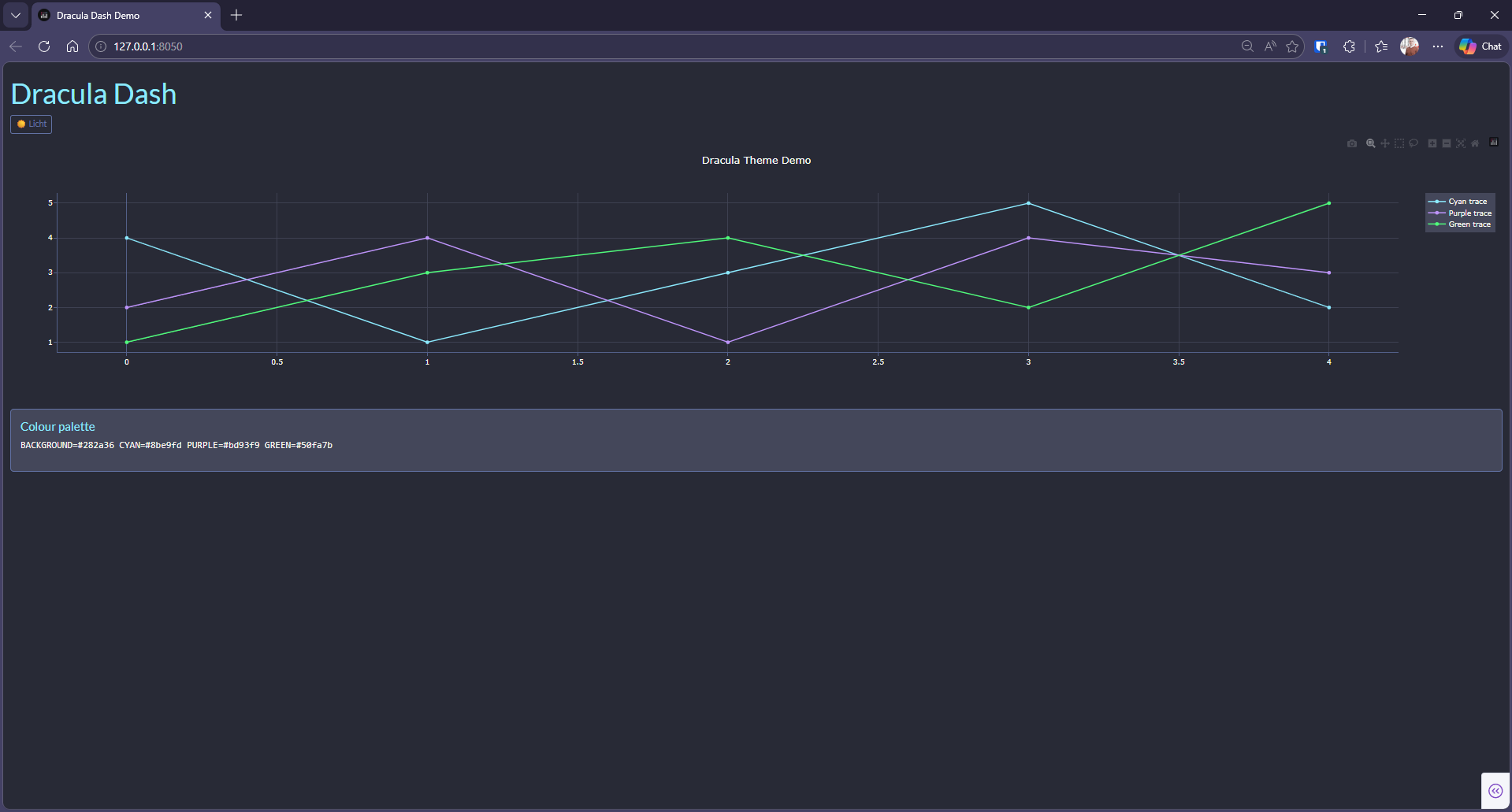
template="dracula"and palette constants (e.g.dr.CYAN) in your figures; - Boom! It's working ✨
§Quick start
import dash
import dash_bootstrap_components as dbc
import plotly.graph_objects as go
import dash_dracula as dr

app = dash.Dash(__name__, external_stylesheets=[dbc.themes.DARKLY])
theme_store = dr.apply_theme(app)

fig = go.Figure(layout=dict(template="dracula"))
fig.add_scatter(y=[1, 2, 3], line_color=dr.CYAN)
See sample/app.py for a complete minimal example.