
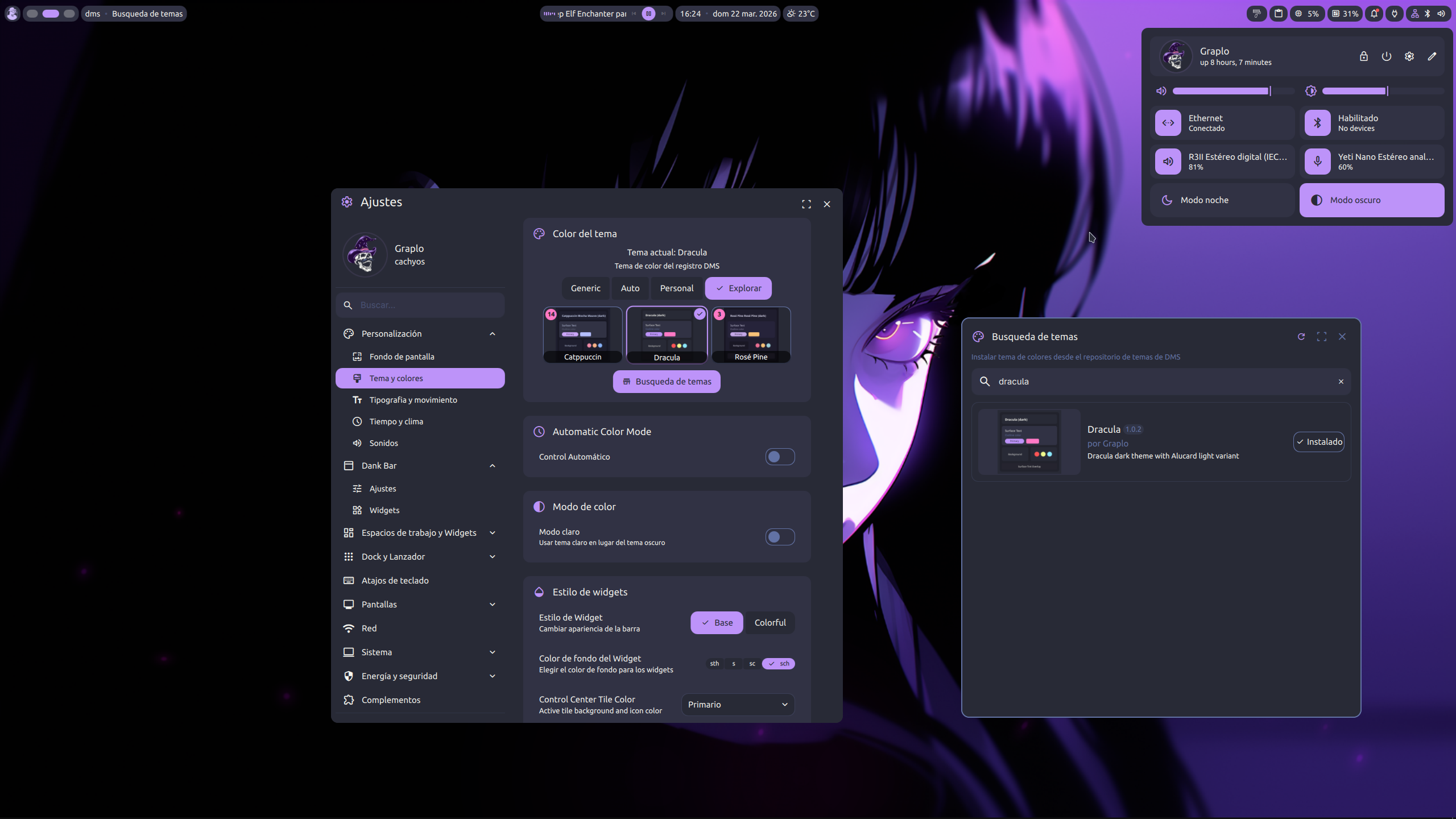
§DankMaterialShell
§Install using Git
If you are a git user, you can install the theme and keep up to date by cloning the repo:
git clone https://github.com/dracula/dankmaterialshell.git
§Install manually
Download using the GitHub .zip download option and unzip it.
§Activating theme
- Copy
themes/dracula/theme.jsonto~/.config/DankMaterialShell/themes/. - Open
DankMaterialShellsettings and go toTheme and Colors. - Select
Dracula(dark) orAlucard Light(light).
§Installing from the theme store
- Open
DankMaterialShellsettings and go toTheme and Colors. - Choose
Explore. - Search for
Draculaand clickInstall.