
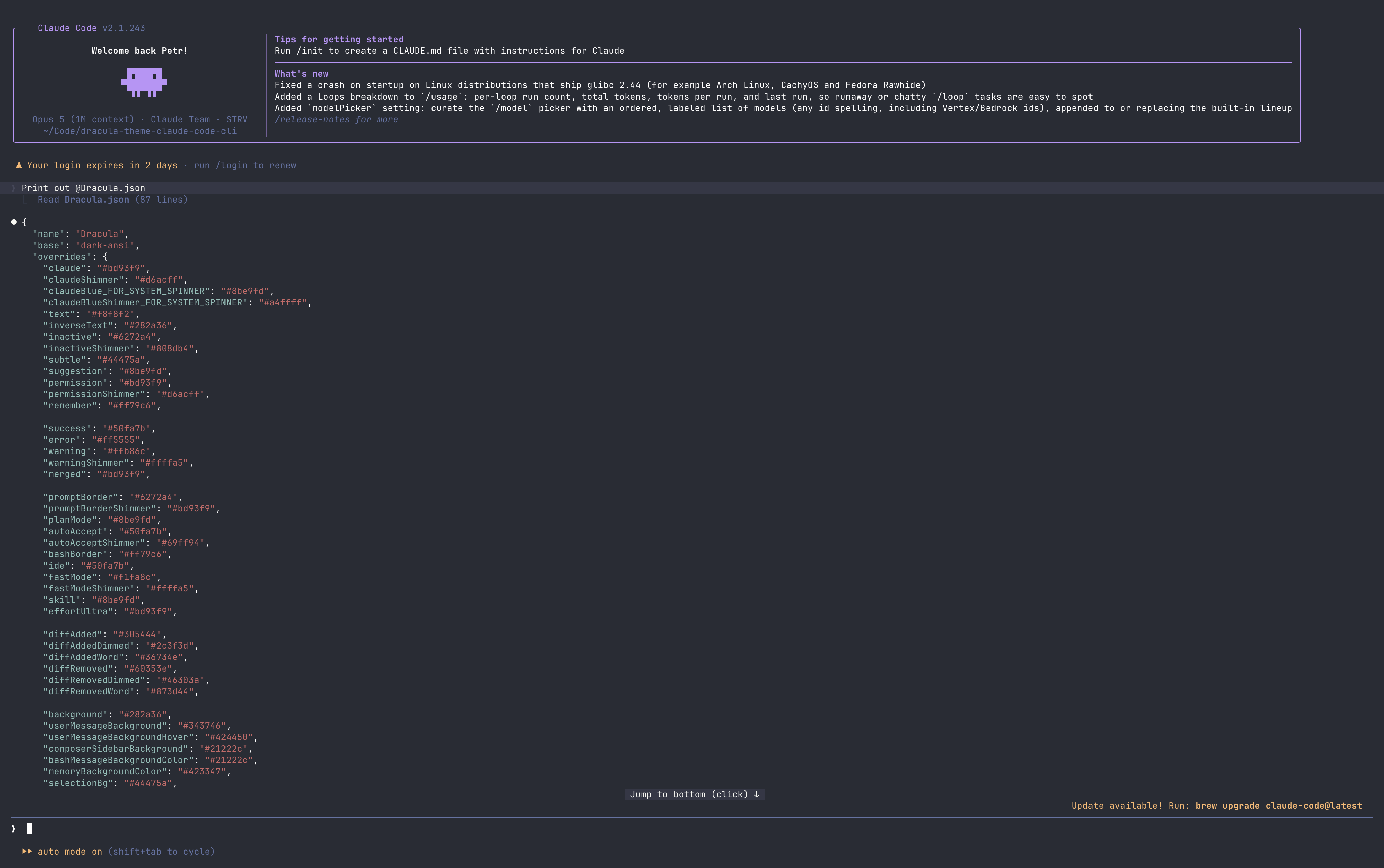
§Claude Code CLI
This port adds the Dracula theme to the Claude Code CLI.
Custom themes need Claude Code 2.1.118 or newer. Check yours with claude --version.
§Install using Git
Clone the repository and link the theme, so git pull is all you need to update it:
git clone https://github.com/dracula/claude-code-cli.git
mkdir -p ~/.claude/themes
ln -sf "$(pwd)/claude-code-cli/Dracula.json" ~/.claude/themes/dracula.json
The link points at the clone, so keep it where it is. If you move or delete it, the theme stops loading.
§Install manually
No clone on disk, but you re-run the command to update:
mkdir -p ~/.claude/themes
curl -fsSL -o ~/.claude/themes/dracula.json \
  https://raw.githubusercontent.com/dracula/claude-code-cli/main/Dracula.json
§Activating the theme
- Run
claude, then enter/theme. - Select Dracula from the list.
- Boom! It's working ✨
Claude Code watches the themes folder, so the theme shows up without a restart. If that folder didn't exist before you created it, restart claude once.