
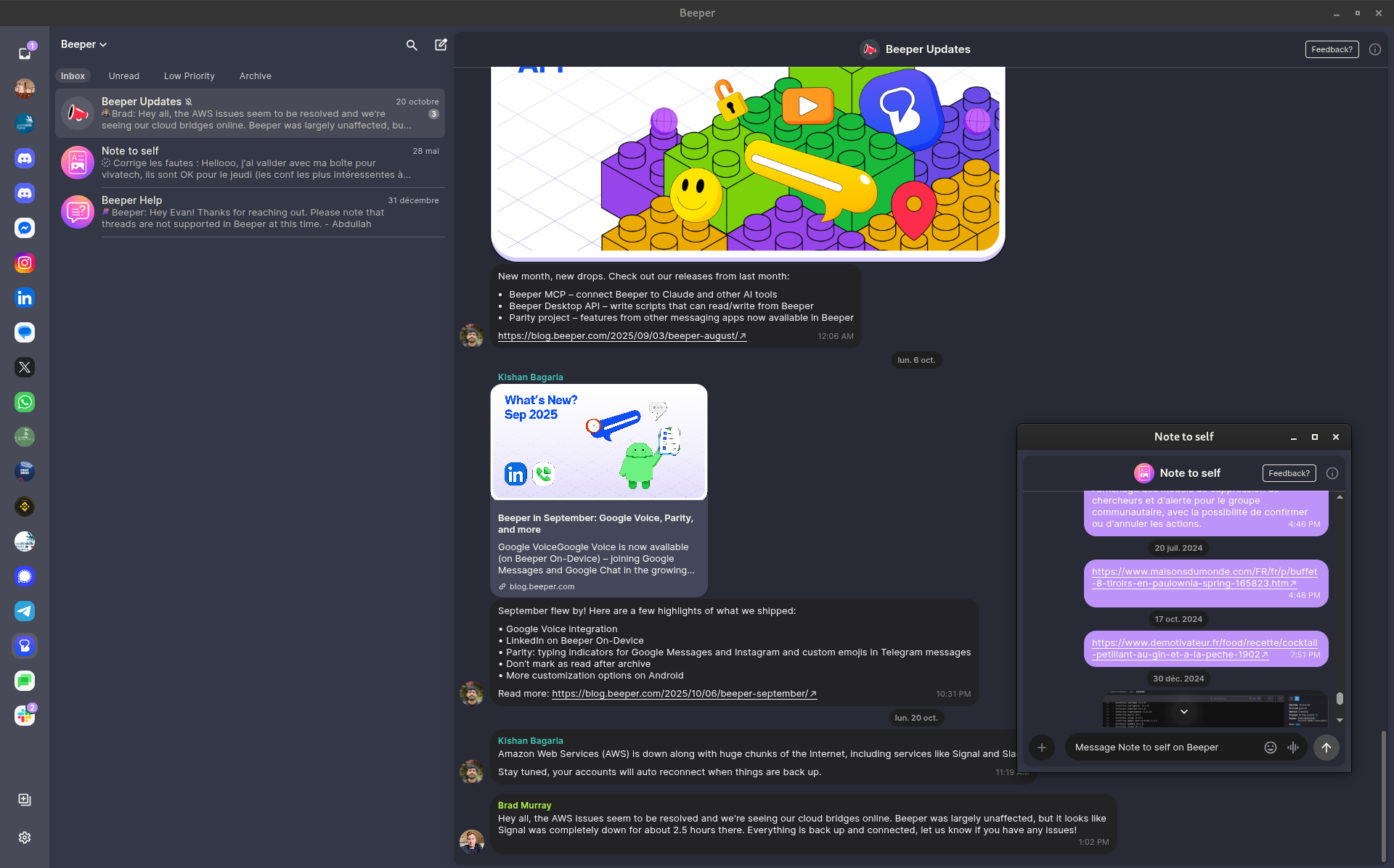
§Beeper
§Install using Git
If you are a git user, you can install the theme and keep up to date by cloning the repo:
git clone https://github.com/dracula/beeper.git
§Install manually
Download using the GitHub .zip download option and unzip them.
§Activating theme
- Open Beeper Desktop → Settings → Appearance
- Scroll to the Custom CSS section.
- Click Open CSS file in editor.
- Replace the file's contents by pasting the CSS of custom.css in this repository.
- Click Reload CSS (not Reset CSS) in the Beeper Desktop → Settings → Appearance menu.
- Enjoy your newly installed theme!