
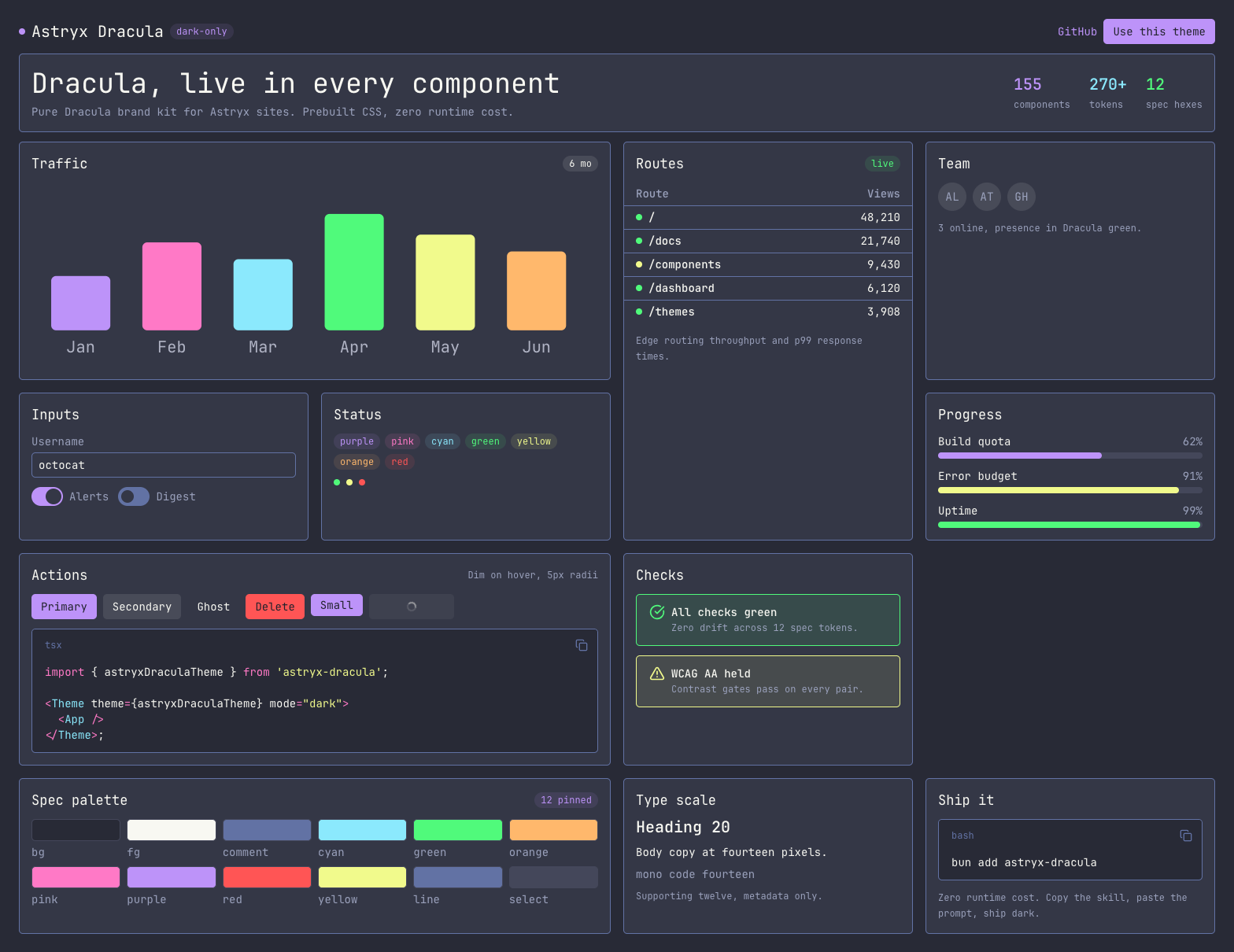
§Astryx
§Install using a package manager
Install the theme and its Astryx peer dependency:
bun add astryx-dracula @astryxdesign/core
You can use the equivalent command for npm, pnpm, or Yarn.
§Activating the theme
Import the Astryx base styles before the Dracula styles, then wrap your application in the theme provider:
import "@astryxdesign/core/reset.css";
import "@astryxdesign/core/astryx.css";
import "astryx-dracula/tokens.css";
import "astryx-dracula/theme.css";
import { Theme } from "@astryxdesign/core/theme";
import { astryxDraculaTheme } from "astryx-dracula";

<Theme theme={astryxDraculaTheme} mode="dark">
  <App />
</Theme>;
Copy the package's fonts/ directory into your app's served public/fonts/ directory. Without those files, the theme falls back to the system monospace font.
§Using plain CSS
Projects that do not use Astryx components can import the token layer directly:
@import "astryx-dracula/tokens.css";
Use the semantic custom properties in your styles:
.example {
  color: var(--color-text-primary);
  background: var(--color-background);
  border-color: var(--color-border);
}
See the usage guide for integration details and troubleshooting.