
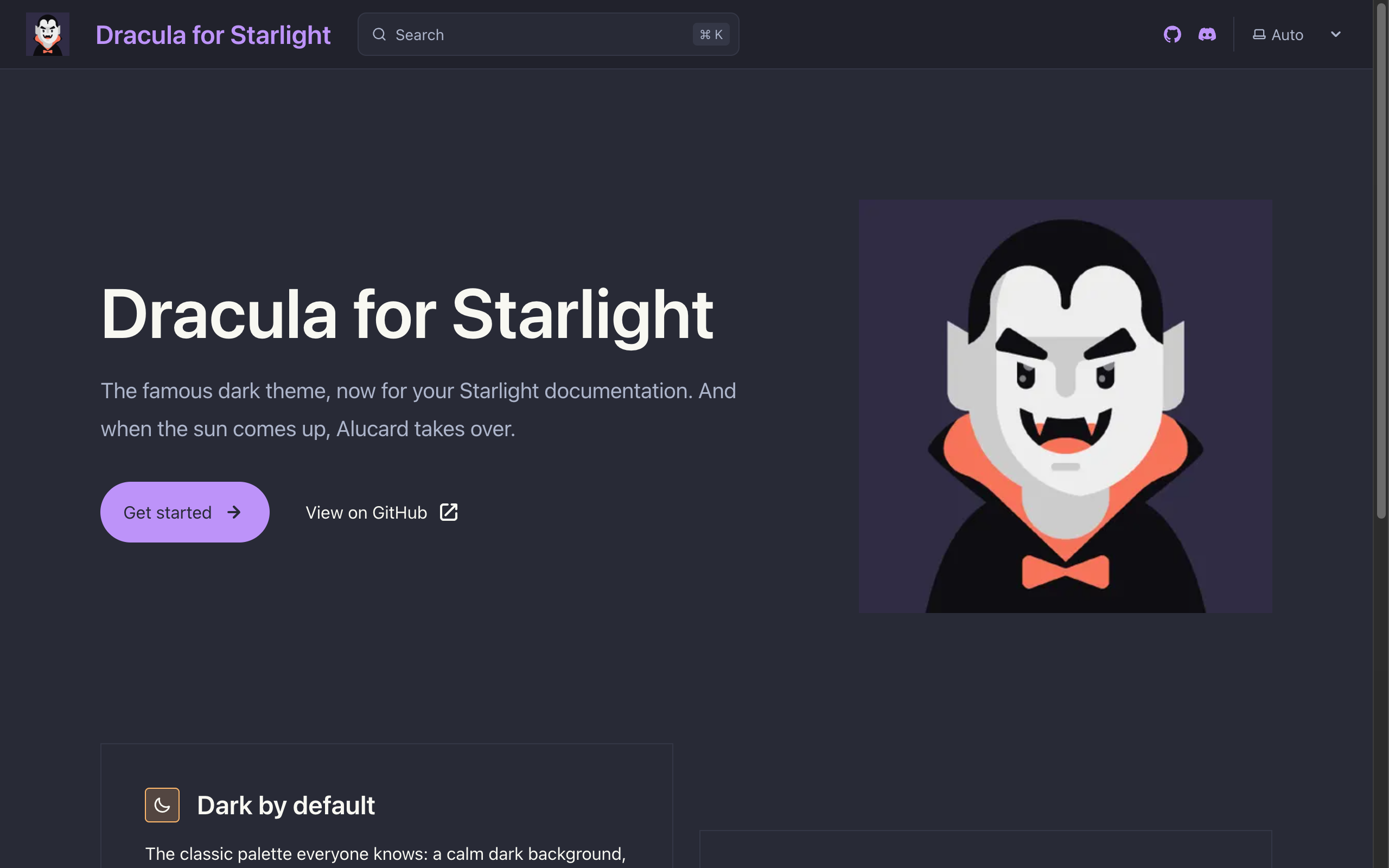
§Astro Starlight
§Install using npm
npm install starlight-theme-dracula
Or use your package manager of choice:
pnpm add starlight-theme-dracula
yarn add starlight-theme-dracula
§Activating theme
-
Open your
astro.config.mjs; -
Import the plugin and add it to Starlight's
pluginsarray:import { defineConfig } from "astro/config"; import starlight from "@astrojs/starlight"; import starlightThemeDracula from "starlight-theme-dracula"; export default defineConfig({ integrations: [ starlight({ title: "My Docs", plugins: [starlightThemeDracula()], }), ], }); -
Boom! It's working ✨
Dark mode now uses Dracula and light mode uses Alucard. To change the accent color and more, check out the documentation.