
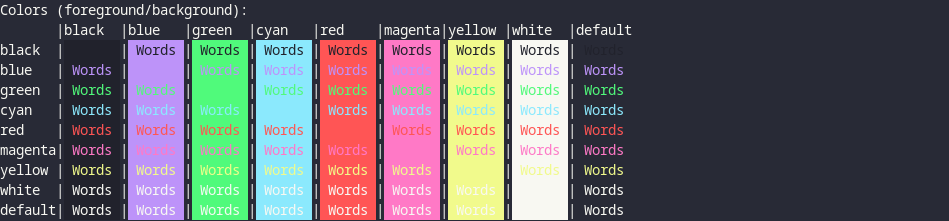
§foot
§Install using Git
If you are a git user, you can install the theme and keep up to date by cloning the repo:
git clone https://github.com/dracula/foot
§Activating dracula dark theme
- Navigate to config folder:
cd ~/.config/foot/ - Copy local theme file:
patch -p0 foot.ini /path/to/cloned/foot/dracula.diff
§Activating alucard light theme
- Navigate to config folder:
cd ~/.config/foot/ - Copy local theme file:
patch -p0 foot.ini /path/to/cloned/foot/alucard.diff
§Install manually
Download using the GitHub .zip download option and unzip the files.
Check that the directory ".config/foot/" exists if not create it.
Copy the foot.ini into the ".config/foot/" folder. If you want to use the Alucard theme rename the alucard.ini to foot.ini and copy it into config folder. And if you have changed the original file you can just put the uncommented color theme text into your existing file.